 US – English
 UK – English
 Canada – English
 Australia – English
 Danmark – Dansk
 DACH - Deutsch
 France – Français
 España – Español
 Sverige – Svenska
 Italia – Italiano
 Nederland – Nederlands
 Portugal – Português
 Suomi – Suomi
 Norge – Norsk
 日本 – 日本語
 Romanian – Română












May 2024 update

Run your entire firm on one platform
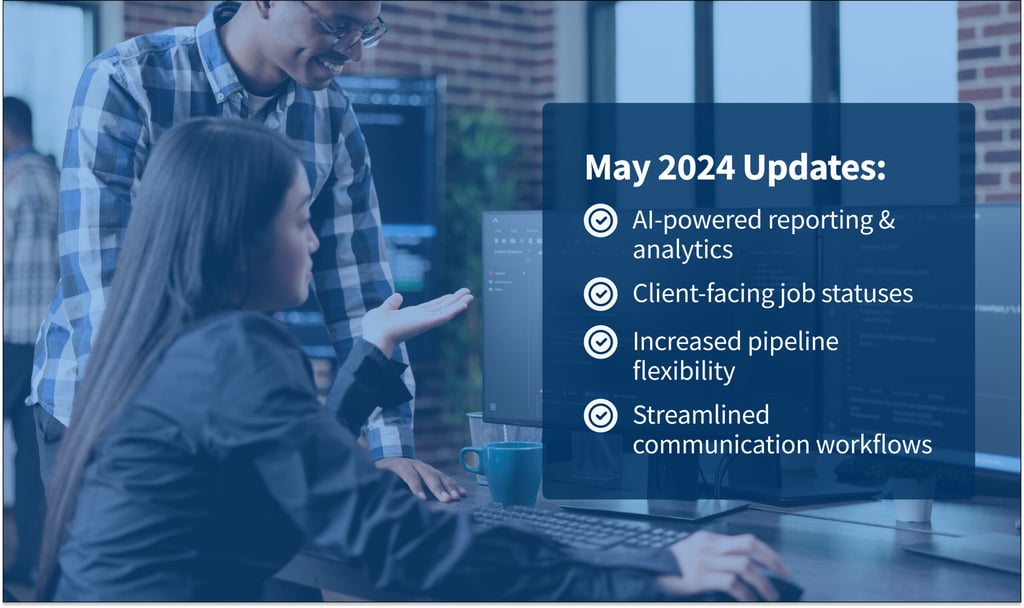
This month’s update is packed with powerful new features to drive efficiency and profitability, enabling your firm to scale internal operations while providing top-notch customer experiences.
AI-powered reporting and client-facing job statuses top the list. They’ll make your firm more profitable and your clients happier.
But that’s not all — we’ve also rolled out a series of enhancements to workflow interfaces, communication tools, and more. From increased pipeline flexibility to optimized job management processes, these improvements will make your life easier.
Make the most of TaxDome’s features! Register for our Bootcamp Series 2.0 and get five on-demand, hands-on workshops.
Before we get into the latest enhancements, let’s take a quick look at what else is on tap for the near future:
Sneak Peek
- Improved menu design: enjoy simplified navigation with UX enhancements that include a new drop-down menu design, a redesigned color scheme, a new search bar, and more
- Revamped job sidebar: view important job info and access linked items in one place with a wider job sidebar — no scrolling or searching needed
- Easier time tracking: enjoy more granular time tracking on individual tasks and jobs, as well as quicker access to timers directly from the task and job sidebars
Check out this video overview of all our new features and improvements:
Now back to our latest updates…
Table of сontents
📊 New: AI-powered reporting & analytics
Generate insights and increase productivity
Over the next month, we’ll be rolling out a major new feature release — AI-powered reporting. With it, you’ll get the info you need to improve your team’s efficiency and drive smarter decisions across your firm.
Using our AI-powered reporting is easy: access pre-built reports or build custom ones, no coding needed. Then use the reporting feature’s powerful visualizations — such as interactive graphs, charts, pivot tables, and heatmaps — to bring your numbers to life.
Our reporting feature is all the more powerful because it comes with an AI-powered search tool. Simply tell it in plain English what you’d like to see, and the AI will generate relevant reports and insights tailored to your needs.
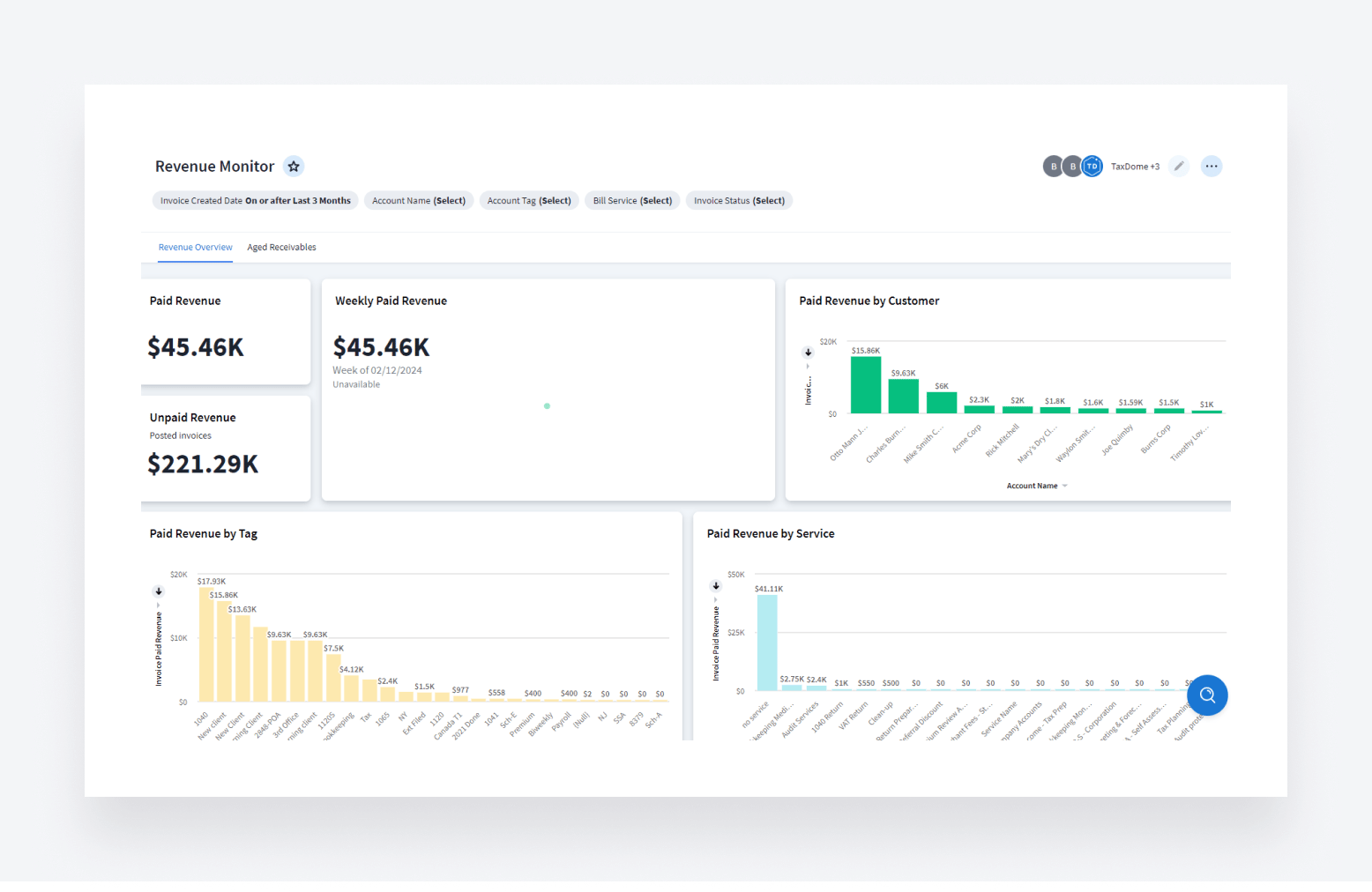
Whether you want to maximize productivity, boost profitability, or discover new opportunities, our AI-powered reporting gives you the insights to make it happen — so keep an eye out for it!
Want more info on TaxDome’s AI-powered reporting and analytics? Check out our website >>
Read more about generating reports here >>
📃 Client-facing job statuses
Give your team and clients peace of mind
With our next update, you’ll never again need to respond to multiple client emails and texts asking something like, “Hey, have you submitted my tax return yet?”
Meet our new client-facing job statuses — a solution that displays job progress directly in the client portal on desktop and in the mobile app. It’s like being able to track your pizza delivery, but for tax, bookkeeping, and accounting services.
As jobs move through your workflows, statuses auto-update in the client portal. Your clients stay in the loop, with zero effort on your part. In beta testing, firms using this feature saw up to 35% fewer incoming queries during peak periods.
Best of all, it’s fully customizable. Select which clients get visibility into job statuses, what status labels they’ll see, and identify the exact stages for triggering updates.
It’s a win-win. Your clients will thank you, even as you boost efficiency and save time.
Read more about client-facing job statuses and how to use them >>
🤖 Workflow
Manage your pipelines with ease
To streamline your processes, we’ve made some changes to the user interface.
First, setting up account schedules is now more flexible. Whether or not default recurrence is enabled, you can still add schedules for any account in any pipeline.
Also, you can now select a stage when manually creating a job. So if you are transitioning work from a different software mid-job, simply choose the appropriate stage when adding the job to the workflow.
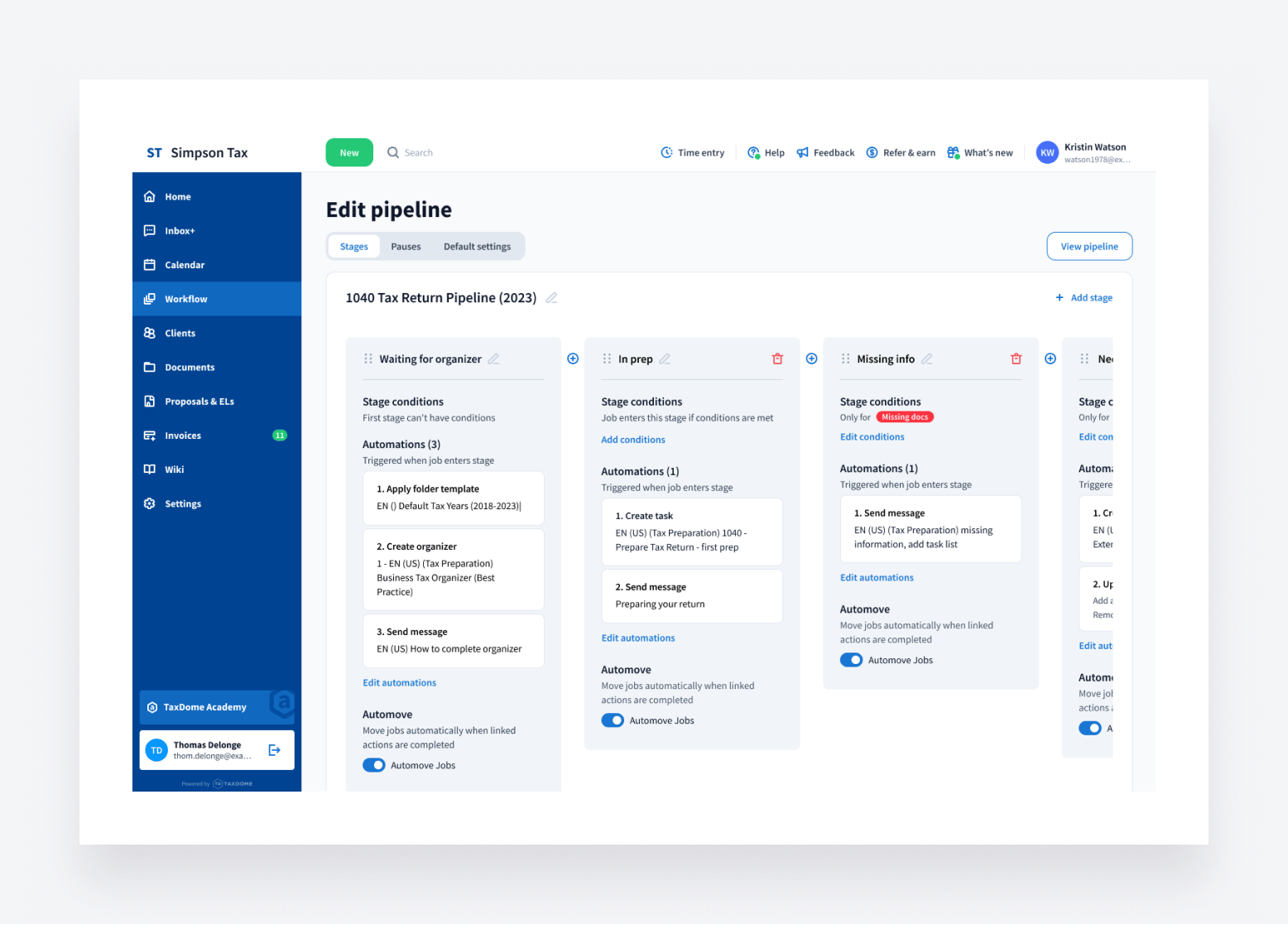
Accelerate job management
Creating clear, informative job templates just got easier with the ability to add shortcodes to the job name. These shortcodes allow you to show dynamic details such as account names, due dates, and any other relevant information.
This way, when jobs are inside a pipeline or displayed on job cards, you can easily tell them apart by the specific details in their names.
Finally, sharing job links with your teammates is now faster than ever with the new “share URL” option in the job menu.
💬 Communications
Streamline communication and boost productivity
Our next enhancement further improves the client experience — and your own! — by streamlining communication workflows.
Now, you have more control over whether clients can initiate new chats via the client portal on desktop and mobile. Settings can be configured so that clients can reply only within existing threads, preventing them from starting duplicate conversations.
Also, SMS messages can now be linked directly to associated jobs, making critical details easily accessible. You can link messages from existing conversations, or as you create new threads.
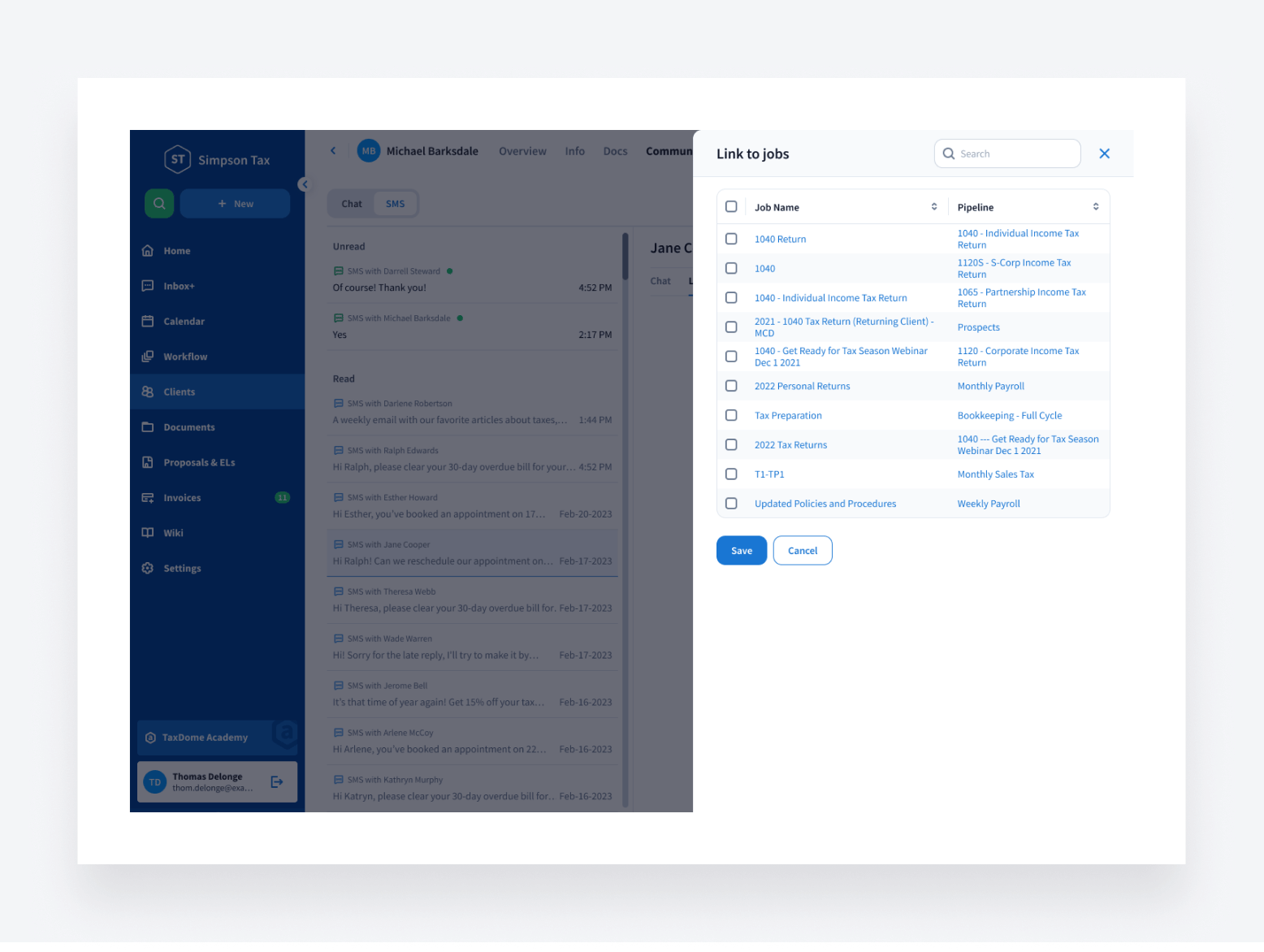
More changes like these are on the way. Soon, you’ll be able to archive, mark as read/unread, and delete multiple chats in bulk. We’re also working on a global communication center where you’ll be able to apply these bulk actions across many chats and many accounts — more on this in the coming months!
🔥 Other updates
- On-demand bootcamp series: register to receive recordings of five hands-on workshops that explore how to customize your CRM, automate workflows, and get paid faster
- Clickable invoice numbers: start editing invoices or view paid ones by simply clicking the invoice number in the list
- Recurring invoice automation: use templates to auto-fill data when adding recurring invoices to proposals
- Updated table design for invoices and proposals: enjoy a cleaner table appearance, customize which columns to display, adjust column widths as needed, utilize infinite scrolling for smooth navigation, and more
- Unarchive jobs in bulk: increase efficiency by restoring multiple archived jobs in one click
This month, we’re bringing you all of the above — plus 61 more tweaks and fixes!
Expect more exciting new feature announcements in June. Until then, join our Facebook Community to ask questions, request features, or chat with other TaxDome users.
And in case you missed it, here’s a summary of the major features we covered in our April 2024 update.

Mari develops TaxDome content by combining customer insights, industry research, and real-world trends. Her structured, automation-driven approach ensures messaging is clear, relevant, and supports more connected and efficient accounting firms.

Get your free guide

Thank you!
The guide copy has been sent to your email. Please check your inbox!
Recommended articles
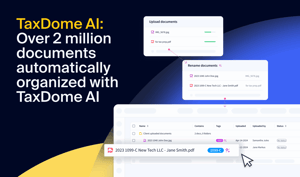
TaxDome AI: more than 2,000,000 documents organized for accountants this past tax season—and we’re just getting started

Webinar recap and Q&A: Summer Update 2026

Unpacking the differences between TaxDome Payments and Stripe