 US – English
 Canada – English
 Australia – English
 Danmark – Dansk
 France – Français
 España – Español
 Sverige – Svenska
 Italia – Italiano
 Nederland – Nederlands
 Portugal – Português
 Suomi – Suomi
 Norge – Norsk
 日本 – 日本語
 Romanian – Română


How does TaxDome compare to ClickUp?
TaxDome goes beyond project management, offering end-to-end workflows for tax, bookkeeping, and more — a complete operating system tailored for growing accounting firms that want to provide a unified client experience. Compare TaxDome and ClickUp so that you can choose the best fit for your firm.
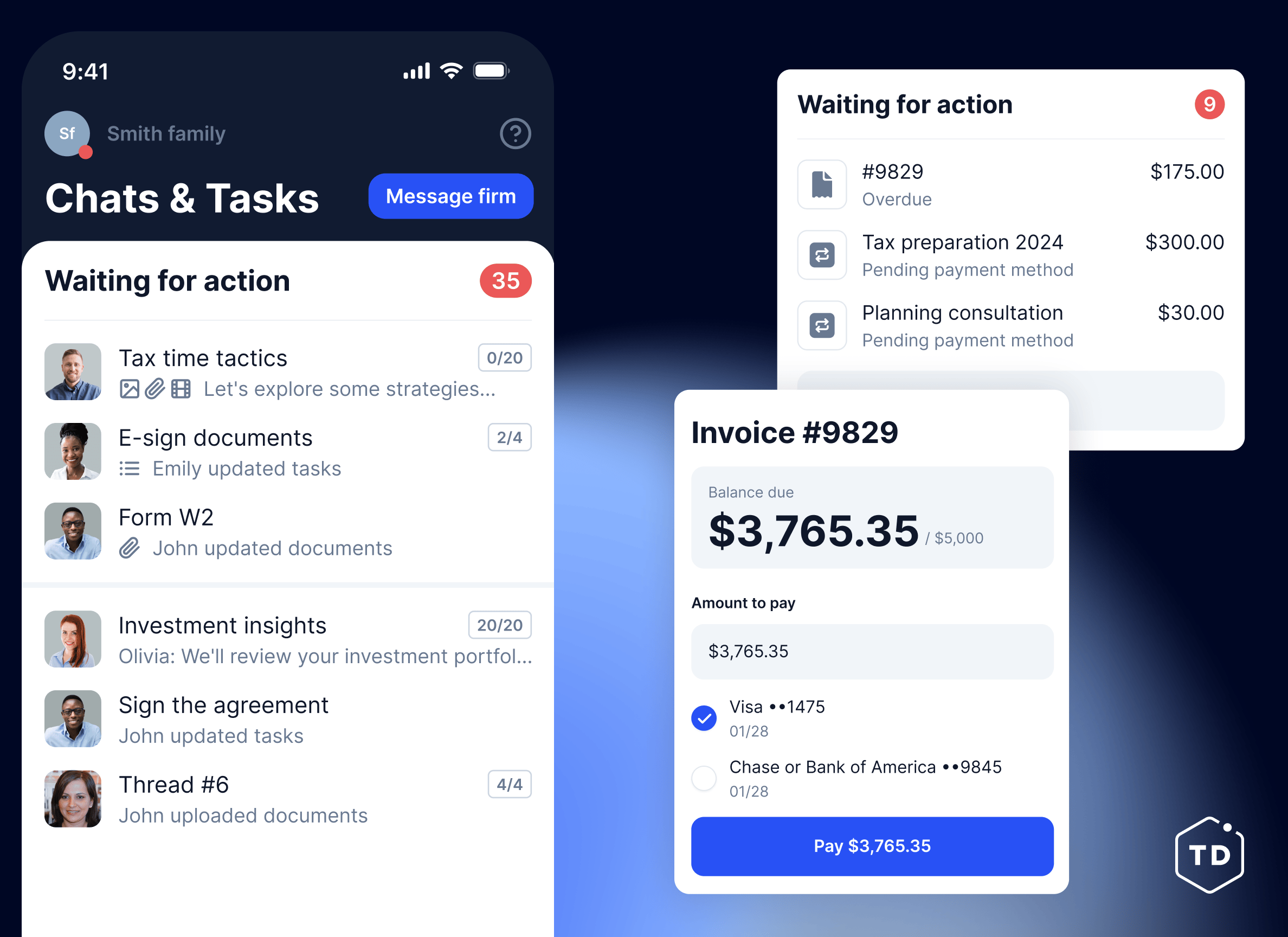
Our client experience speaks for itself










Comparing TaxDome and ClickUp features
| TaxDome | ClickUp | |
|---|---|---|
| Client management | ||
|
Unlimited e-signatures and KBA, QES, AdES Collect legally binding electronic signatures, including advanced and qualified e-signatures (AdES and QES), without limits. |
||
|
CRM with unlimited contacts Store and manage unlimited client records in one secure, organized CRM. |
Limited | |
|
Organizers and intake forms Create customizable questionnaires to gather all necessary information from clients. |
||
|
Client chats Secure, real-time messaging with your clients – fully integrated into your workflow. |
||
|
Two-way SMS Send and receive text messages directly from your TaxDome account. |
||
|
Synced email Automatically sync your email with TaxDome to track all client communications in one place. |
Limited | |
|
Document approvals Ensure client satisfaction and accuracy by requesting document approvals before finalization. |
||
|
AI intake Automatically generate a personalized document checklist from a client's prior tax return, so clients know exactly what to upload from the start. |
||
|
AI tax return delivery Deliver completed tax returns in a clear, guided flow with document review, e-signature, and payment built into one process. |
Paid add-on | |
| Firm management | ||
|
Advanced workflow automation Automate repetitive tasks with powerful, customizable workflows. |
||
|
Team chats Keep discussions and project updates organized with TaxDome’s built-in Slack-like chat. |
||
|
Built-in PDF editor Edit, annotate, and manage PDFs directly within TaxDome — no external software needed. |
||
|
Business analytics dashboard View firm-wide metrics in one place to track performance and growth. |
||
|
Wiki pages (SOPs) Create an internal knowledge base to document processes and best practices. |
||
|
Desktop app Access your TaxDome account with a dedicated desktop application and interact with client documents directly from your computer. |
||
|
Firm mobile app Manage your firm on the go with a dedicated mobile app for practitioners. |
||
|
Atlas Turn any repeatable task into an AI agent that acts on its own and waits for your approval before anything goes out. |
||
| Client experience | ||
|
Client portal Offer clients a secure, user-friendly portal for document sharing and communication. |
Limited | |
|
Mobile app A mobile app for your firm's clients for iOS and Android. |
||
|
AI document organization Automatically rename and tag incoming client documents using AI. |
Paid add-on | |
|
Client requests Streamline client communication with organized, trackable requests for information. |
||
|
Website and branding Customize your firm’s client-facing portal with branded design and personalized web pages. |
||
|
Global communication Let your clients easily connect with your firm and centralize all communications with an all-in-one inbox for SMS, chats, and emails. |
||
|
Bookkeeping hub Connect client GL and manage uncategorized transactions. |
||
|
Client Care Firms can delegate platform-related client support to TaxDome’s support team. |
Paid add-on | |
|
White-labeled client app A fully branded white-labeled mobile app, developed and maintained by TaxDome. |
Paid add-on | |
|
Kiosk A tablet-based mode for in-office client visits. Signing, payment, document review, and paper scanning sync directly into the client's TaxDome record, no portal login required. |
||
| Revenue operations | ||
|
TaxDome Payments $1B+ processed for accounting firms. Unify proposals, document delivery, and payments in one platform. |
||
|
Invoices Create and send professional invoices, lock documents to invoices, and track payment status effortlessly. |
||
|
Proposals and engagement letters Send customizable proposals and engagement letters for faster client approvals. |
||
|
Time and billing Track billable hours and generate invoices automatically for accurate client billing. |
Limited | |
|
Packages in proposals Add tiered service lists to proposals for the client to choose from. |
||
|
POS terminal A card payment terminal for in-person customers. |
||
|
Buy now, pay later Let clients split larger invoices into smaller payments over time, with no extra work for your firm. |
||
|
Deposits Let clients prepay toward future invoices, so bills are settled the moment they're issued. |
||
| Integrations | ||
|
IRS Get transcripts directly from the IRS in your client portal. Request, view, and manage transcripts for each client, whether individuals or business. |
||
|
QuickBooks Online Automatically sync all payments and invoices created in your client portal with your QuickBooks Online account. |
||
|
Zapier Connect your client portal to 2,000+ tools with Zapier. |
||
|
Tax programs Upload docs to your client portal directly from Drake, ATX, AccountingSuite, CCHAxcess, CrossLink, Intuit ProConnect, TaxSlayer, ProSeries, and many more. |
||
|
Payment providers Stripe, PayPal, Venmo, GooglePay, ApplePay. |
||
|
Schedulers Calendly, Schedulista, Squarespace, Youcanbook.me. |
Limited | |
|
SMS TaxDome has an integration with Twilio to provide two-way SMS messaging features. |
||
|
Companies House Link your account and watch as all information about your UK-based clients is filled in automatically in your client portal. |

|
|
|
DATEV Send documents to DATEV Unternehmen Online from your client portal. |

|
|
|
Juno Smart intake, automated data entry into tax software, and delivery. |
||
|
API Connect TaxDome to your own tools and internal systems with our public API. |
Paid add-on | |
|
MCP Give AI tools like Claude or ChatGPT direct, secure access to your TaxDome data through our MCP server. |
Paid add-on | |
| Security | ||
|
SOC 2 Type II Compliance Built to meet the highest industry standards for data security, availability, and confidentiality. |
||
|
Firm-wide activity feed and security audit trails Track every action across your firm in one place for complete visibility and peace of mind. |
Limited | |
|
2FA security policies for staff and clients Enforce two-factor authentication across your team to keep sensitive client data secure. |
||
Which tools does your firm currently use?
Count active clients only — the ones you work with during the year.
Custom pricing for your firm
Firms with more than 20 team members or 3,000 active clients get a plan built around them. Request a demo and our team will prepare yours.

Chris Farris,
COO of Foundation Group (50+ staff)
TaxDome and ClickUp pricing
Most popular
TaxDome
$
1,500
per year, 20 seats included
TaxDome offers one plan, starting at $1,500 a year for 150 active clients. All core features are included, with no tiers, seat limits, or feature gating.
The plan includes 20 seats, and additional active clients start at $15 each, with lower rates as your volume grows.
ClickUp
$
84
per year, 1 seat included
ClickUp has a Free Forever plan with basic task management, docs, boards, and views, plus an Unlimited plan at $7 per user/month billed yearly with unlimited storage, integrations, dashboards, goals, and native time tracking. For 20 seats on Unlimited, you will have to pay $1,680.
Business (most popular) and Enterprise plans offer advanced features for higher fees.
Which is the right tool for you? TaxDome vs ClickUp
According to Capterra reviews, users prefer TaxDome over ClickUp for the following reasons:

A purpose-built platform for tax, accounting, and bookkeeping firms, going beyond just project management features
An all-in-one system combining workflows, CRM, client portals, e-signatures, billing, and payments
Native client portal for secure document sharing, messaging, and collaboration
Accounting-grade security with SOC 2 Type II compliance, firm-wide audit trails, and enforced 2FA
Automation designed for recurring compliance work, onboarding, and busy seasons
Switch to TaxDome from ClickUp today
Feel the TaxDome effect – streamline your practice management, improve your client experience, and foolproof your growth.
Request migration

Thank you!
Your submission was successful. We’ll reach out to you to build a comprehensive migration plan for your firm.
Move to TaxDome now, and we’ll help cover the remaining cost of your contract — with a credit of up to 6 months free of TaxDome.
Why TaxDome is the best choice for you
-
$18,600
saved by firms that use TaxDome per employee yearly
-
4.9 /5
client app rating from 40,000+ reviews. Rated by the people your firm serves, not by accountants.
-
40 hours
saved by firms that use TaxDome per employee monthly
-
15,000+
accounting, tax, and bookkeeping firms that chose TaxDome and haven't needed to shop for software since.
-
2 M+
jobs completed
-
$2 B+
invoices paid

Frequently asked questions
What are the key differences between TaxDome and ClickUp?
TaxDome is an all-in-one practice management platform built specifically for tax, accounting, and bookkeeping firms, combining workflow automation, CRM, client portals, e-signatures, billing, payments, compliance, and client communication in a single system.
ClickUp is a general-purpose project management tool designed for teams across industries, offering task tracking, docs, dashboards, and collaboration features, but it is not built for accounting workflows, client compliance, or firm operations.
How does the pricing structure compare between TaxDome and ClickUp?
TaxDome offers transparent pricing based on active clients, not seats: $1,500 a year covers 150 active clients, with additional clients starting at $15 each and lower rates as your volume grows. The plan includes 20 seats, along with all core features, including client portal, CRM, workflows, billing, e-signatures, and automation.
ClickUp provides multiple pricing tiers, starting with a free plan and paid plans from $84 per user annually, or $1,680 for 20 seats. However, advanced functionality such as automation limits, permissions, reporting, and ClickUp AI require higher tiers.
Do TaxDome or ClickUp offer tools specific to bookkeepers?
Yes. TaxDome includes a dedicated Bookkeeping Hub with real-time general ledger access, accounting-focused workflows, and seamless collaboration with clients, all included in the plan at no separate charge.
ClickUp does not offer bookkeeping-specific features or accounting integrations.
Is TaxDome or ClickUp better suited for tax professionals and compliance workflows?
TaxDome is purpose-built for tax firms, supporting recurring compliance work, tax organizers, document requests, approvals, deadline tracking, and secure client communication, all aligned with busy-season demands.
ClickUp can be customized for task tracking, but lacks tax-specific workflows, client portals for compliance work, built-in e-signatures, and other features.
How do AI capabilities compare between TaxDome and ClickUp?
TaxDome uses AI to enhance firm operations through intelligent search, document organization, and reporting within a practice management context.
ClickUp AI focuses on general productivity tasks such as writing assistance, summarizing tasks or documents, and generating content.
Can I bring my firm from ClickUp to TaxDome?
Of course! If you have an existing account with ClickUp, we have multiple import tools that allow you to bring your firm over to TaxDome quickly and easily. To support your transition, we offer a discount of up to 6 months’ worth of TaxDome free.
“TaxDome has really helped me manage my workflow during a very busy time (tax season) and the automations are perfect. The software helps me manage my day and communicate with my clients throughout tax season.”