 US – English
 UK – English
 Canada – English
 Australia – English
 Danmark – Dansk
 DACH - Deutsch
 France – Français
 España – Español
 Sverige – Svenska
 Italia – Italiano
 Nederland – Nederlands
 Portugal – Português
 Suomi – Suomi
 Norge – Norsk
 日本 – 日本語
 Romanian – Română












Scale your firm, not your headcount with TaxDome AI. Deliver a 5-star experience every time.
TaxDome AI handles the background operations so your team can deliver a faster, more personal experience to every client. Today, that means every document they send is automatically tagged and filed. This fall, it expands into a complete AI ecosystem, featuring Atlas (your AI operations agent), open Model Context Protocol (MCP) connections for Claude and ChatGPT, and a Public API to give your firm the infrastructure to scale.
Meet Atlas, three ways to work
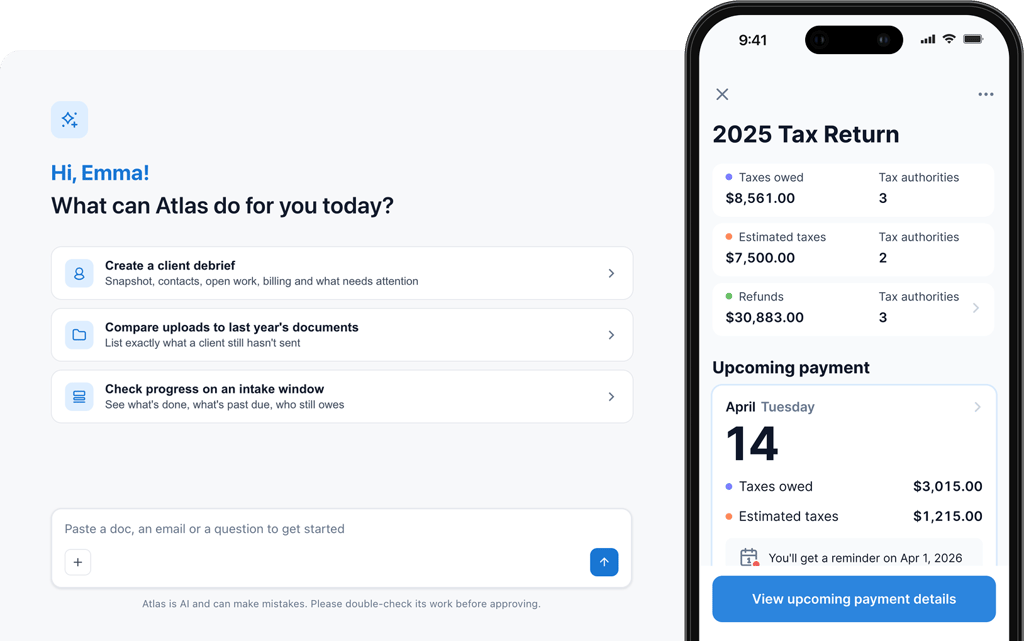
Ask Atlas anything about your firm
The time Atlas saves finding a stuck job or drafting a reminder is time your team spends with clients instead. Atlas is TaxDome’s AI agent, coming this fall as one of three ways to work with TaxDome AI. Ask it a question, or set it to execute bulk firm ops: type “find every job stuck for more than two weeks” or “draft a payment reminder for every overdue client,” and Atlas plans the steps, pulls from your practice data, and shows you a clear log of every action before anything goes out. Keeping your projects moving so clients get faster turnarounds.
Ready to run on day one
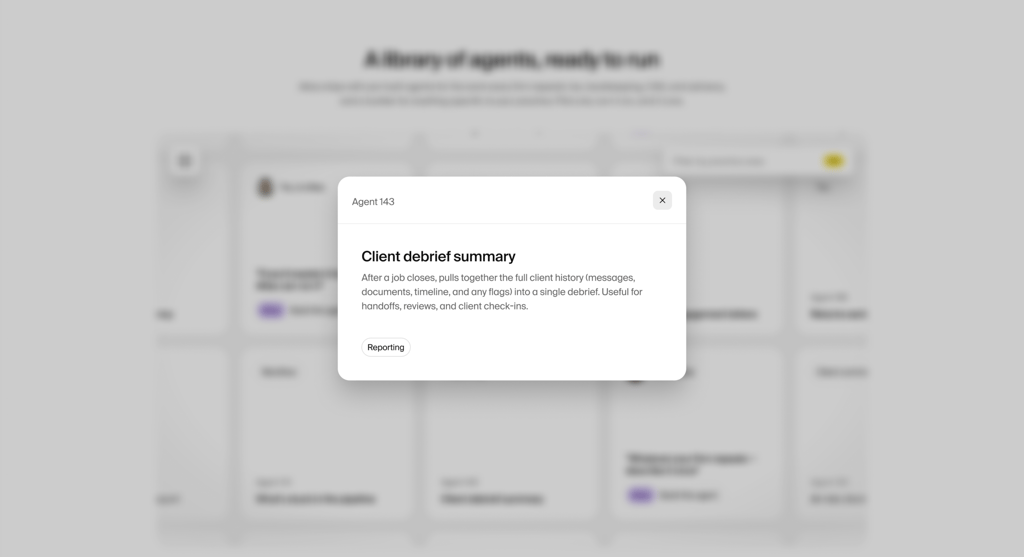
Fewer repeat tasks for your team means faster turnaround for clients and more capacity for your firm. Atlas ships with a pre-built library of tasks every firm repeats, like pipeline digests or new client setup. Turn one on, and it runs on schedule, predictably executing background work with a log of every action it takes. You don’t start from a blank slate.
Build your own, once
Whatever your firm does by hand today, once it’s an agent, that’s time back for clients instead. Describe how your firm handles a custom workflow in plain English, and Atlas turns it into an agent. Set it to run on demand, on a schedule, or when triggered by an event, and it watches for the condition, acts when it fires, and waits for your approval before anything sends. Save it to your team library so your firm standardizes operations and anyone can run it effortlessly.
Ensure faster project turnaround
Replace admin work with TaxDome AI
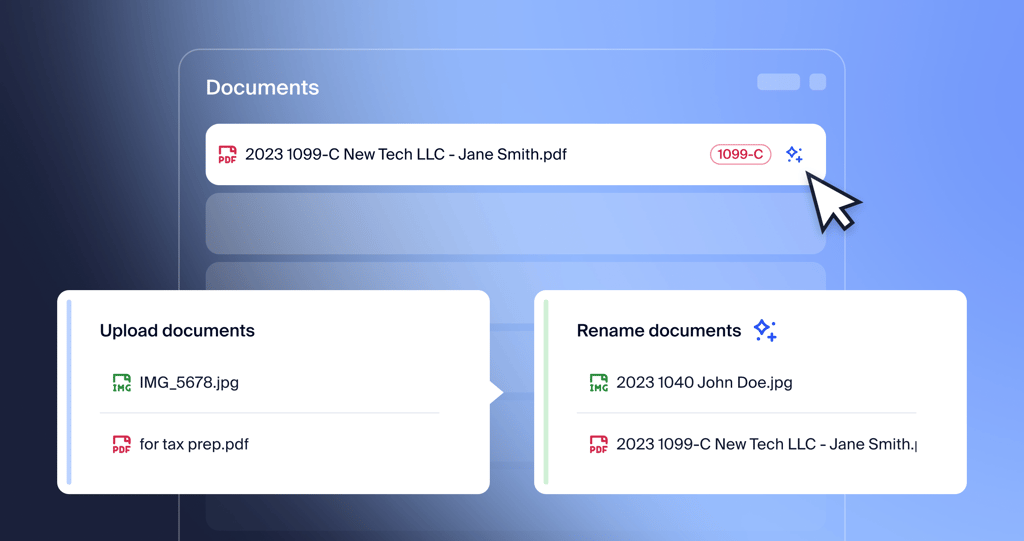
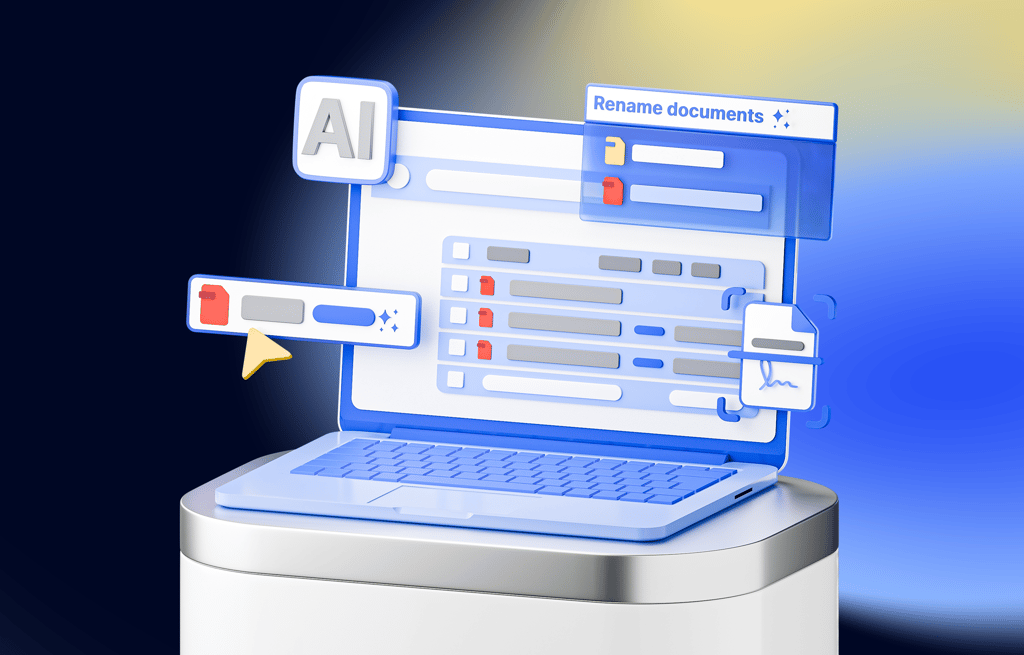
No more 4353458223.pdf
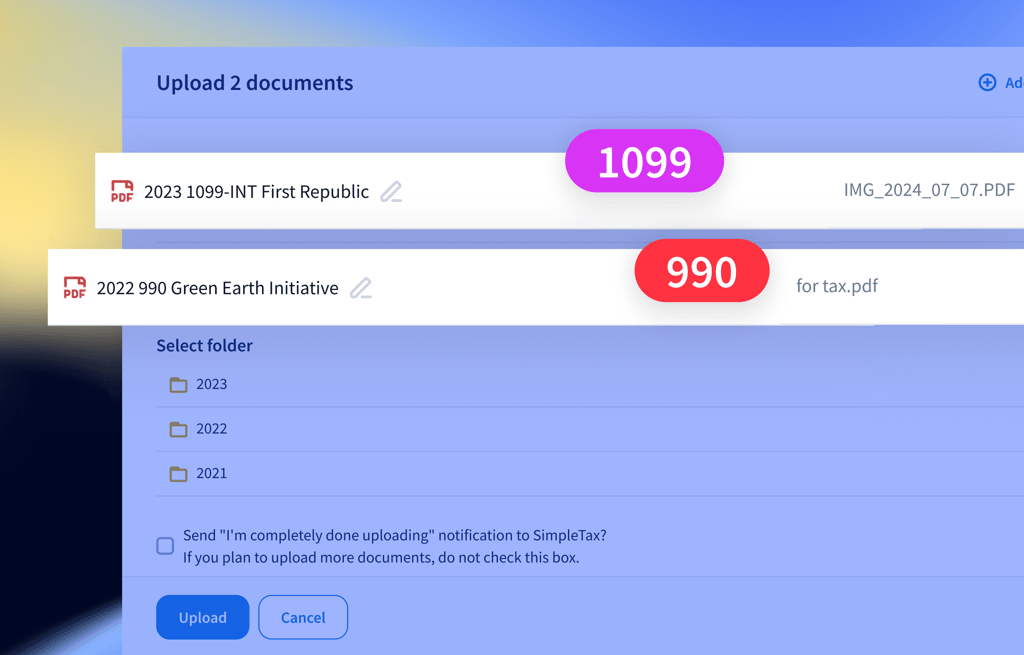
Organized documents: no longer a myth
Skip the data entry. Review the return.
Every hour Juno saves on data entry is capacity gained for high-value client advisory. Juno is TaxDome’s tax preparation integration, that turns client documents directly into a return your team reviews, not retypes.
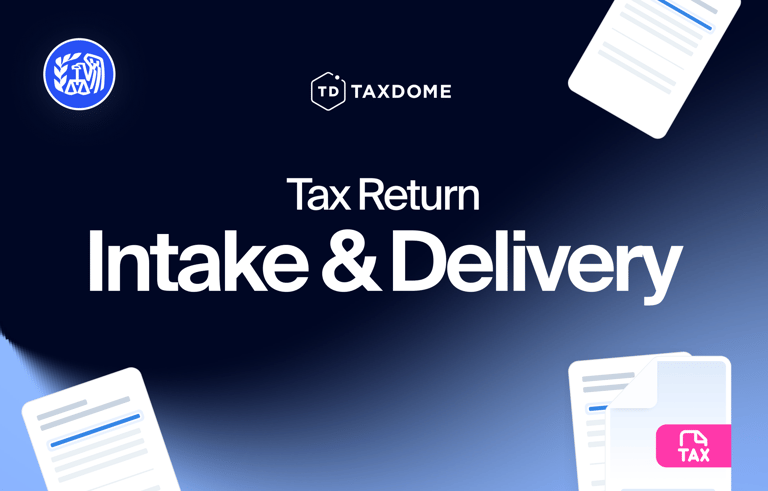
Seamless Intake: collect documents in TaxDome through AI checklists, organizers, or document requests
99% extraction accuracy: Juno pulls data from those documents with 99% accuracy, eliminating manual data entry entirely.
Automated drafts: Juno drafts the return fusing current source files and prior-year tax data, ready before your team even opens the file
Direct tax software sync: push the finished return directly to Lacerte, ProConnect, Drake, UltraTax, and more platforms coming soon.
Built-in quality assurance: Juno checks its own work, cross-flagging errors and inconsistencies against source documents and prior returns so you maintain total quality control.
Bring your own AI tool, or build on TaxDome directly
Connect your preferred AI tools straight to TaxDome data instead of exporting files by hand. Whether through open MCP connectors or our documented Public API, TaxDome gives you the open infrastructure to scale. Both are coming this fall.

Open MCP connectors: point your own AI tools like Claude or ChatGPT directly at TaxDome data through a secure connector, so they can answer questions and complete work across TaxDome and the other tools your firm uses
Zero data duplication: give an AI tool secure, real-time access to jobs, clients, documents, and messages, without exporting, downloading or duplicating data elsewhere
Documented public API: build custom internal tools, partner integrations and apps on top of TaxDome with a documented public API
Your central system of record: TaxDome stays your system of record. Your practice data lives securely in TaxDome, even when an outside tool is the one doing the work
Enterprise security. Zero model training.
Client confidentiality is the foundation of your practice. TaxDome AI is built with enterprise-grade safeguards so your data stays private, compliant, and under your control. Every document, message, and piece of firm data is encrypted in transit and at rest, and TaxDome AI is SOC 2 Type II certified, independently audited to meet the highest security standards. Data processed by TaxDome AI is never stored externally, sold, or used to train public or third-party AI models. Every automated task logs what it did and waits for your team’s approval before anything goes out, so you stay in control.



The fastest growing practice management platform on the planet
See how customers are raving about us on places like G2 and Capterra.

Winner Comprehensive Firm Workflow Solution












Kurt G.
CEO at an accounting firm
Joseph Serrone
President of Polaris Tax & Accounting
Chris Farris
COO of Foundation Group (50+ staff)
Christina S.
Tax accountant at an accounting firm