 US – English
 UK – English
 Canada – English
 Australia – English
 Danmark – Dansk
 DACH - Deutsch
 France – Français
 España – Español
 Sverige – Svenska
 Italia – Italiano
 Nederland – Nederlands
 Portugal – Português
 Suomi – Suomi
 Norge – Norsk
 日本 – 日本語
 Romanian – Română












Accounting general ledger: what it is, how to use it, and a free template

Run your entire firm on one platform

Every organized set of books relies heavily on the general ledger. It’s where every transaction lands, every number is tracked, and the full financial picture starts to take shape — whether you’re reconciling for a client or reviewing your own accounts.
But building a ledger from scratch? It’s tedious, easy to mess up, and often pushed aside until something goes wrong. That’s why we’ve prepared a ready-to-use general ledger template, and in this article, we’ll walk you through its key elements and how to fill it out correctly.
Table of сontents
What the general ledger actually does (and why it matters)
The general ledger (or GL) isn’t just a place to dump transactions; it’s the core of your accounting system. Every debit and credit flows through it, creating the structure that supports all your financial data.
At its simplest, the general ledger tracks every transaction in one place and organizes it by account (cash, revenue, expenses, or liabilities). And this categorization is what makes it possible to create accurate financial reports — because without it, you’re just looking at a pile of numbers with no context.
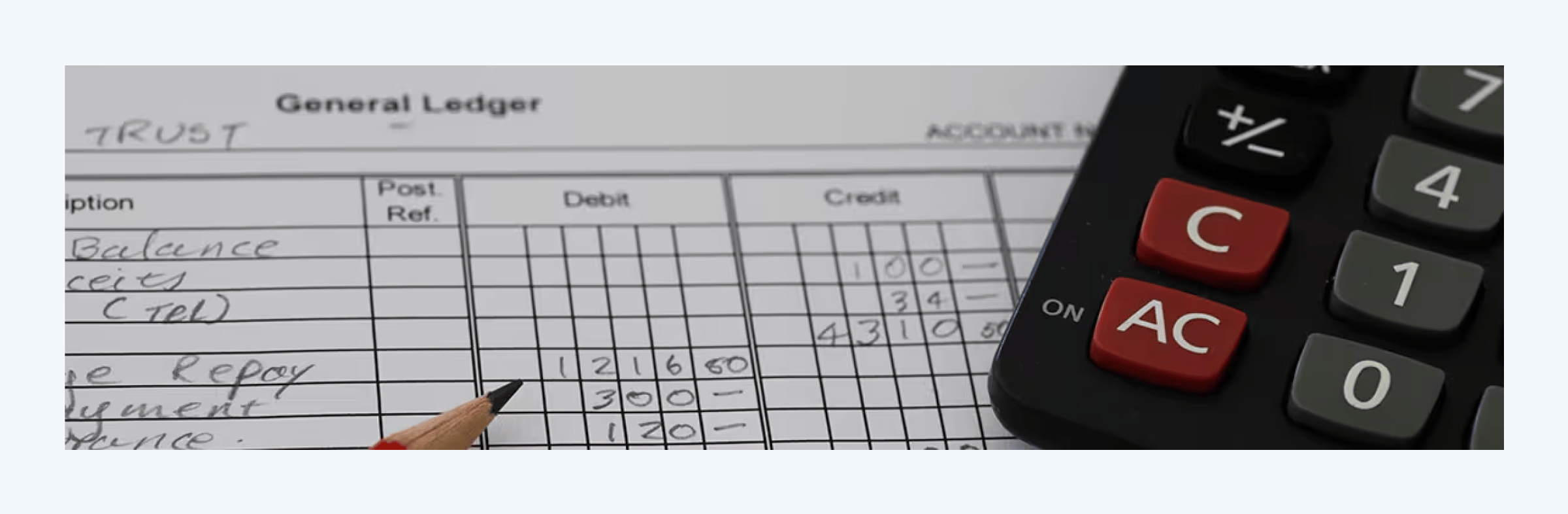
The general ledger is also the backbone behind the reports that matter most: your income statement, balance sheet, and trial balance. If those reports are the final output, the general ledger is the engine that powers them. And when it’s kept clean and consistent, everything downstream becomes easier.
So if you’re a business owner, the general ledger gives you visibility into where money is going and why.
And if you’re an accountant or bookkeeper, it’s your starting point, the source of truth for every report, reconciliation, and recommendation.
Key elements of a general ledger
A general ledger is only as useful as the information it captures. Below, we’ll walk through the key elements you should include in your GL and how they work together to keep your records accurate.
Account name
Every transaction needs to be categorized under an account — for example, “Cash,” “Accounts Payable,” or “Sales Income.” You can organize your general ledger in two ways:
- Use one master sheet that includes a column for “Account Name,” with all transactions listed together
- Create one tab per account, with the account name filled in at the top of the sheet (in the header section) and only relevant transactions listed below
Both approaches work — the key is consistency. That said, it’s more common to track each account in a separate tab because it makes it easier to calculate running balances, avoid clutter, and focus on one account at a time, especially when sharing the file with clients or team members.
Account number or code
Next to every account name, you’ll often see a code — like “1000” for Cash or “5000” for Rent Expense. These are pulled from your chart of accounts and help standardize how transactions are categorized.
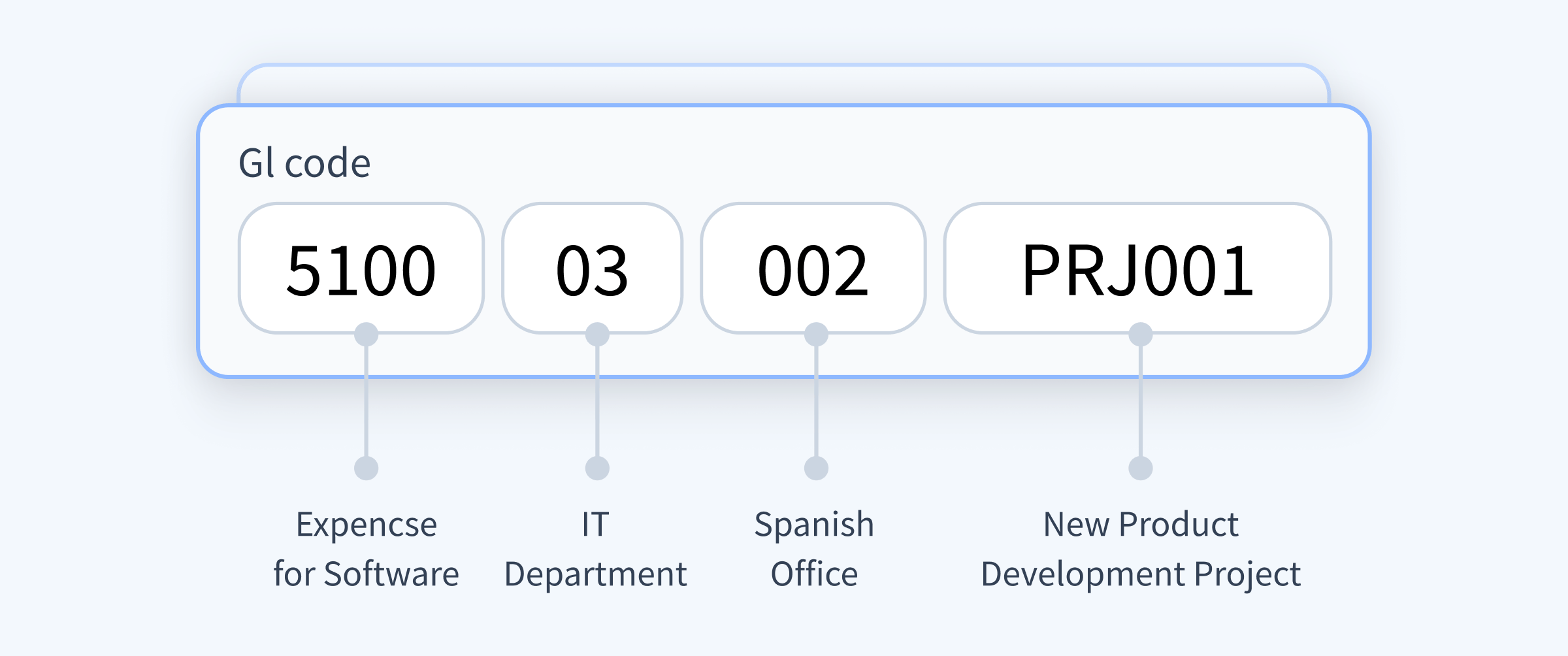
Depending on how you structure your ledger, you can place them in:
- A dedicated “Account Number” column (if all accounts are tracked in one sheet)
- The header of each account-specific sheet, next to the account name
While the code itself doesn’t tell you anything on its own, it brings order to your books — especially when importing data into accounting software or creating reports.
Transaction date
This is the date the transaction actually occurred — not when it was entered or when a statement was downloaded. Getting this right is critical for matching transactions to the correct period, especially during monthly closes, reconciliations, or audits. It also keeps your reports aligned with real-world activity.
Journal reference
This is an optional but helpful field that links each transaction to its source — like “JRN-021” or “Sales-0031.” It’s especially useful for accountants working with journal entries or referencing transactions across multiple systems.
If you’re dealing with high transaction volume or need a clear audit trail, journal references are worth including.
Description
A short description helps explain what the transaction was for. It could include the vendor, invoice number, or purpose — for example, “Vendor payment – Jan rent” or “Invoice #1403.”
It doesn’t need to be long, but it should give enough context for someone else (or future you) to understand the entry without guessing.
Counter account
Since every transaction affects at least two accounts, this column shows the other account involved. If you’re recording a payment from Cash to pay Rent, you’d note “Rent Expense” as the counter account.
This makes your general ledger easier to read and troubleshoot — especially if you’re not referencing a full journal entry list elsewhere.
Debit and credit
In double-entry accounting, every transaction impacts at least two accounts: one debit and one credit. These columns show exactly how each account is affected.
- Debits typically increase assets or expenses
- Credits typically increase liabilities, equity, or income
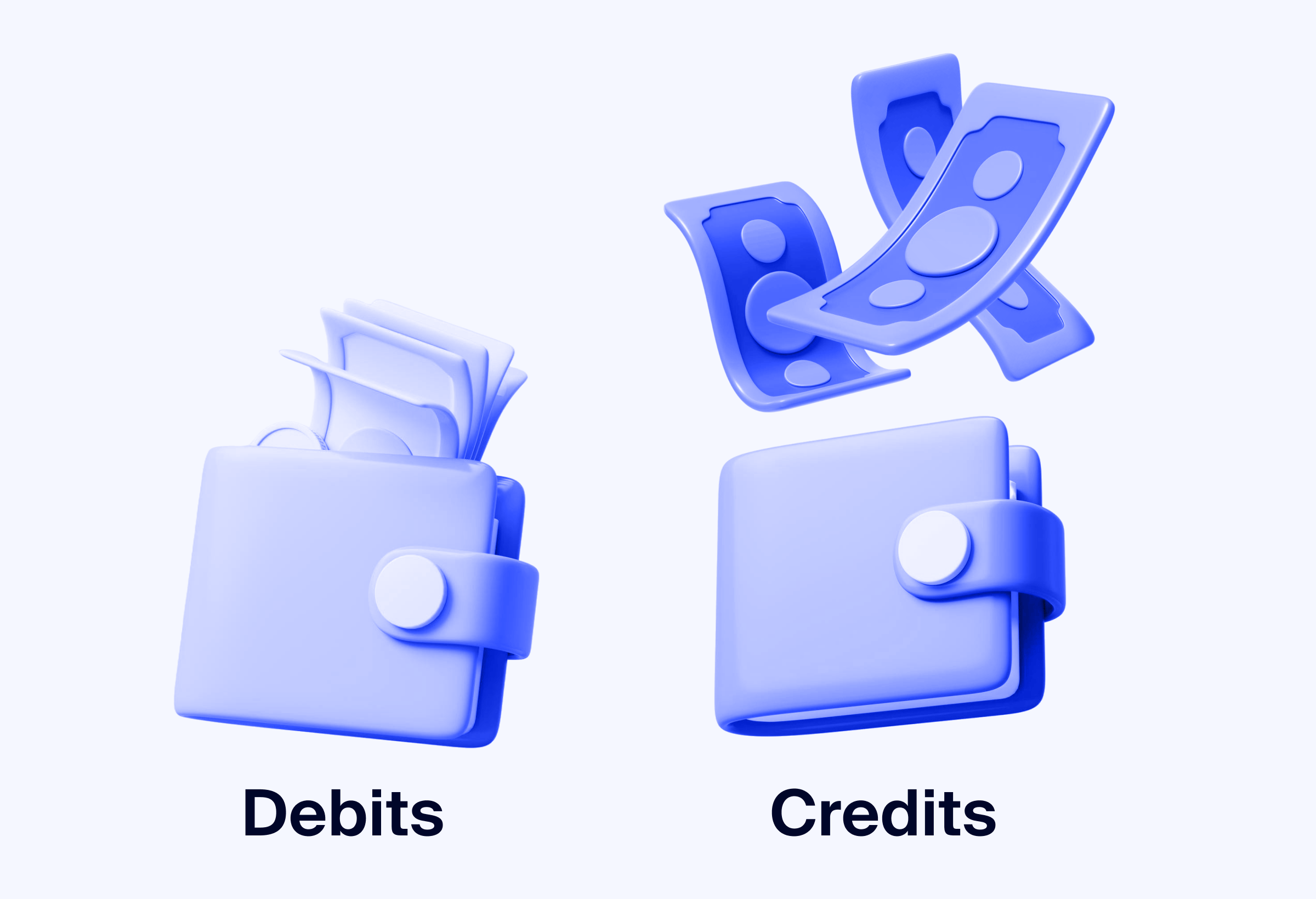
Accurate debit and credit entries are what keep your books in balance. If your debit and credit totals don’t match, something’s off — and the general ledger is where you’ll catch it.
Running balance
The balance column tracks the impact of each transaction in real time. After each debit or credit, it recalculates the new total, giving you a clear view of how the account’s value changes over time.
This column typically includes a running formula that adds debits and subtracts credits as you go, helping you monitor account activity without manual calculations.
Free general ledger template
To make things easier, we’ve created a general ledger template you can start using right away. Each account is tracked on its own tab, with space to record key details like journal references and counter accounts.
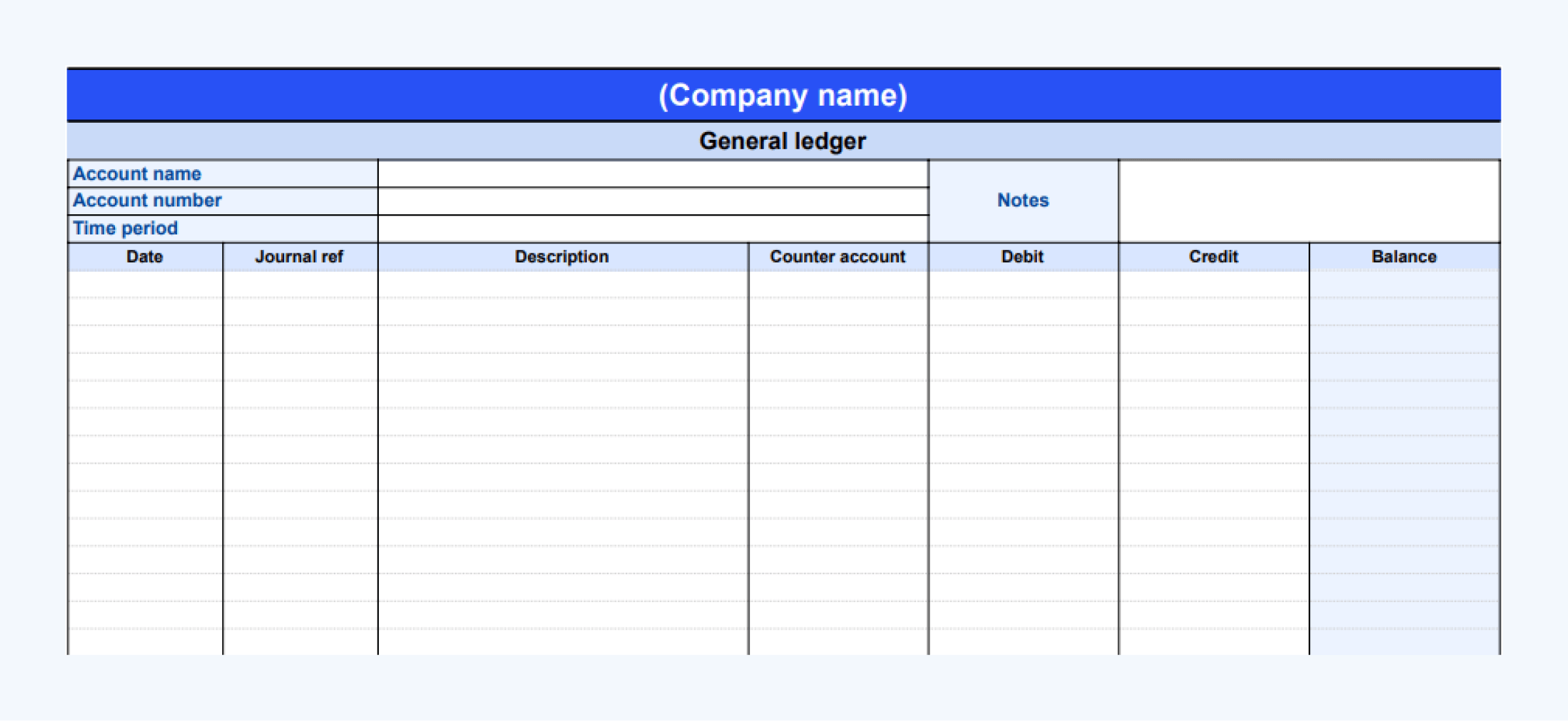
This template structure can be reused across accounts or periods — just duplicate the tab, update the account header, and start logging new entries. It also works well as a printable ledger sheet if you need a physical copy.
Looking for more tools? Explore our library of accounting templates to find checklists, workflows, and spreadsheets that simplify daily operations.
How to fill out a general ledger template correctly
Before entering transactions, start by naming the account and assigning its number at the top of the sheet. This keeps things organized, especially if you’re using one tab per account.
Then, work through each transaction row by row:
- Enter the transaction date using the actual date the activity took place.
- Add a brief description with enough context to understand it later.
- Fill in the counter account to show where the other side of the entry went.
- Record the amount in either the debit or credit column, not both.
- Let the balance column update automatically using the built-in formula.
Accurate data entry is critical — even small mistakes in your general ledger can throw off your reports. See the most common accounting errors and how to avoid them.
Example of a general ledger entry
Here’s what a GL entry might look like when recording different types of transactions in a Cash account:
| Account name | Cash | |||||
| Account number | 1000 | |||||
| Date | Journal ref | Description | Counter account | Debit | Credit | Balance |
| 2025-01-03 | JRN-001 | Equipment purchase | Equipment Asset | 2,000 | 2,000 | |
| 2025-01-05 | JRN-002 | Rent payment | Rent Expense | 1,200 | 800 | |
| 2025-01-10 | JRN-003 | Revenue received | Sales Income | 3,000 | 3,800 | |
- On January 3, $2,000 is debited to the Cash account to record an equipment purchase (JRN-001).
- On January 5, $1,200 is credited for rent, reducing the cash balance (JRN-002).
- On January 10, $3,000 is debited for a payment received from a client (JRN-003).
Each entry includes a journal reference, a counter account, and a running balance — just like in the downloadable template.
FAQ
How is a general ledger different from a journal in accounting?
A journal is where transactions are recorded first — usually in chronological order — before they’re sorted into accounts. The general ledger, on the other hand, organizes those transactions by account type, giving you a complete view of how each account is affected. Think of the journal as the rough draft and the general ledger as the finalized version.
How often should a general ledger be updated?
Ideally, as soon as a transaction occurs. In practice, many businesses update their ledger weekly or monthly. The more often it’s updated, the easier it is to catch errors and keep financial reports accurate.
Can a general ledger be automated?
Yes. You can use formulas in Excel or Google Sheets to automate running balances and catch data entry issues. Or, you can use accounting software that updates your ledger automatically as transactions are posted.
What software is best for maintaining a general ledger?
QuickBooks and Xero are popular options for managing your ledger. But recording transactions is just one part of the process.
If you’re a firm working with multiple clients, maintaining a clean ledger also means managing requests, communication, and document tracking — all part of effective accounting project management.
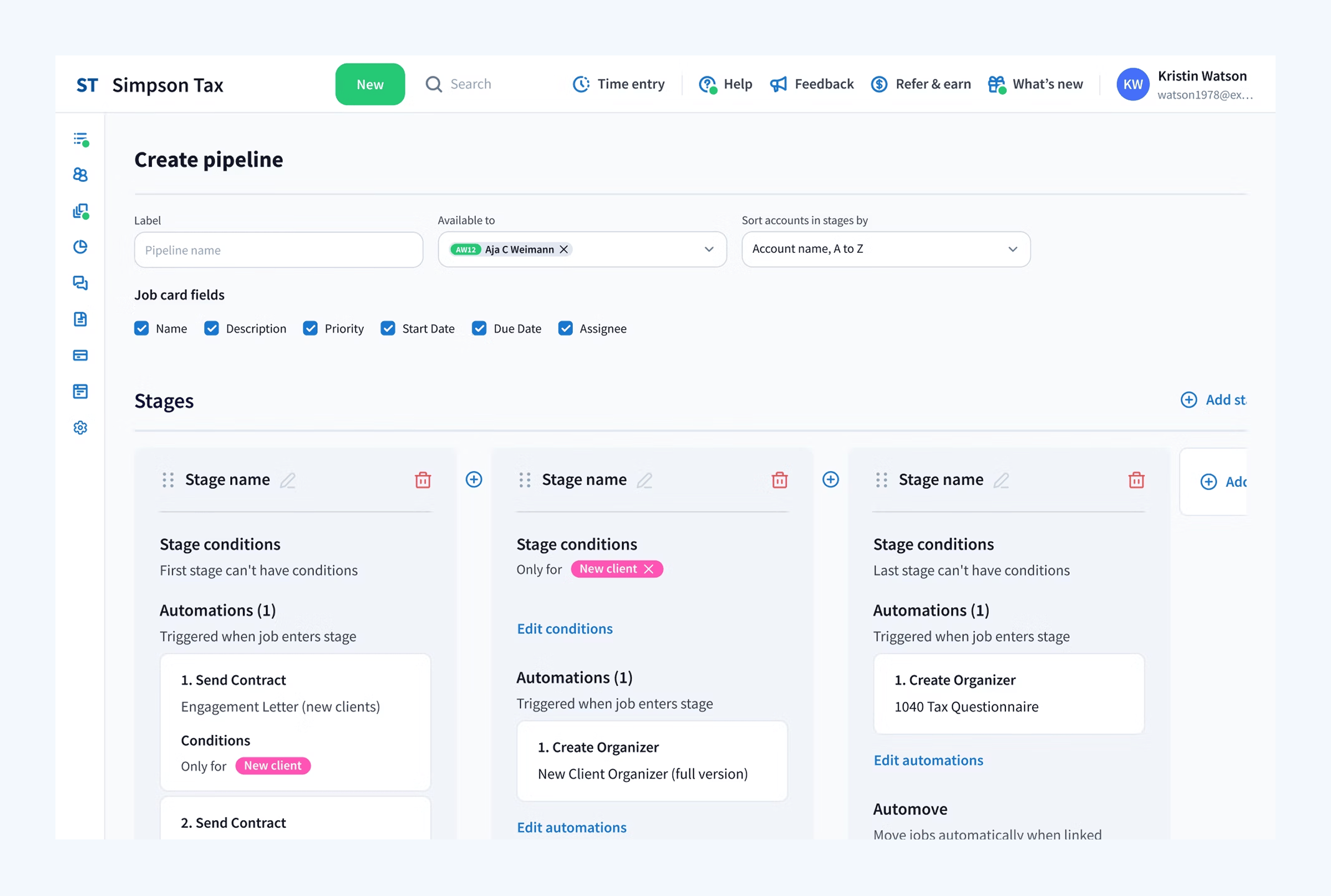
TaxDome brings all of that together — combining client communication, document collection, e-signatures, task management, and integrations with your accounting tools. Everything works in one place, so you can stay focused on the work that matters.
Can I import a general ledger template into accounting software?
Some platforms allow CSV imports, especially for historical data. Check your accounting software’s import guidelines — and make sure your template is formatted to match their structure.
What’s the best way to customize a general ledger template for my business?
Start by adding your own chart of accounts, adjusting account numbers, and removing any columns you don’t need. You can also color-code tabs by account type or add filters to help navigate large volumes of entries.
Final thoughts
A well-structured general ledger gives you the clarity you need to manage finances, catch errors early, and build accurate reports. Whether you’re tracking your own books or managing multiple accounts for clients, the right setup saves time and reduces stress.
Use the free template to get started, and if you’re looking for a better way to manage ledgers alongside document collection, client communication, and task tracking, TaxDome ties it all together.

Mari develops TaxDome content by combining customer insights, industry research, and real-world trends. Her structured, automation-driven approach ensures messaging is clear, relevant, and supports more connected and efficient accounting firms.

Get your free guide

Thank you!
The guide copy has been sent to your email. Please check your inbox!
Recommended articles
Your guide to writing an accounting engagement letter (with template)

How to create an accounting business plan: expert guide with template
Free bookkeeping service agreement template: key elements and common mistakes