 US – English
 UK – English
 Canada – English
 Australia – English
 Danmark – Dansk
 DACH - Deutsch
 France – Français
 España – Español
 Sverige – Svenska
 Italia – Italiano
 Nederland – Nederlands
 Portugal – Português
 Suomi – Suomi
 Norge – Norsk
 日本 – 日本語
 Romanian – Română












Webinar and Q&A: Get Ready for Tax Season 2025 with TaxDome

Run your entire firm on one platform

Did you watch our live webinar last week? More than 2,000 tax and accounting professionals joined TaxDome co-founder and chief product officer Ilya Radzinsky, Blue Heron CPAs co-founder Nathan Gauger, and One Stop CPA CEO Brian Davis as they delivered a full walkthrough of essential workflows for different firm sizes, covering real-life scenarios and must-know tips, to help make your life easier this busy season.
This event marked our fourth annual ‘Get Ready for Tax Season with TaxDome’, a webinar series watched by more than 100,000 viewers to date.
If you weren’t able to attend, watch a full recording of the webinar below — and step into tax season fully prepared! We’ll also be adding a full transcript of the Q&A session at the end of this blog very soon.
Table of сontents
Download our new report, 2024 Client Satisfaction: What Taxpayers Expect from Their Accountants
During our live webinar, we announced the release of our new industry report, 2024 Client Satisfaction: What Taxpayers Expect from Their Accountants.
If you haven’t read it yet, our report is packed with game-changing findings that come straight from the source that matters most: your clients. Instead of asking you — the service providers — what you think your clients want, we surveyed 1,000 taxpayers who have hired tax and accounting firms to understand their expectations, frustrations, and what they truly value in the services you provide — and the result is essential reading for all accounting professionals looking to gain a competitive edge and secure their firm’s future.
Download it to get into the minds of your clients to discover what they really think and expect, so you can stay one step ahead of their needs and expectations this tax season.
2024 Client Satisfaction: What Taxpayers Expect from Their Accountants
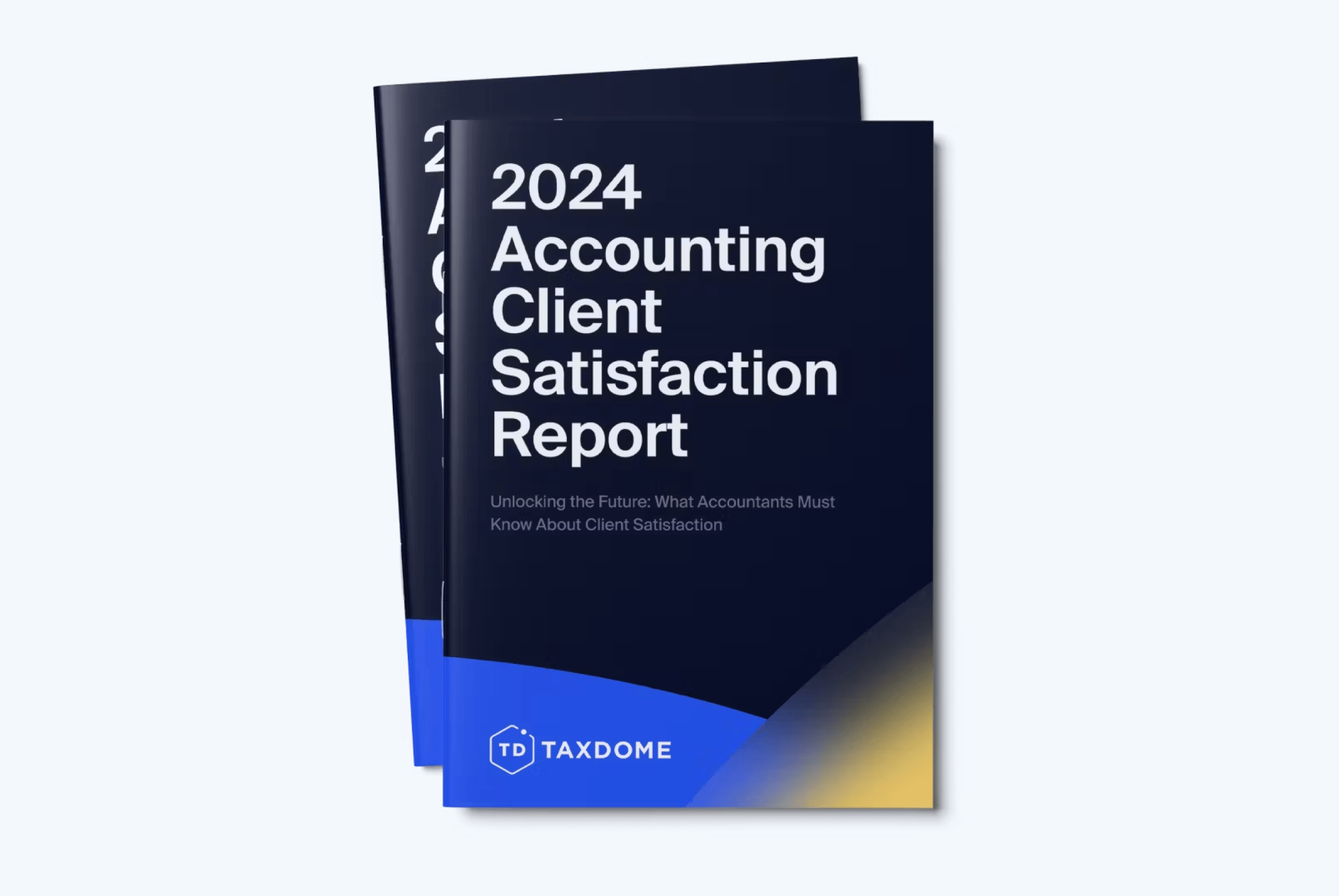
Watch the live webinar exploring our report

On that note, we also hosted a live webinar where a panel of industry experts deep-dived into the unique findings of our report and how tax clients truly feel about their experiences with accountants and tax preparers:
- What clients truly value and how you can exceed their expectations
- How a superior client experience is built through tech in addition to service
- The difference between Inspector and Delegator client types and how to create an experience that appeals to both
- Why secure, streamlined portals are a must-have for both today’s and tomorrow’s clients
You can find a full recording of the webinar and a transcript of the Q&A session here.
TaxDome is here to support your firm, this tax season and beyond
As we approach the end of the year, we’ve been hard at work to fully prepare your firm for tax season. This includes a series of quality-of-life updates that we’re rolling out to improve your firm’s efficiency and make this busy period as productive as possible.
We’re here to support your firm, this tax season and beyond. From the entire TaxDome team, here’s to a smooth and successful tax season ahead!
Q&A transcript
Workflow and Pipelines
Where can we edit a new job status?
You can edit the new job statuses by navigating to Workflow > Pipelines, selecting the desired pipeline, and clicking on the Job Statuses tab. Here, you can create, edit, or delete custom job statuses to fit your firm’s workflow.
Is it possible to have pipeline-specific job statuses?
Yes, you can customize job statuses specific to each pipeline. Go to Templates > Pipelines and modify statuses for a particular pipeline.
Does moving a job change the client-facing status?
Yes, client-facing statuses are updated through automations, not pipeline settings.
Can we turn on the client-facing status?
By default, client-facing statuses are turned off. You can add them manually and set them to update automatically as jobs progress through pipelines using automations.
How do pipelines differentiate between jobs and tasks?
Jobs represent the overall service being performed (e.g., tax return), while tasks are the specific actions required to complete the job (e.g., gather client documents).
What triggers automove in a pipeline?
Automove can be triggered by actions such as:
- Client completing an organizer.
- Client signing a document.
- Firm completing a task.
Can automations include conditions based on client actions?
Yes, automations can include conditions like tags. For example, you can tag clients based on their actions (such as a response in the organizer) and then set automations to be conditional upon those tags.
Can a pipeline be duplicated?
Yes, pipelines can be duplicated to save time when creating similar workflows. Go to Templates > Pipelines and select the duplicate option.
How do I set up a pipeline for tax season preparation?
Use the Marketplace to find templates designed for tax season preparation or customize a pipeline by adding stages, automations, and recurring tasks.
Can recurring invoices be set up for monthly clients?
Yes, recurring invoices can be set up under Billing > Recurring Invoices.
Client Interaction and Notifications
Does each client request send individually?
Yes, client requests are sent individually and are visible in their To-Do List in the portal. You can group questions as you wish in each request
Can clients download the TaxDome app?
Yes, clients can download the TaxDome Client Portal App from the iOS or Android app store. Help Links:
How to include a document upload link in emails?
To include a document upload link in your emails, generate it in the client’s Documents section. Simply select a folder, click Request Files, copy the link, and include it in your email. For step-by-step guidance, check out our Help article.
Can clients take a photo of a document in the app?
Yes, the TaxDome Mobile App allows clients to take photos of documents using the built-in scanner. These photos are automatically converted to PDF.
Can clients set their app to a different language?
Yes, clients can choose their preferred language in the TaxDome Client Portal App settings. TaxDome supports multiple languages, including Spanish, French, and German.
Can a customer from our website download the app and create an account?
Clients can create an account and use self-service signup on your website if you have this feature enabled.
How can you bulk invite clients to TaxDome?
To bulk invite clients:
- Toggle the Login button in the account list for all desired clients.
- Send bulk invitations via the Accounts List.
Is there a way to notify clients about upcoming deadlines?
Multiple ways:
- Send bulk emails or bulk chats.
- Add information about deadlines through automated chats or messages.
- Create a client-facing wiki page with relevant deadlines.
Does automation reset if a job is moved backward?
Yes, if a job is moved backward in a pipeline, you will be prompted to reapply the automations for that stage when the job reenters it.
Documents and Files
Does the document scanner allow for multiple pages in a single file?
Yes, the TaxDome mobile app scanner allows you to scan and upload multiple pages into one document file.
Is the “comment” section in a job visible to clients?
No, the “comment” section in a job is for internal use only and is not visible to clients.
Can clients sign documents using the mobile app?
Yes, clients can sign documents directly through the TaxDome Mobile App.
Can clients see the progress of their file?
Yes, clients can view their file’s progress through client-facing statuses in the TaxDome Client Portal or mobile app.
Does TaxDome provide templates for automations?
Yes, TaxDome provides prebuilt templates in the Marketplace. These templates can be customized to suit your firm’s needs.
Can I customize the folders created for each client?
Yes, you can customize folder structures using Folder Templates.
Does TaxDome support document approvals?
Yes, you can request document approvals from clients. Clients can approve or reject files directly in the portal.
Payments and Billing
Does the linked invoice integrate with QuickBooks?
Yes, invoices created in TaxDome sync with QuickBooks when the integration is enabled.
What about KBA signatures? Are there fees?
KBA (Knowledge-Based Authentication) is included, it incurs a $1 fee per signer, per attempt.Read more here and here>>
Can jobs for personal and business accounts be linked under one invoice?
For now, invoices are specific to each account and cannot cover multiple accounts. However, grouped invoices like this will be added in the future.
Are there fees for using TaxDome’s payment system?
TaxDome does not charge additional fees for payments, but the payment processor (e.g., Stripe) may have their own fee schedules.
Can payments be tracked without linking them to invoices?
Yes, offline payments (e.g., checks) can be recorded and tracked without being linked to invoices.
How can I track client payment history?
You can track client payment history in the Billing > Payments section, which provides detailed records of all transactions.
Can a client see a summary of all their payments?
Yes, clients can view their payment history in the Billing section of their portal.
Can jobs for personal and business accounts be linked under one invoice?
For now, invoices are specific to each account and cannot cover multiple accounts. However, grouped invoices like this will be added in the future.
Team Management and Roles
What’s the difference between roles and team members?
Roles define permissions (e.g., Admin, Manager), while team members are individuals assigned to those roles.
Where and how do you set up roles?
Roles can be set up under Settings > Team & Plans, where you can define permissions for each role.
Can multiple people be assigned to the same role or task?
Yes, multiple team members can be assigned to a role or task for better collaboration.
How do I assign tasks to multiple team members?
You can assign tasks to multiple team members by using the Assignee field and adding additional team members for collaboration.
Integrations and Features
Does TaxDome integrate with Calendly?
Yes, TaxDome integrates with Calendly for appointment scheduling. You can embed your Calendly scheduler into your TaxDome portal.

Josef creates clear, actionable content at TaxDome, highlighting features, updates, and key accounting topics. His focus is on making complex ideas accessible and engaging, helping users understand and apply insights effectively.

Get your free guide

Thank you!
The guide copy has been sent to your email. Please check your inbox!
Recommended articles
TaxDome AI: more than 2,000,000 documents organized for accountants this past tax season—and we’re just getting started

Webinar recap and Q&A: Summer Update 2026

Unpacking the differences between TaxDome Payments and Stripe