 US – English
 UK – English
 Canada – English
 Australia – English
 Danmark – Dansk
 DACH - Deutsch
 France – Français
 España – Español
 Sverige – Svenska
 Italia – Italiano
 Nederland – Nederlands
 Portugal – Português
 Suomi – Suomi
 Norge – Norsk
 日本 – 日本語
 Romanian – Română












Top 13 secure file-sharing tools for accountants

Run your entire firm on one platform
To serve clients effectively, accountants need to exchange all sorts of sensitive documents. This makes an effective and secure system for sending, requesting, and receiving files an essential part of any accounting tech stack. But with so many file-sharing tools available, how do you know which one to choose?
In this article, we’ll look at some of the best file-sharing tools for accountants, focusing on their key features, pros and cons, and pricing — so you can find the perfect solution for your accounting firm.
Table of сontents
Key features to look for in secure file-sharing tools
When searching for the perfect solution for your practice, some features are more important than others. In this section, we’ll highlight some of the most important features you’ll need from a file-sharing platform, with a focus on what matters most — security.
End-to-end encryption
Security is paramount when securely sharing files containing sensitive financial and personal information. Look for file-sharing tools that offer end-to-end encryption. This feature ensures that your data is encrypted both while being stored and sent. As a result, no third party can access or read it.
User access controls
User access controls allow you to regulate who can access, edit, or share certain files. They allow you to limit how different employees can use your file-sharing tool, minimizing the risk of unauthorized access, data breaches, and accidental data leaks.
Ease of use
If you want your file-sharing tool to be adopted by your team and clients alike, it needs to be intuitive and easy to use. We recommend choosing software that has a user-friendly interface, seamless integration with other important platforms, and a dedicated mobile app for file-sharing on the go.
Regulatory compliance
Depending on where your business and clients are based, there will be different regulatory compliance requirements in place to ensure data security and privacy. When choosing a secure file-sharing tool, make sure it meets standards such as GDPR, HIPAA, or SOC 2.
Collaboration features
Whether it’s exchanging important files with clients or working with colleagues to draft and gather key documents, file sharing is all about collaboration. Look for file-sharing platforms that enable seamless collaboration both internally and externally, including:
- Task and project management features
- Commenting, annotating, and editing
- A client portal where clients can view, upload, and e-sign documents
- Customizable forms for requesting and gathering documents
Backup and recovery
If the worst case happens and you suffer a technical hitch or even a hack, it shouldn’t mean you lose your data altogether. Choose a cloud-based file-sharing tool that offers regular automatic backups as well as data recovery options. Version control is another important feature, allowing you to return to previous document versions at any time.
The 13 best secure file-sharing tools for accountants
With so many file-sharing tools to choose from, it can be difficult to know where to start. Don’t worry — we’ve got you covered! Read on to explore 13 of the best secure file-sharing tools on the market.
- TaxDome
- Dropbox
- Clinked
- Google Drive
- Box
- Microsoft OneDrive
- SmartVault
- NordLocker
- Tresorit
- ShareFile
- Apple iCloud Drive
- Doc.It
- FileCloud
1. TaxDome
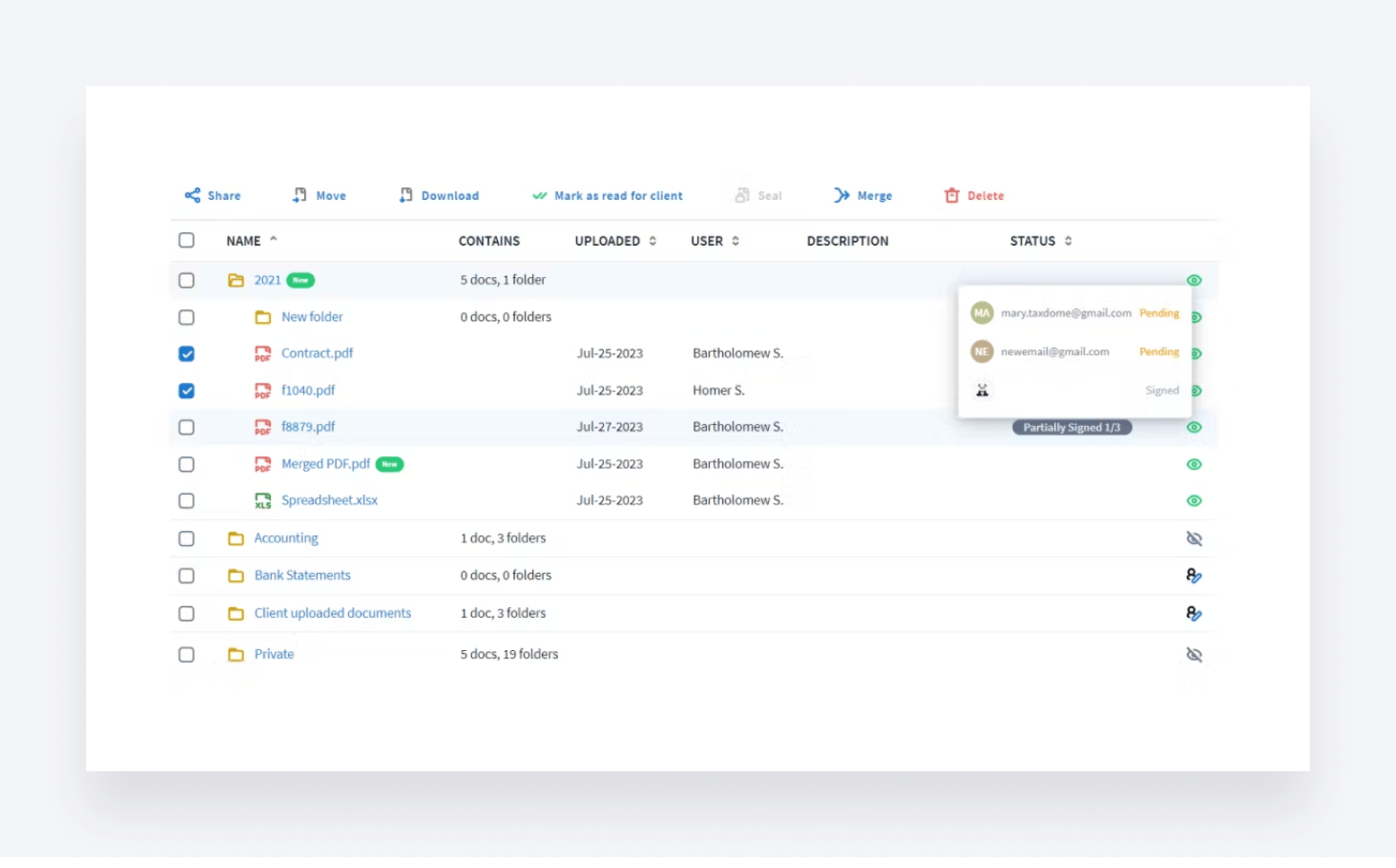
TaxDome is a leader in the accounting practice management software category. It provides accounting teams with all the tools they need to manage their practices and workflows. In terms of file-sharing features, here are some of TaxDome’s key features:
- Secure file sharing via a custom-branded client portal and client mobile app
- Automated document workflows and document collection
- Bank-level security, with end-to-end encryption and two-factor authentication
- Granular access rights
- Built-in PDF editor
- Unlimited e-signatures, including KBA (US), AdES, and QES (EU)
- Unlimited file storage
- Smart desktop app for sharing files without logging into TaxDome
In addition to robust document management and secure file-sharing capabilities, you also get workflow automation, CRM, time and billing, AI-powered reporting, client management and communication, and much more.
Price-wise, TaxDome offers three different pricing plans. The amount you pay depends on the number of years you commit to. For a three-year plan, here’s what you’ll pay:
- Solo — From $700 per year
- Pro — From $900 per year
- Business — From $1,100 per year
| 👍 Pros | 👎 Cons |
| Part of a comprehensive practice management platform | More advanced features such as workflow automation require some time to master |
| Designed with accountants in mind | |
| Unlimited file storage | |
| Automated document workflows | |
| Virtual drive and desktop app for simple document management | |
| Custom-branded client portal and mobile app |
2. Dropbox
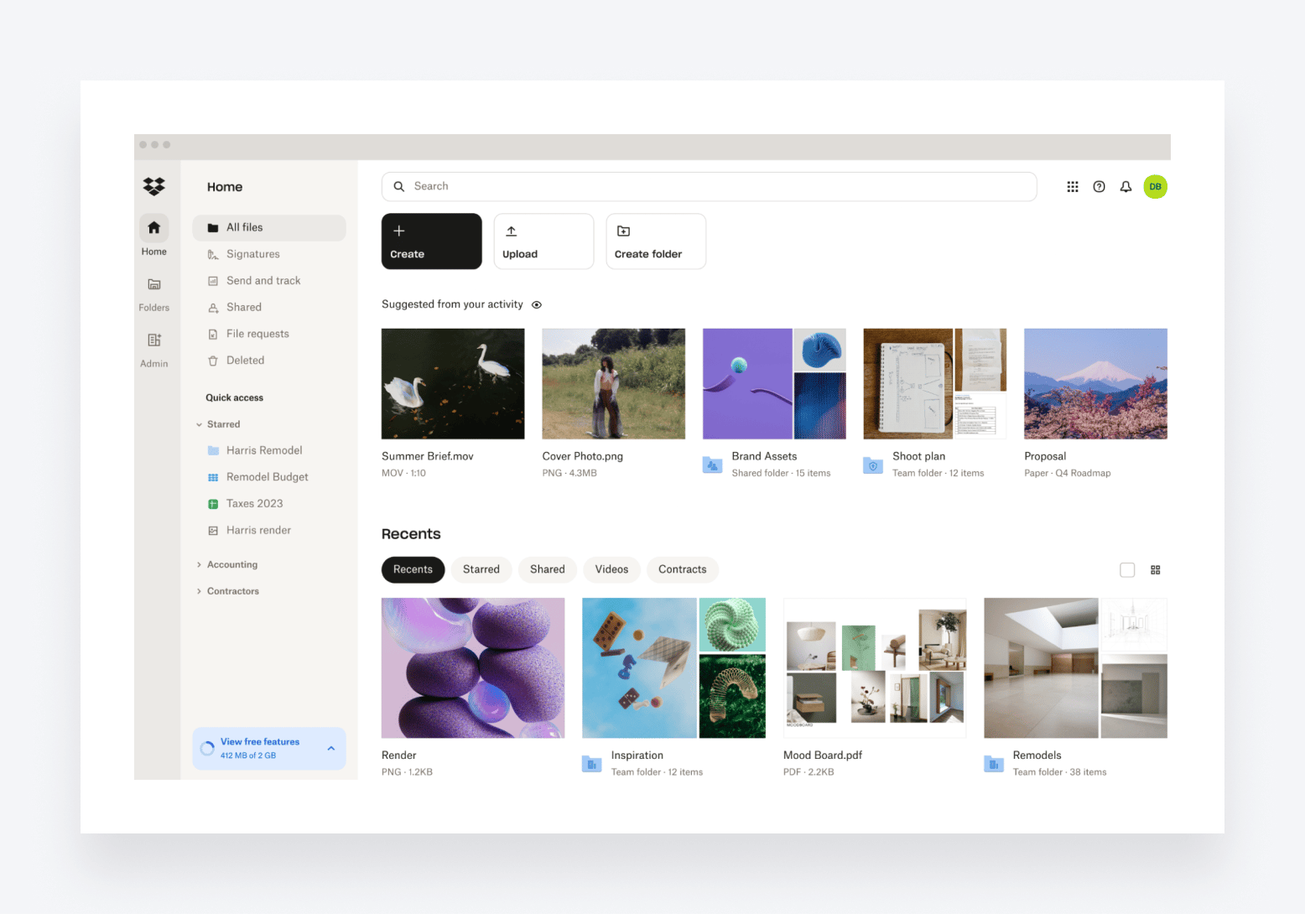
With over 700 million users worldwide, Dropbox is the market leader among paid file-sharing tools. Unlike TaxDome, it focuses purely on file-sharing and document management, with key features including:
- Centralized file storage and organization
- File access via desktop, mobile, or web
- Robust file encryption, auto back-ups, and two-factor authentication
- Built-in e-signatures
- PDF editor for adding, deleting, and editing text
Dropbox has three different pricing tiers:
- Essentials, which is designed for one user, at $19.99 per month
- Business, which is designed for small teams, at $19 per user per month
- Business Plus, which is designed for large teams, at $30 per user per month
| 👍 Pros | 👎 Cons |
| A market leader in the file-sharing space | Storage is limited, even on more expensive plans |
| Well known and easy to use | 100 GB file transfer limit on cheaper plans could be too low |
| Access files from any device | Not the cheapest |
| Built-in e-signatures and PDF editor |
3. Clinked
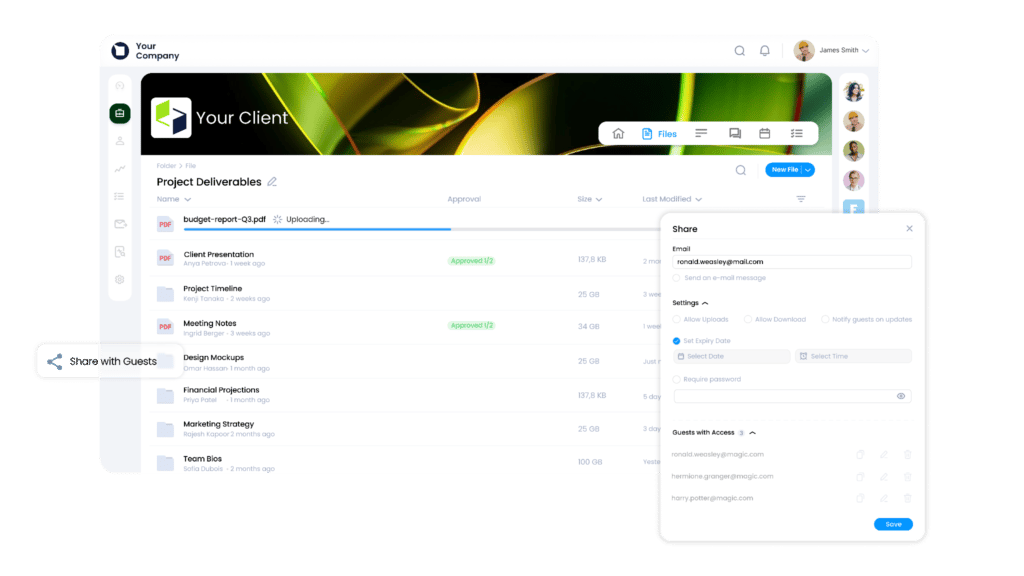
Clinked is a file-sharing platform and secure client portal for accountants. It allows businesses to collaborate with clients, share sensitive documents, and manage projects in one place. Unlike traditional file-sharing tools, Clinked combines document management, client collaboration, discussions, tasks, and branded workspaces under a single platform.
Key features include:
- Secure file sharing and document management
- Branded client portals and custom domains
- Granular permissions and access controls
- Task management and team collaboration
- Document version control and activity tracking
- Built-in discussions and messaging
- Mobile apps for iOS and Android
- White-label branding capabilities
As for pricing, Clinked offers several plans based on storage and user requirements, with business-focused features available across all tiers. Visit its website for pricing details and the features available across its plans.
| 👍 Pros | 👎 Cons |
| Strong client portal functionality | Best suited for teams that need ongoing client collaboration |
| Excellent white-label and branding options | Advanced branding needs may require higher-tier plans |
| Secure file sharing with granular permissions | Pricing depends on workspace and user requirements |
| Combines files, tasks, discussions, and updates in one workspace | |
| Better client-facing experience than standard file-sharing tools |
4. Google Drive
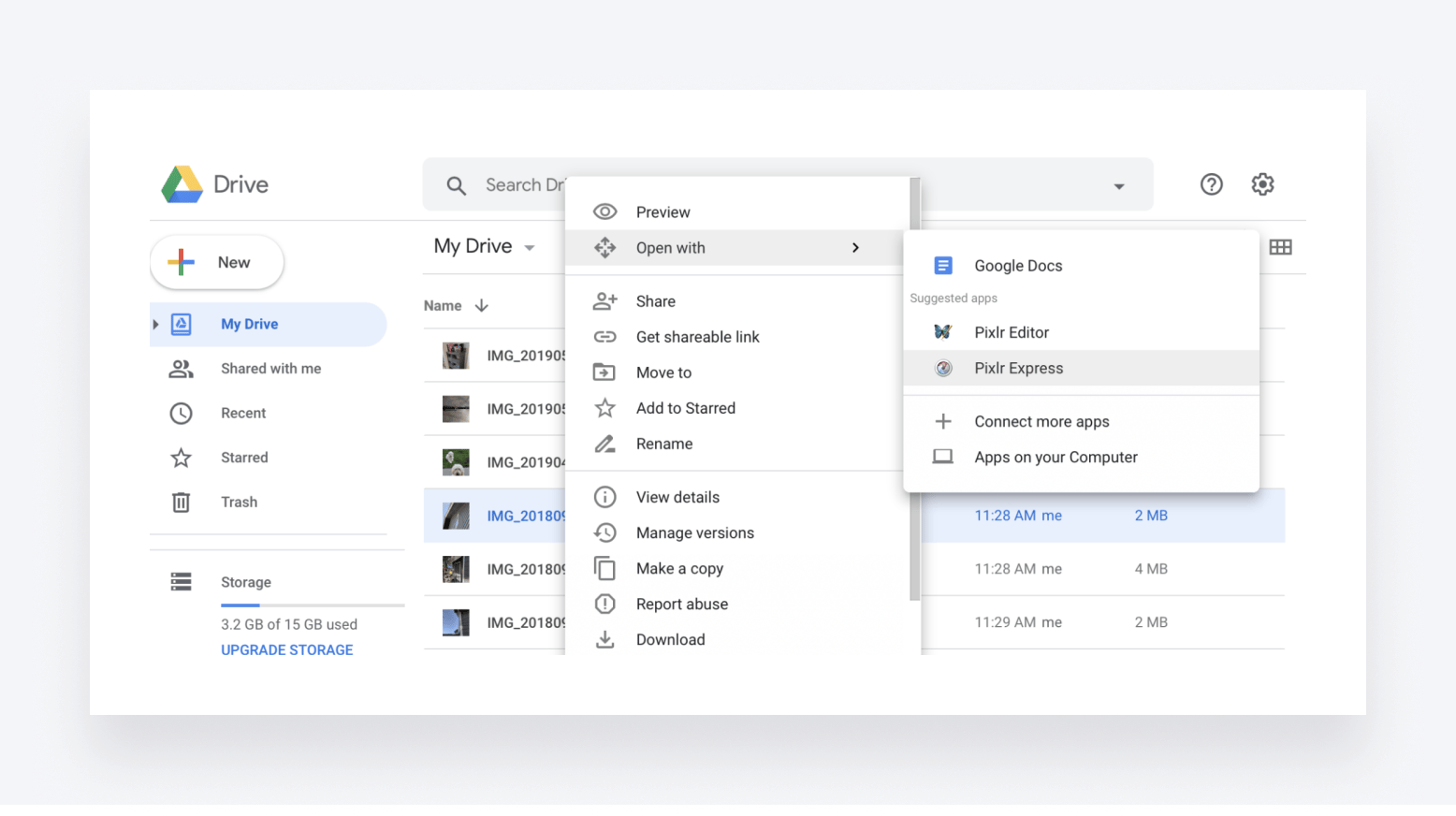
Google Drive is by far the most used file-sharing tool on the market, with almost a third of the market share. It packs some slick collaboration features, enabling you to:
- Comment, edit, and review documents in real time
- Automatically save documents to your Google Drive
- Drag and drop any files from your computer
- Organize files into folders and subfolders
- Highlight high-priority folders and docs with stars
- Share files privately or publicly
- Set access rights to “viewer”, “editor”, or “commenter”
Google Drive also has plenty of great integration options, allowing it to connect to your accounting tech stack. That said, there’s no simple way to password-protect files or send expiring links.
Google Drive is completely free. All you need is a Google account to get started. If you need extra file storage and more advanced features, you can upgrade to Google One.
| 👍 Pros | 👎 Cons |
| Free to use | No easy way to password-protect a document |
| Simple and intuitive | No easy way to send expiring links |
| Seamless integration with other Google tools | Need to connect to additional tools to gather e-signatures or edit PDFs |
| Tons of integration options | Security is not as robust as some competitors |
5. Box
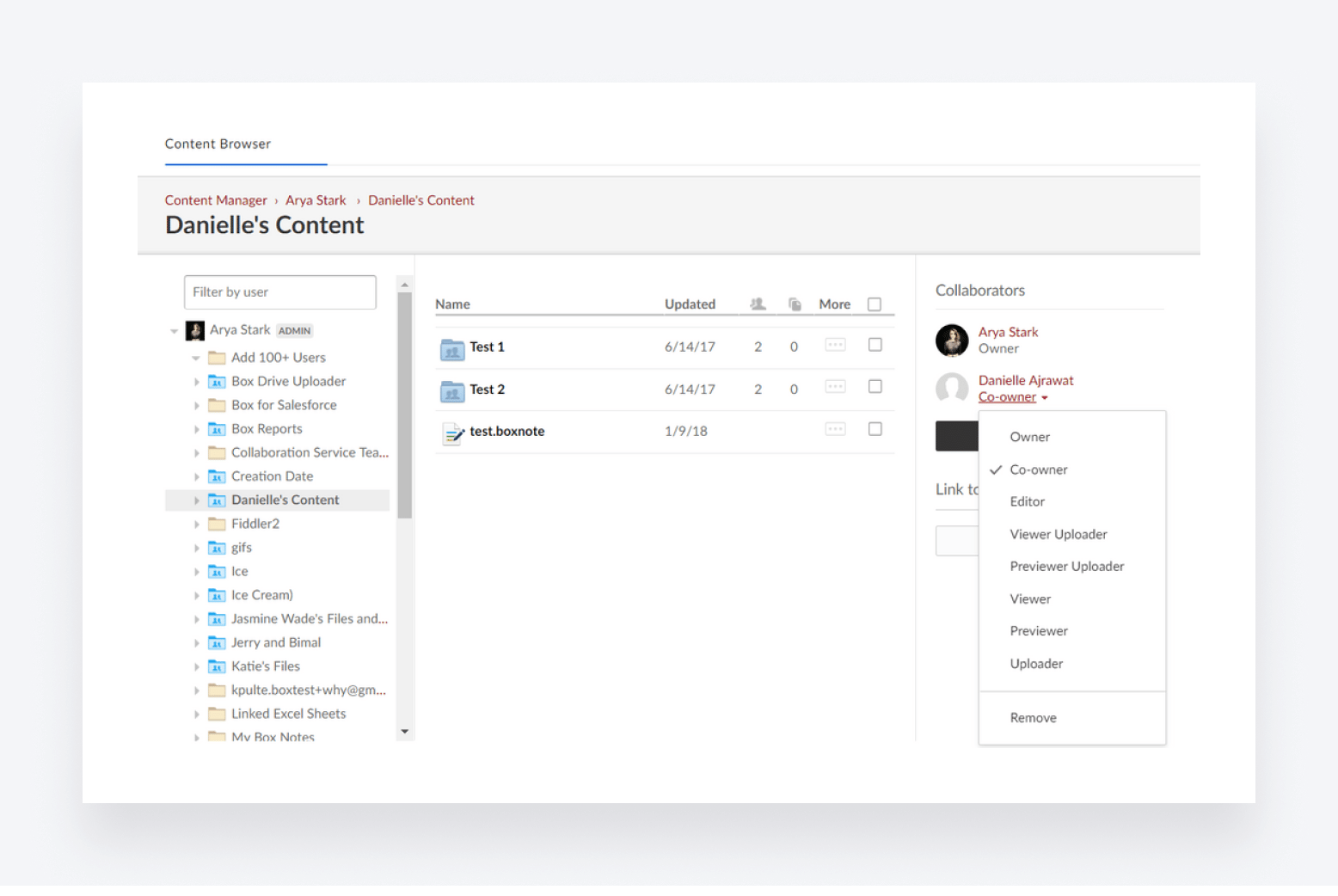
Founded in 2005, Box is an OG in the file-sharing space. It’s designed primarily for enterprise businesses and has a strong focus on document collaboration and automation. Key features include:
- Unlimited file storage
- Unlimited e-signatures with Box Sign
- Real-time document collaboration with Box Notes
- Virtual whiteboard tools with Box Canvas
- Workflow automation with Box Relay
- Advanced admin and security features
- More than 1,500 native integrations
As for pricing, Box has four pricing plans:
- Business at $15 per user per month
- Business Plus at $25 per user per month
- Enterprise at $35 per user per month
- Enterprise Plus, which comes with custom pricing
| 👍 Pros | 👎 Cons |
| Interesting collaboration features | Not ideal for solopreneurs or small businesses |
| Robust security and admin tools | Relatively low file upload limits |
| Tons of integrations | Feature and usage limits on cheaper plans |
| A solid choice for enterprises | Can get expensive |
6. Microsoft OneDrive
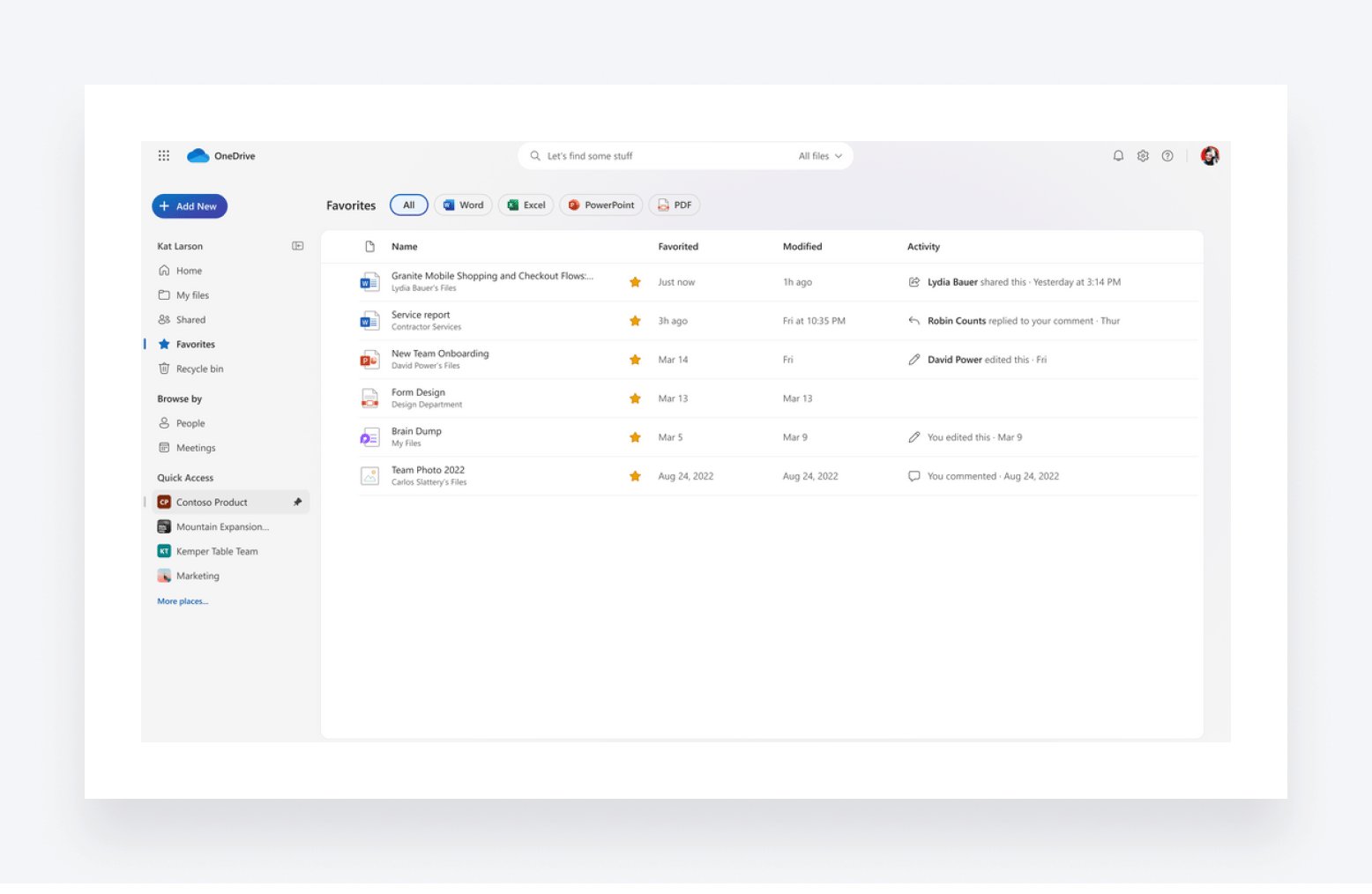
Microsoft OneDrive is a free file-sharing service for those with a Microsoft account. It offers much of what you’d expect from a file storage and sharing service, although the 5 GB of free storage is less than what you get with Google and Apple’s equivalents. With OneDrive, you can:
- Auto-sync and backup your documents, pictures, desktop, and settings
- Access files from any device
- Restore previous file versions up to 30 days later
- Store sensitive files in your Personal Vault, with extra security measures
- Share documents, photos, and videos with anyone
- Edit and collaborate on files in real time
OneDrive’s free version is available to anyone with a Microsoft Account, but it’s primarily designed for individuals. Microsoft also offers a plan for businesses, which costs $5 per user per month and increases the storage limit to 1 TB.
| 👍 Pros | 👎 Cons |
| Free version | Apple fans will have to look elsewhere |
| Great if you use Microsoft’s Office suite | Not as much free storage as direct competitors |
| Personal Vault for storing extra-sensitive files | Free version is designed for personal use, not businesses |
| Real-time document collaboration |
7. SmartVault
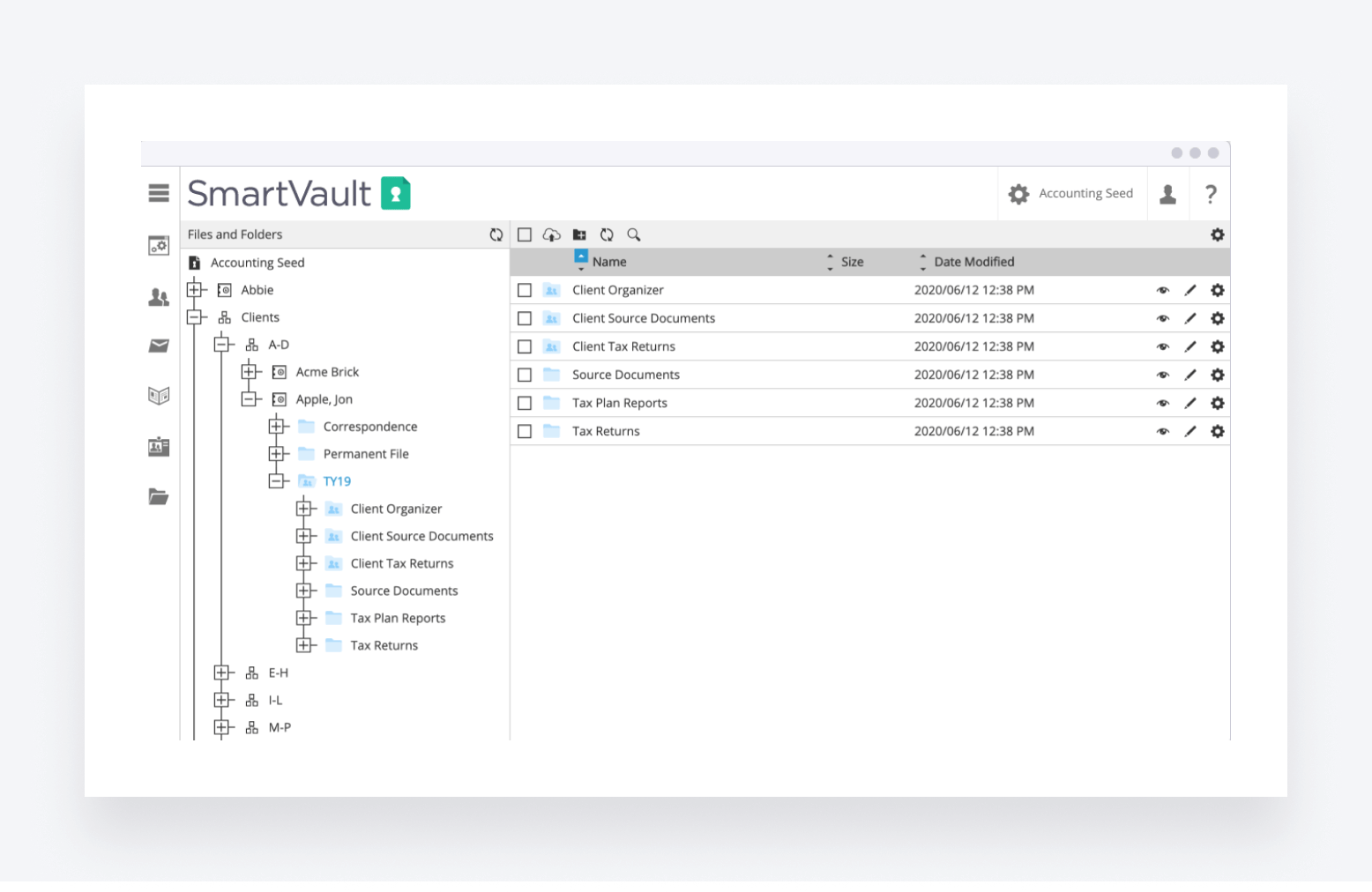
SmartVault is a cloud-based document management and file-sharing platform. It’s designed specifically for client-facing businesses, making it a solid choice for CPA firms. In addition to unlimited file storage and secure file sharing, you get handy tools for client collaboration and document management, including:
- Custom-branded client portal for secure file sharing
- Docusign integration for e-signatures
- Customizable request lists for gathering client documents
- Bank-level encryption and security
- Built-in HIPAA, FINRA, and GLBA compliance
- Document workflow automation
- Version history and file recovery
SmartVault offers four pricing plans, two of which focus on general document management and file sharing and another two that focus more on the accounting side:
- Standard, which costs $25 per user per month and has a five-user minimum
- Business Pro, which costs $50 per user per month and has a two-user minimum.
- Accounting Pro, which costs $45 per user per month
- Accounting Unlimited, which costs $65 per user per month
| 👍 Pros | 👎 Cons |
| Client portal for secure file sharing | E-signatures only available through integration — and a DocuSign subscription |
| Customizable templates for requesting client docs | Customer support can be slow and ineffective |
| Unlimited file storage on all plans | Can get very expensive! |
| Document workflow automation streamlines document gathering | Not part of a broader practice management platform |
8. NordLocker
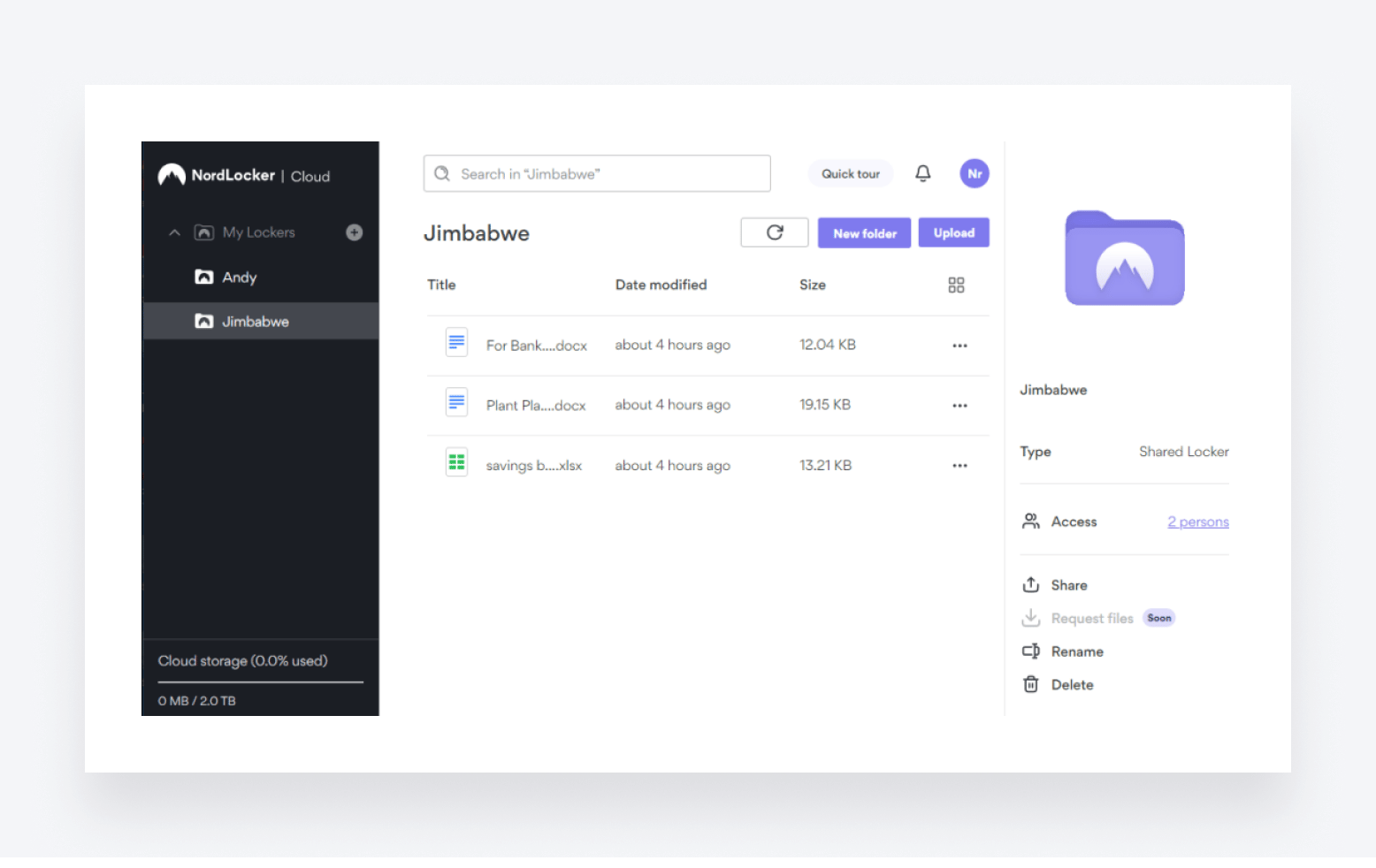
NordLocker is the file-sharing offering from Nord Security, a popular provider of security tools including a market-leading VPN. It offers businesses a simple, no-frills, yet highly secure platform for storing and sharing files. Here are some of its core features:
- End-to-end encrypted cloud for all file types
- Up to 2 TB of storage, depending on the plan you choose
- Simple drag-and-drop interface
- Encrypted file sharing
- Multi-factor authentication
- Automatic backup and sync across multiple devices
- Dedicated admin panel for managing your team
NordLocker offers a free version offering up to 3 GB of cloud storage — which isn’t enough for the vast majority of accounting businesses. If you go for the Business plan, which costs $29.99 per month, you get 2 TB of storage.
| 👍 Pros | 👎 Cons |
| Industry-leading security features | File storage limits on all plans |
| Free version available | No file recovery options |
| Simple, easy-to-use interface | No version history |
9. Tresorit
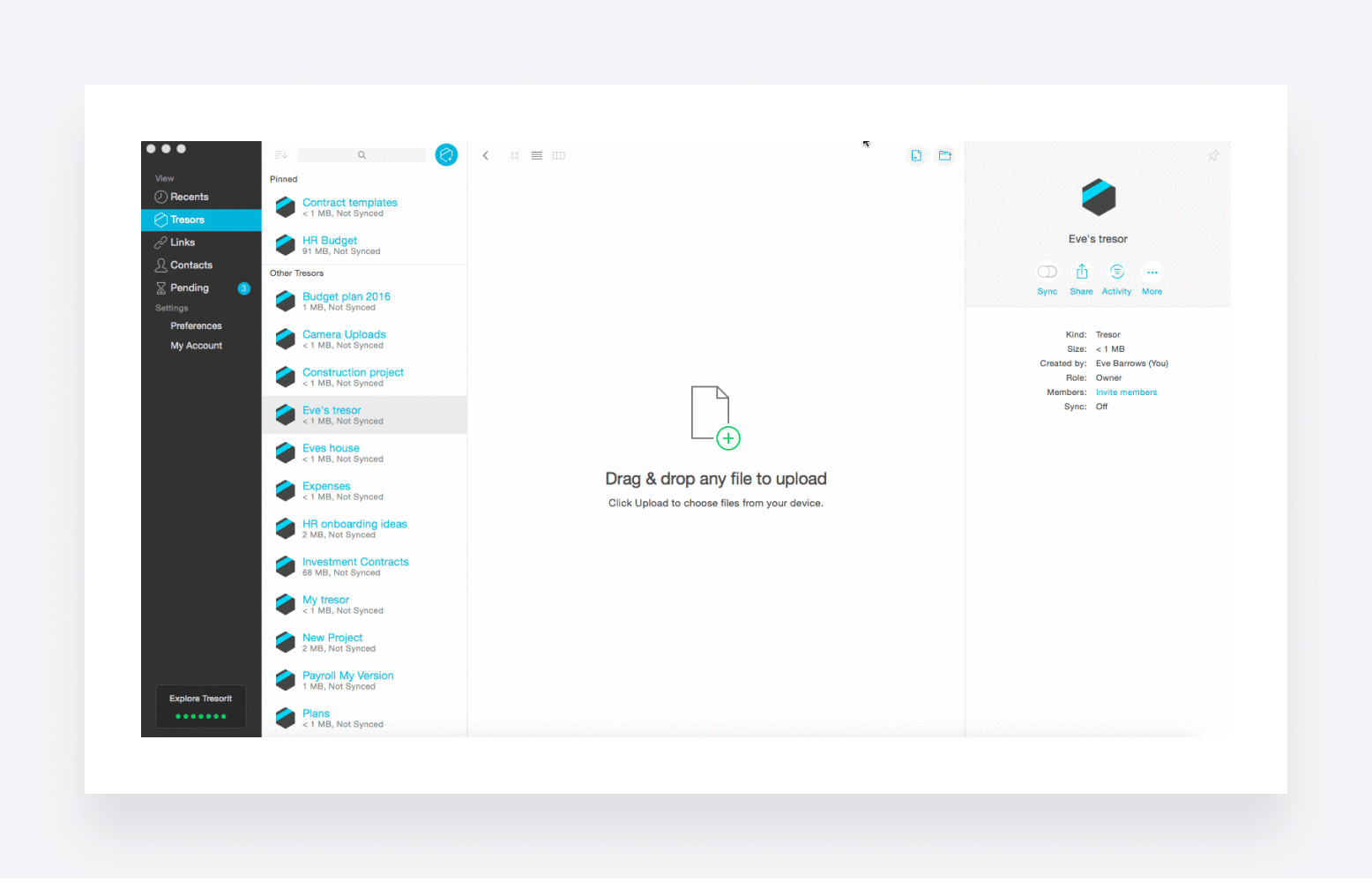
Swiss-based Tresorit is a file-sharing tool that prioritizes security above all else, with ultra-secure encryption for all its cloud storage and file sharing. It offers plenty of features designed to protect your files at every step of your document workflow, including:
- Tresorit SecureCloud, with zero-knowledge end-to-end encryption
- Encrypted file sharing
- GDPR compliance
- Version history
- Detailed access logs
- Two-factor authentication
Tresorit has three pricing plans, each of which offers different feature sets and limits on storage, maximum file size, and free e-signatures:
- Business at $19 per user per month, which has a three-user minimum
- Professional at $27.49 per month, which is designed for solopreneurs and individuals
- Enterprise, which has custom pricing and a 50-user minimum
| 👍 Pros | 👎 Cons |
| Encrypted file sharing and strong security features | Limited storage and max file size |
| E-signature add-on, with QES | Lacks broader document management features |
| Encrypted email add-on takes security a step further |
10. ShareFile
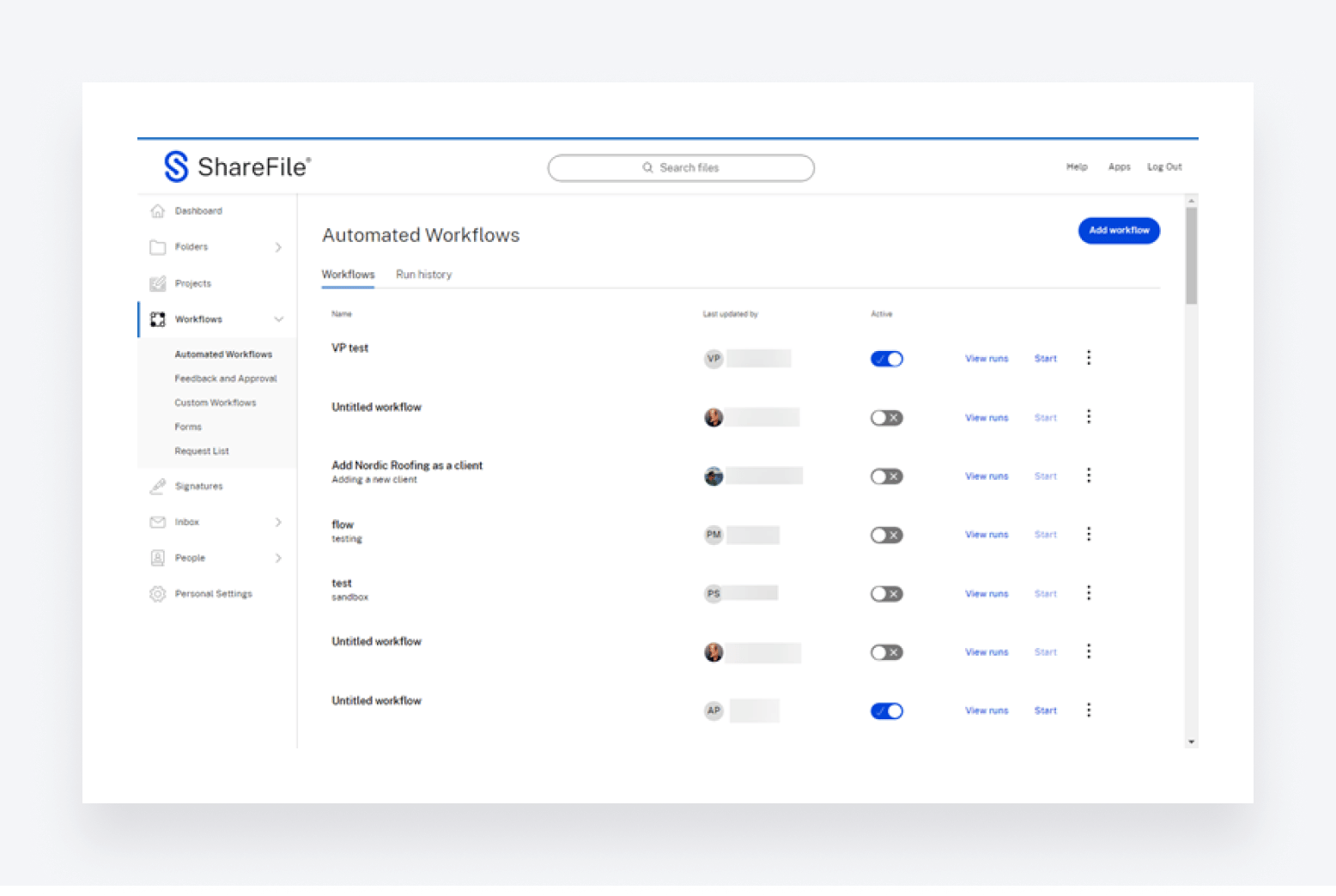
Owned by software developer Citrix Systems, ShareFile is another popular file-sharing platform. Unlike some of the more basic file-sharing platforms on this list, it offers a range of client-facing document management features, including:
- Custom-branded client portal for secure file sharing
- Built-in e-signatures
- Automated document workflows
- Real-time collaboration on documents and projects
- Streamlined client onboarding
- Document request lists
- Email and file encryption
ShareFile has the following four pricing plans:
- Standard at $10 per user per month, with a minimum of three users
- Advanced at $16 per user per month, with a minimum of three users
- Premium at $25 per user per month, with a minimum of three users
- Virtual Data Room at $67.50 per user per month, with a minimum of five users
| 👍 Pros | 👎 Cons |
| Unlimited storage across all plans | Expensive if you want e-signatures and collaboration tools |
| Built-in e-signatures | Upload speeds can be slow with bigger files |
| Custom-branded client portal for secure file sharing | Minimum number of users means solopreneurs will have to look elsewhere |
| Document workflow automation | |
| Decent mobile app |
11. Apple iCloud Drive
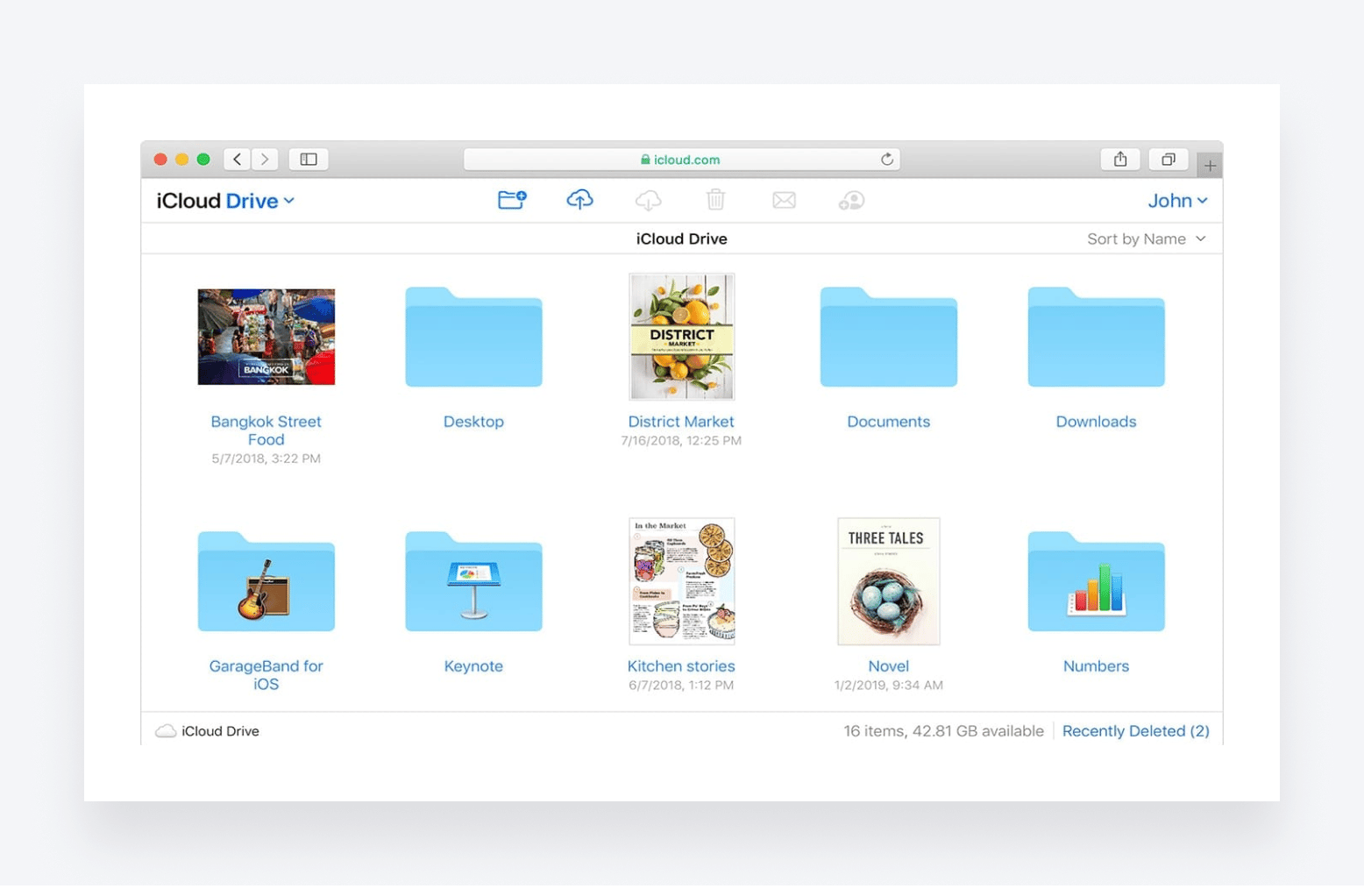
Alongside Google Drive and Microsoft OneDrive, Apple iCloud Drive is one of the most popular free file storage services. But with no Android support and very limited Windows compatibility, this one’s pretty much for Apple fans only. Here’s what you get:
- Seamless integration with Apple tools and operating systems
- File recovery for up to 30 days after deletion
- Simple file sharing to anyone with an Apple ID
- 5 GB of free cloud storage
- File transfer limit of 15 GB
Apple iCloud Drive is completely free for anyone with an Apple ID, but the low storage and file size limits mean you’ll likely need to upgrade to Apple iCloud+, which has three plans:
- 50 GB for $0.99 per month
- 200 GB for $2.99 per month
- 2 TB for 9.99 per month
| 👍 Pros | 👎 Cons |
| Tight integration with the Apple ecosystem | Not for Windows or Android users |
| Auto file syncing between multiple Apple devices | No version history |
| Fast upload speeds | Not designed for businesses or accountants |
| File sharing not possible for people who don’t have an Apple ID |
12. Doc.It
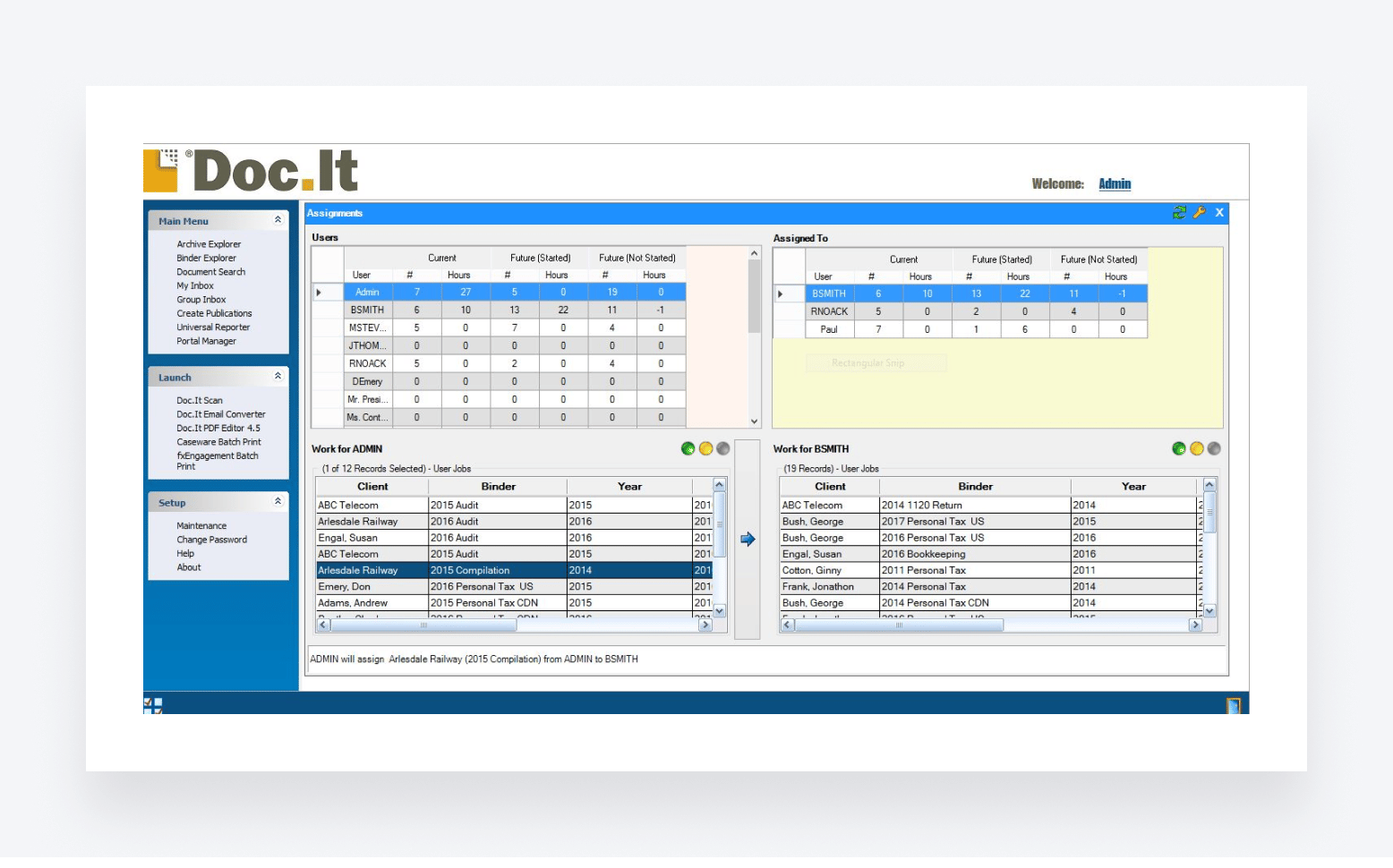
Doc.It is a cloud-based document management platform designed specifically for accountants and tax professionals. It offers three separate document management solutions, each one providing a range of features designed to streamline your document management workflows.
Depending on the specific solution you choose, you get the following key features:
- Automatically scan, gather, organize, and store documents
- Document indexing for easy search and retrieval
- Fully customizable reporting
- Document collaboration and workflow tools
- Secure web portal for document sharing and e-signing
- Built-in PDF editor
Doc.It’s pricing is unclear, with no direct information on its website.
| 👍 Pros | 👎 Cons |
| Designed for accountants and tax pros | Unclear pricing |
| Client portal for secure document sharing | Slightly confusing how the different Doc.It products differ |
| Built-in PDF editor | Outdated interface |
13. FileCloud
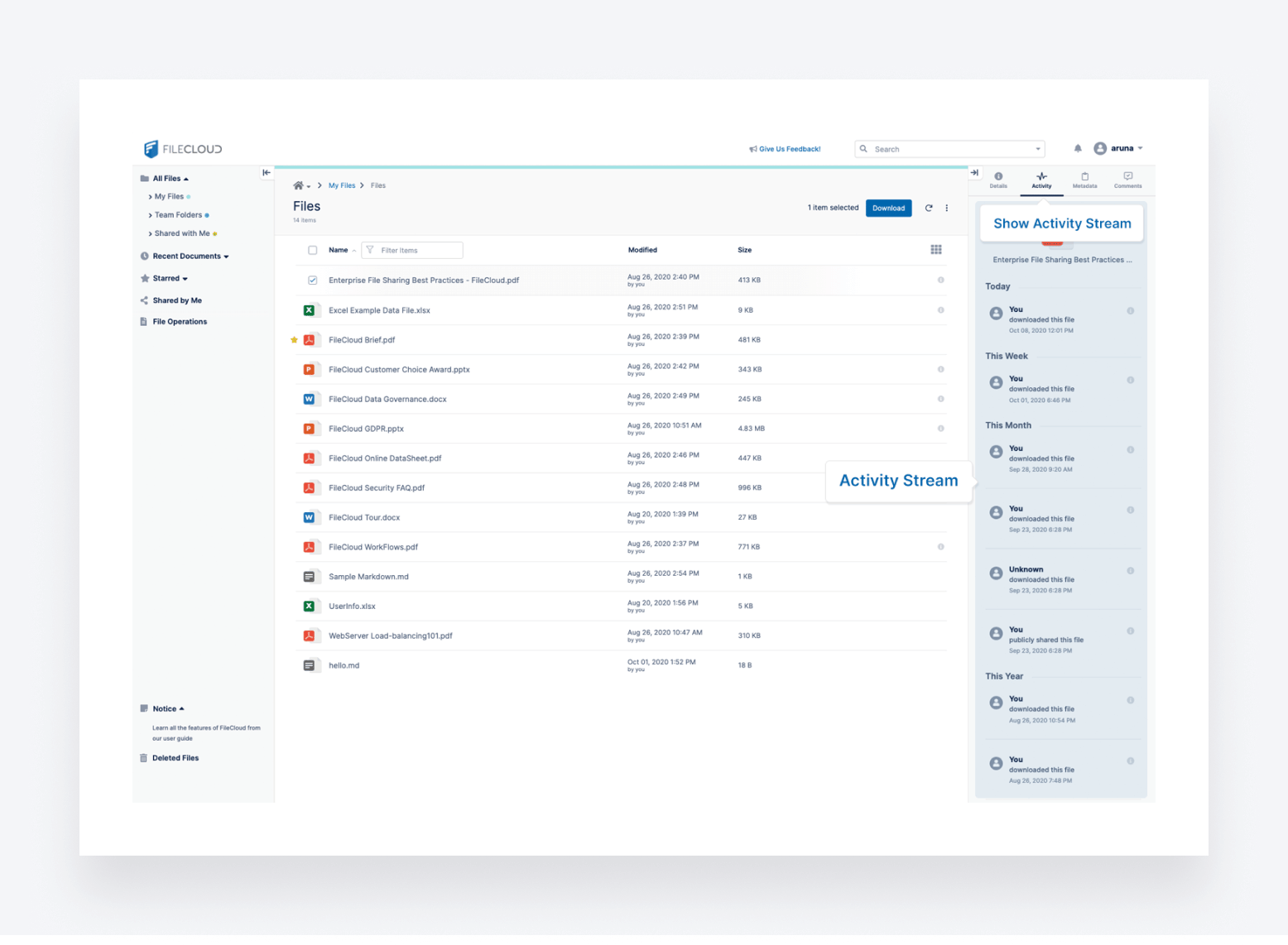
Rounding off this list, FileCloud is a secure content collaboration platform that offers a fairly broad range of features designed to improve document security, sharing, and collaboration. Its core features include:
- Secure file sharing via a client portal
- Robust security and compliance measures
- On-premise, hybrid, or cloud service options
- Drag-and-drop workflow automation tool
- Dashboard with real-time reporting
- Unlimited storage on the self-hosted version
- AI tool for classifying content
FileCloud’s cloud-based solution comes with three pricing plans:
- Essentials at $12.50 per user per month
- Advanced at $18.75 per user per month
- GovCloud, for which you’ll need to contact the sales team for a quote.
| 👍 Pros | 👎 Cons |
| Strong on security and compliance | File storage limits on cloud-hosted version |
| Handy automation builder | Minimum user limit excludes solopreneurs and small teams |
| Client portal with unlimited client access | Not designed specifically for accountants |
To sum up
An effective file-sharing tool is essential for any modern accounting practice. In this article, we’ve looked at 13 of the best options, and one thing is clear: no two solutions are the same.
Tools like Google Drive and Microsoft OneDrive offer free versions with somewhat limited functionality. Others like NordLocker and Tresorit focus heavily on security. Then there are more comprehensive document management platforms, such as Dropbox, Box, and SmartVault.
Alternatively, you can opt for a complete practice management platform like TaxDome. This way, you get accounting-focused document management and secure file-sharing features alongside everything else you need to run a highly efficient and profitable firm.
Want to see how TaxDome can transform your accounting workflows? Request a demo today!

Jeff writes for TaxDome with experience in accounting, finance, and invoicing industries. He focuses on educating users about accounting trends and maximizing productivity through practical guidance on TaxDome’s features.

Get your free guide

Thank you!
The guide copy has been sent to your email. Please check your inbox!
Recommended articles
Best document management software for accountants in 2026: the ultimate guide

Top 15 Excel functions for accountants: take your Excel skills to the next level!
How to create a bookkeeping client intake form (with free template)