 US – English
 UK – English
 Canada – English
 Australia – English
 Danmark – Dansk
 DACH - Deutsch
 France – Français
 España – Español
 Sverige – Svenska
 Italia – Italiano
 Nederland – Nederlands
 Portugal – Português
 Suomi – Suomi
 Norge – Norsk
 日本 – 日本語
 Romanian – Română












Client requests just got faster and easier: templates, automations, and bulk sends

Run your entire firm on one platform
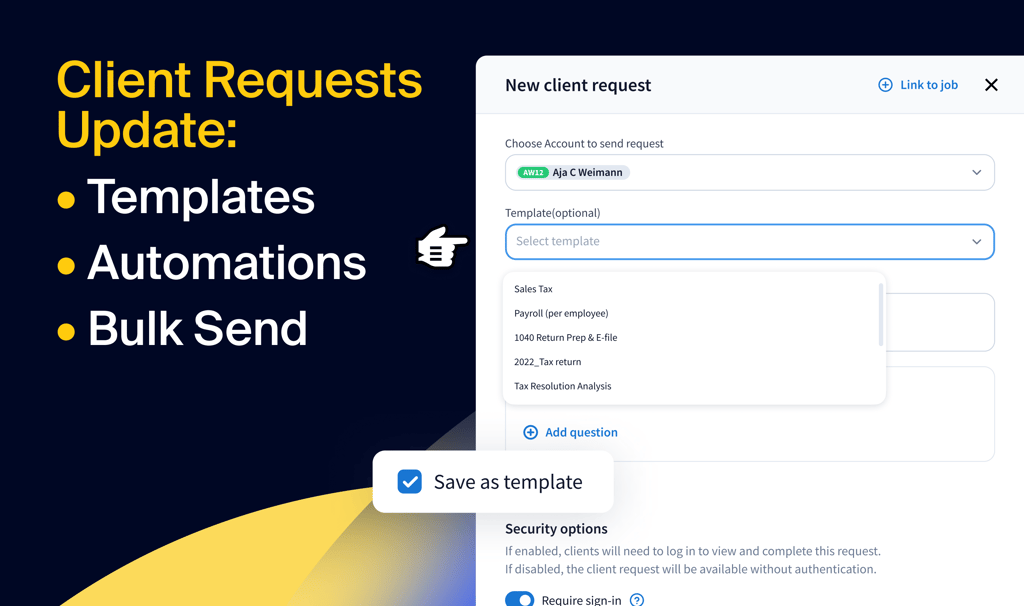
Obtaining information from clients is one of the biggest pain points for tax preparers, bookkeepers, and accountants everywhere. At TaxDome, we’re committed to providing innovative solutions that simplify and enhance your practice. That’s why we introduced Client requests earlier this year—a secure, efficient way to gather ad-hoc information and documents from clients.
After becoming a favorite among firms, we’ve made Client requests more powerful than ever with templates, more customizable automations, and bulk actions—enabling firms to manage complex client needs, from consulting to bookkeeping and, of course, tax preparation.
Table of сontents
What are Client requests?
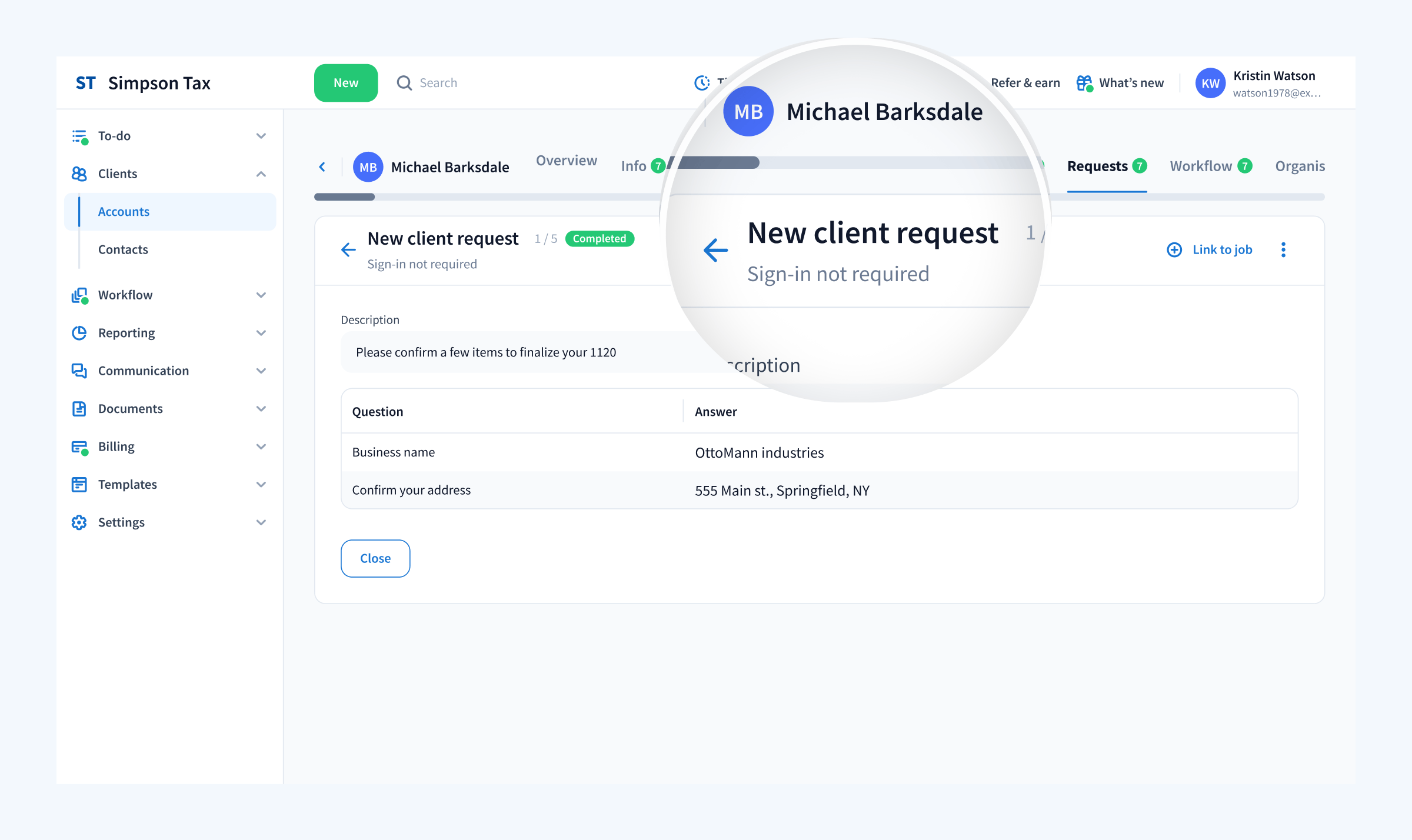
If you’re new to Client requests, they enable you to get ad-hoc information and documents from clients quickly and easily. It’s as easy as sending a chat message, but it’s organized and trackable, ensuring that all necessary information is collected efficiently.
- Quick & customizable: client requests are fully customizable and can be sent quickly, allowing you to make ad-hoc requests mid-engagement.
- Faster client responses: create and send requests for information or documents directly to clients without requiring them to log into TaxDome.
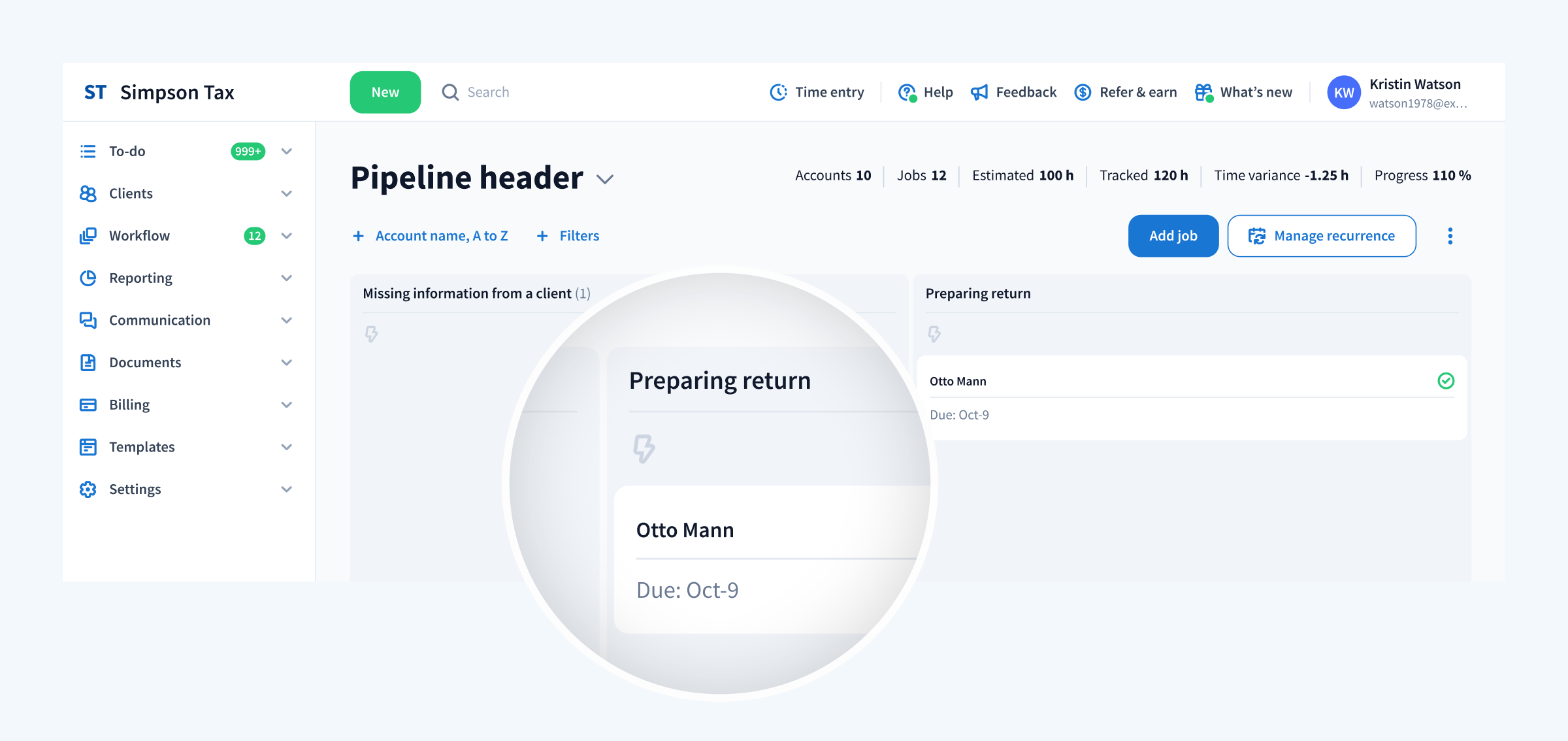
- Automated workflow: link requests to specific jobs, allowing the job to move forward automatically once the requested information is provided.
Moreover, we always care for the security of your data, and this feature is completely safe to use when communicating with clients:
- Any data transferred via the Client Requests is end-to-end encrypted. This ensures that only authorized parties can access the shared information, providing robust protection against interception or unauthorized access.
- With SOC 2 certification, TaxDome has been independently verified to provide industry-leading security for all client-facing tools, including Client Requests.
- TaxDome platform has 2FA and SSO mechanisms to provide an extra layer of security.
Client Requests, along with our organizers and client tasks, enable you to easily get information from your clients. They complement our existing functionality, providing a holistic approach to client management. Our organizers help you send out new client intake forms via organizers, while client tasks remind your clients to take care of vital tasks — such as completing an authorization form on their bank’s website. Client requests help you get answers to clarifying questions mid-project, ensuring you have everything you need to keep your jobs moving and your clients happy.
Client requests 2.0: faster, smarter, and more scalable
With our latest updates—templates, automations, and bulk sends—we’ve done away with limitations. Coupled with its already powerful capabilities, these enhancements enable firms to handle complex operations with ease, scale without added stress, and deliver an elevated client experience.
Reusable templates
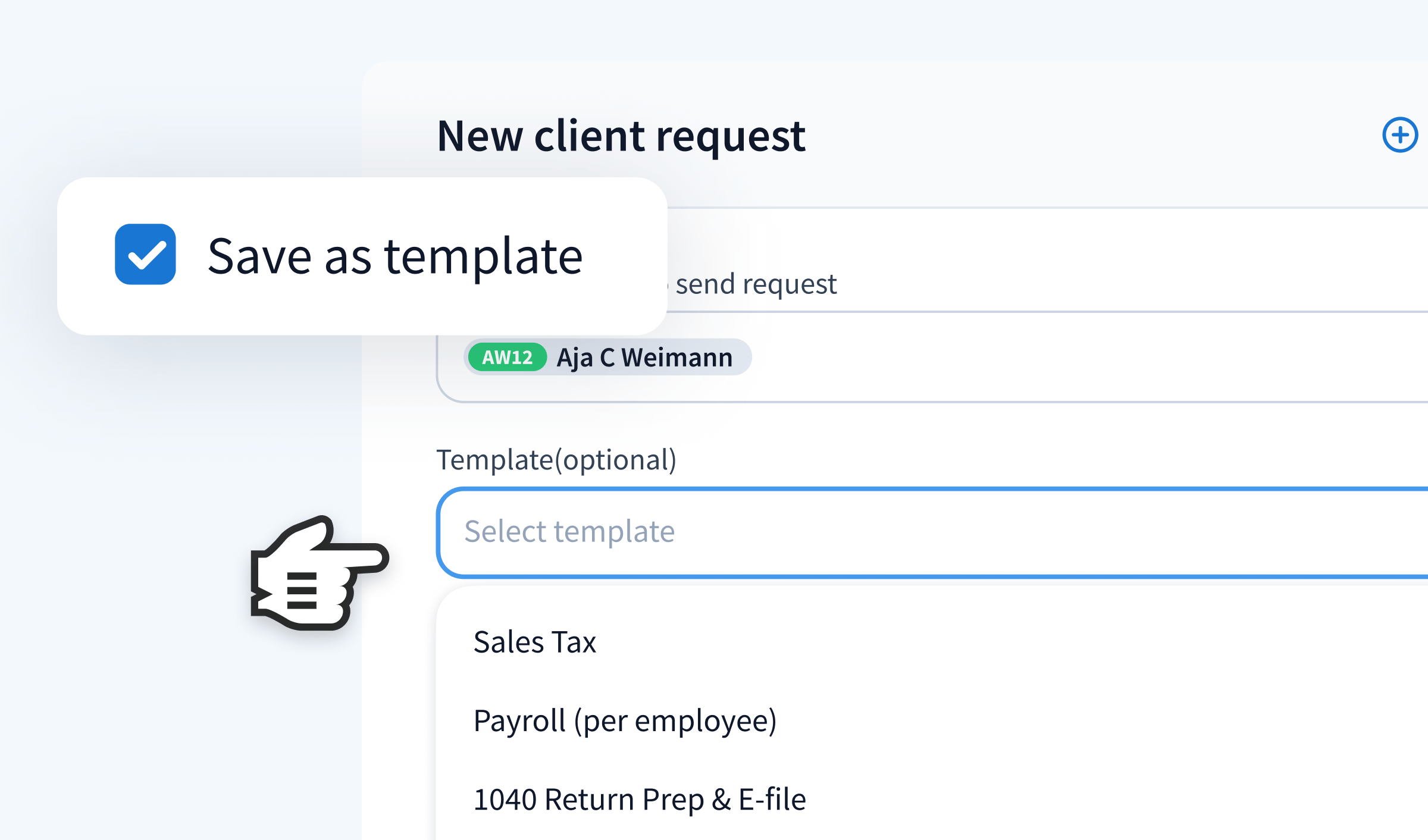
Some requests come up frequently and manually recreating them wastes valuable time. With Client request templates, you can eliminate this inefficiency by standardizing and reusing frequently sent requests.
Whether you’re collecting updated payroll summaries or need itemized mileage lists from clients who travel for work, templates simplify regularly requesting this information and ensure all your clients receive polished and precise requests.
How to use templates
- Navigate to Client requests and create a new request.
- Add your questions, instructions, or document requirements.
- Save the request as a template, which can be managed and edited later in the Templates tab.
- When needed, select the template, assign it to a client or job, and send it. For recurring processes, link templates to workflows to automate the process.
Customizable automations
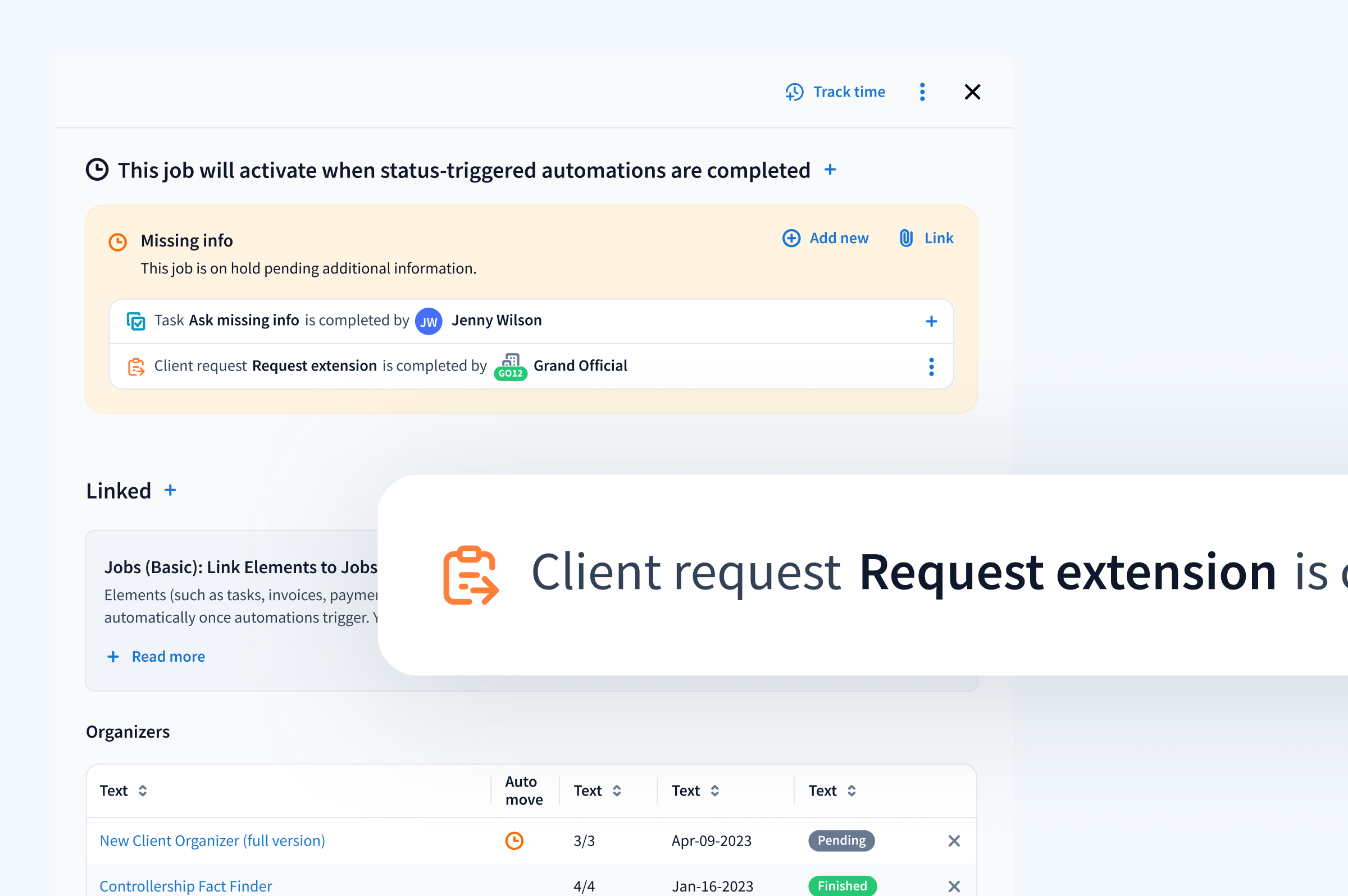
Automation lies within the foundation of what we at TaxDome do for firms. With Client requests’ improved customization, firms can now fully integrate requests into their workflow—from requests that reach a specific cluster of clients down to a single recurring client’s unique needs.
Whether you need to request end-of-month inventory counts during a recurring bookkeeping job or need proof of charitable donations while calculating a tax return, Client requests get you the information you need when you need it and without having to manually request it every time. Here’s how it works:
- Create a Client request template to standardize frequently sent requests.
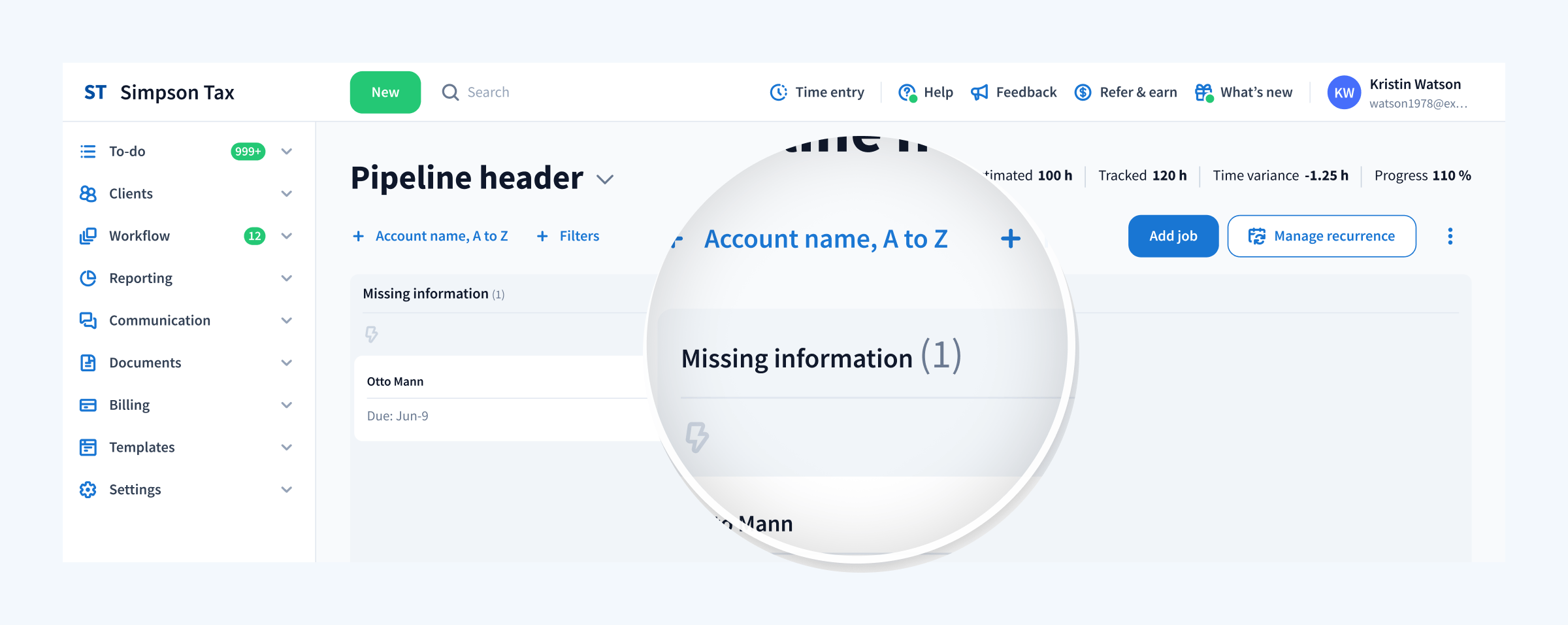
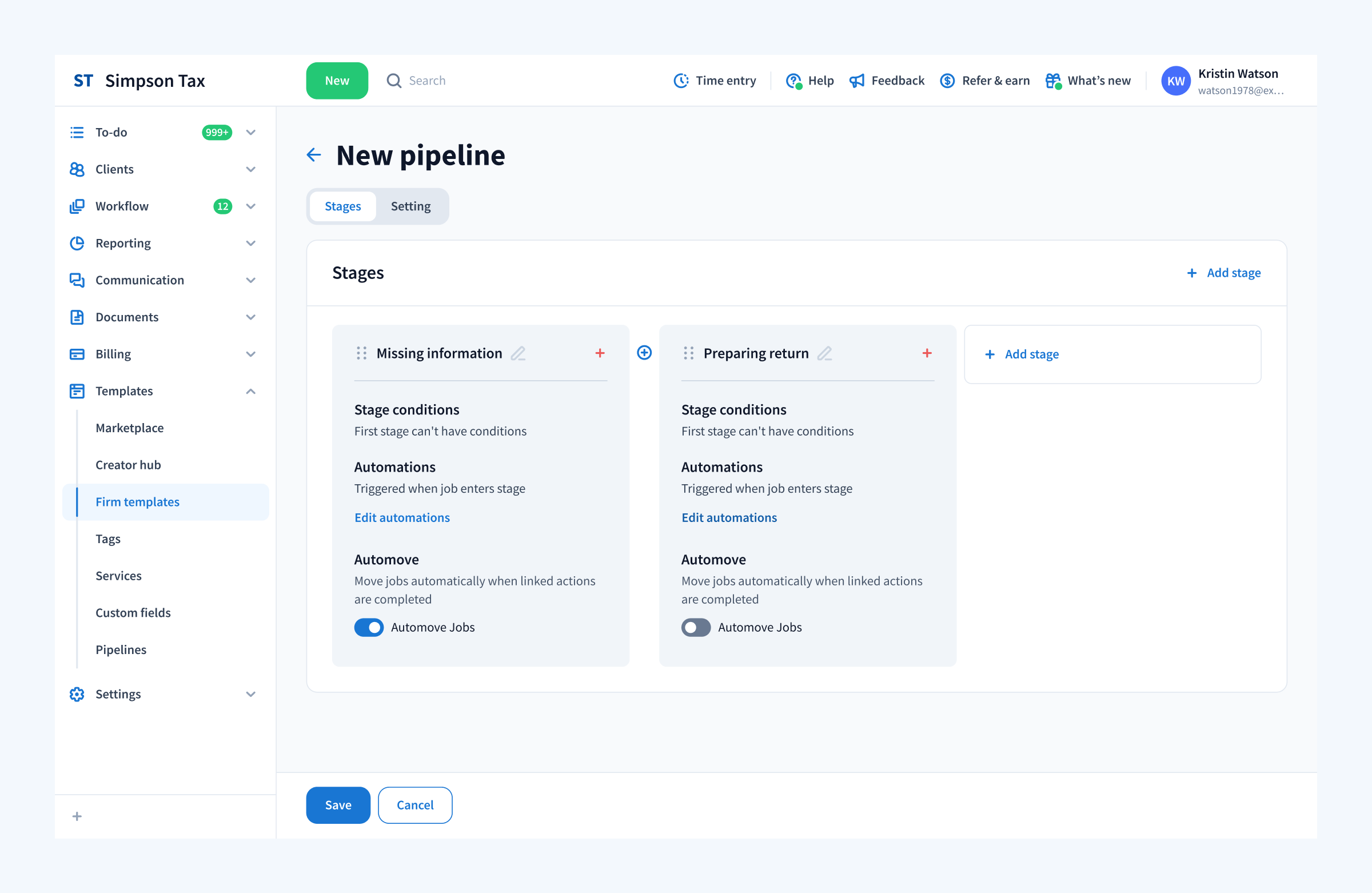
- Assign the template to a specific stage in your workflow pipeline.
- Enable automove functionality so that when a client fulfills the request, the job progresses to the next stage.
- Monitor the status of requests and their corresponding jobs in real time to keep your team on track.
Bulk sending
Sending the same request to multiple clients can quickly become repetitive and inefficient. Bulk sending requests allows you to send a single request to multiple accounts simultaneously. Whether you work with real estate agents who need to report mileage logs or clients who rent property on the side and need to provide statements of rental income and expenses, bulk sending ensures all relevant clients are covered without extra effort.
How to Use Bulk Sends
- Navigate to the Client requests section and create or select a request template.
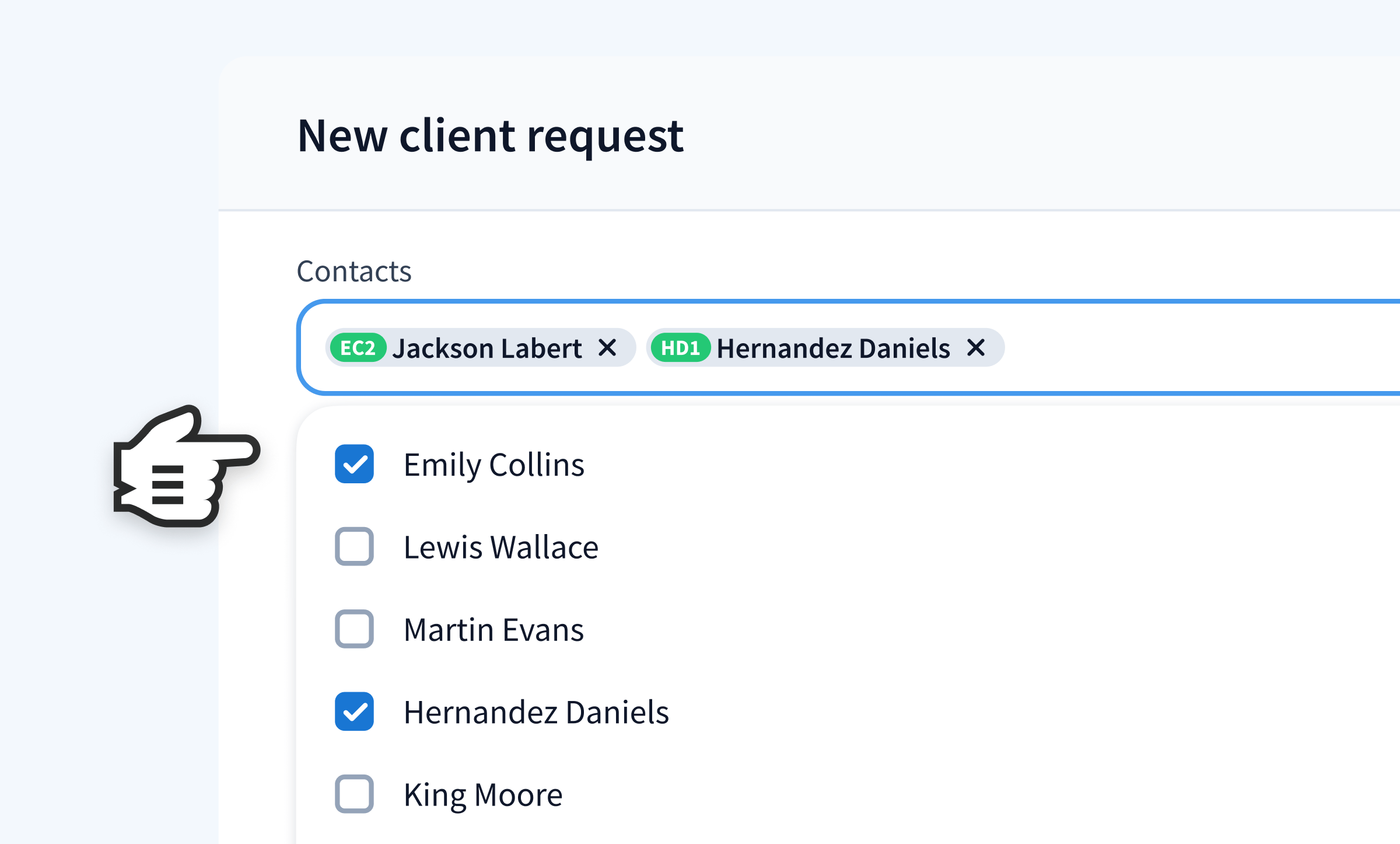
- Use the multi-select field to choose the accounts or specific contacts you want to include.
- Send the request with one action, and each account will have its own individual Client request for tracking and responses.
- Monitor progress in real time to ensure all responses are received and accounted for.
- Ensure you’ve created and saved a Client request template before proceeding with bulk sending. That way, you have the template ready to use anytime you need it.
How do clients respond to requests?
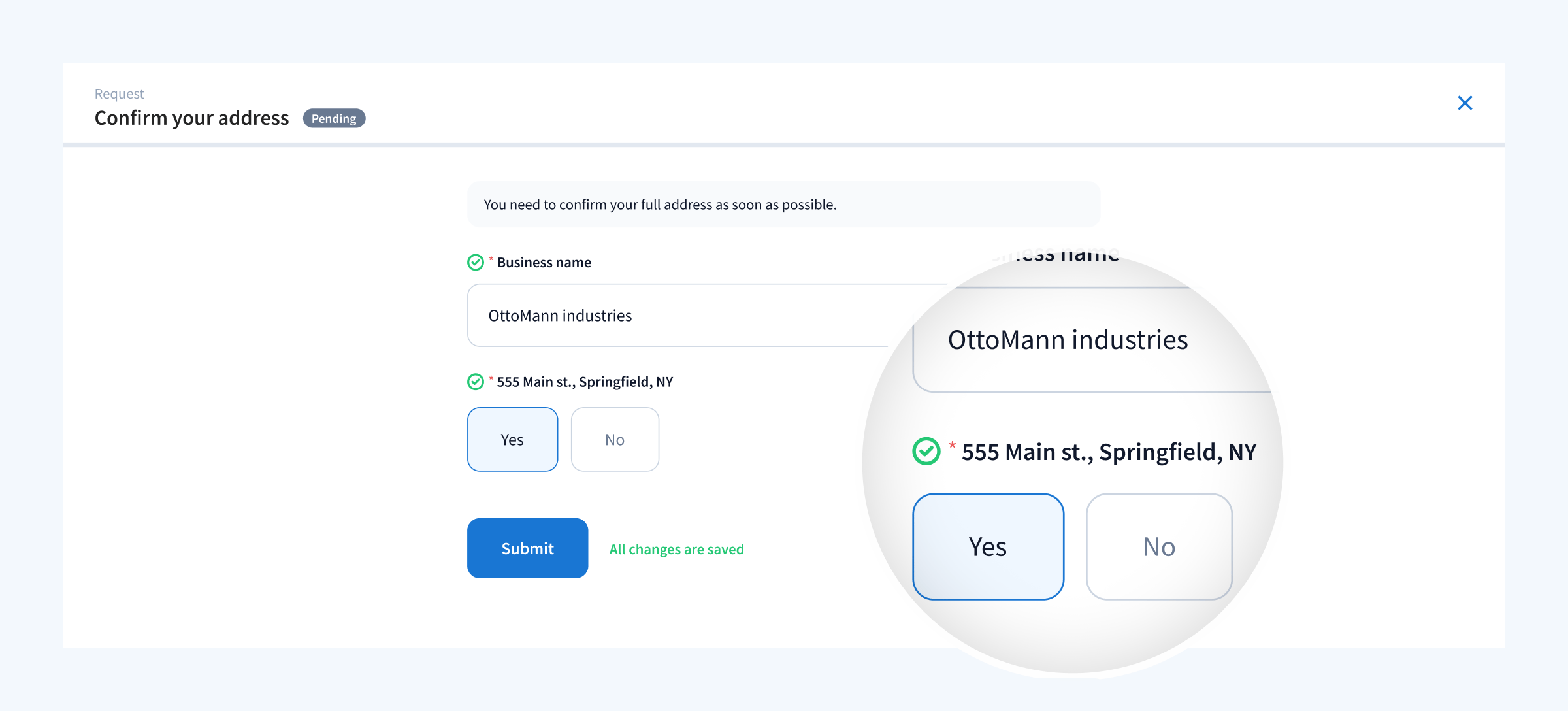
Clients can respond to your requests in several ways. As always, they can respond through the client portal or via our highly-rated client mobile app on iOS and Android; they will receive a push notification and will be able to respond on the go.
Additionally, you also have the ability to dictate whether you want the client to be able to answer the request without logging in. When sending a request, you have full control over the authorization setting in each client request. You can select ‘Require sign-in’, if you want clients to have to sign in to fulfill your client request, or deselect it if you want to make it easier for clients to fulfill your request.
TaxDome is built for you
At TaxDome, we build software that not only meets the needs of today’s accounting professionals and clients, but continuously adapts to meet the needs you’ll have tomorrow. TaxDome is built for all of you who rely on us to help get you out of the endless email chains and spreadsheets that consume your time and limit your room to grow.
We want to partner with you in building a better accounting industry. If you’re not part of the TaxDome Community yet, book a free demo to join 10,000+ firms worldwide in redefining what it means to work as an accounting professional.

Jeff writes for TaxDome with experience in accounting, finance, and invoicing industries. He focuses on educating users about accounting trends and maximizing productivity through practical guidance on TaxDome’s features.

Get your free guide

Thank you!
The guide copy has been sent to your email. Please check your inbox!
Recommended articles
TaxDome AI: more than 2,000,000 documents organized for accountants this past tax season—and we’re just getting started

Webinar recap and Q&A: Summer Update 2026

Unpacking the differences between TaxDome Payments and Stripe