 US – English
 UK – English
 Canada – English
 Australia – English
 Danmark – Dansk
 DACH - Deutsch
 France – Français
 España – Español
 Sverige – Svenska
 Italia – Italiano
 Nederland – Nederlands
 Portugal – Português
 Suomi – Suomi
 Norge – Norsk
 日本 – 日本語
 Romanian – Română












#Accounting workflow, #Practice management
Best time tracking and billing software for accountants in 2025: the ultimate guide

Run your entire firm on one platform

The right time-tracking and billing software can transform what feels like an endless chore into an efficient, seamless process that increases productivity. Thirty-four percent of employees say they’re more productive when they use time-tracking software. Yet only 14% of businesses have increased their investment in time-tracking tools.
What does this cost businesses? On average, employers overpay employees 200 billable hours every year because they don’t have a time-tracking solution.
A comprehensive time-tracking solution is an absolute necessity for modern accounting firms. In addition to increasing productivity, it ensures a more accurate billing process and automates time-consuming manual processes that take time away from higher-level work. But with so many options on the market, how do you choose the solution that is best suited for your tax, bookkeeping, or accounting practice?
To help you in your search, we’ve reviewed the top-rated time and billing platforms for accountants in 2026 comparing features, pricing, integrations, and how well each tool fits the realities of running a modern accounting firm.
Table of сontents
- The benefits of time tracking and billing software
- Here are the 11 best time tracking and billing software for accountants
- TaxDome
- Harvest
- Productive.io
- Clockify
- TimeCamp
- Time Doctor
- Time Analytics
- My Hours
- Toggl Track
- BigTime
- Hubstaff
- Comparing the best time and billing software for accountants
- Conclusion
Table of сontents
- The benefits of time tracking and billing software
- Here are the 11 best time tracking and billing software for accountants
- TaxDome
- Harvest
- Productive.io
- Clockify
- TimeCamp
- Time Doctor
- Time Analytics
- My Hours
- Toggl Track
- BigTime
- Hubstaff
- Comparing the best time and billing software for accountants
- Conclusion
The benefits of time tracking and billing software
Time-tracking and billing software offers several benefits for accounting firms. With the right tool, you can transform how your firm operates on a day-to-day basis, freeing up valuable time and improving overall efficiency. Consider the following benefits:
- Accurate time tracking. Automated time tracking ensures that every billable minute is captured, preventing underbilling or overbilling.
- Streamlined invoicing. Generating professional invoices from tracked time can be done automatically, reducing manual errors and speeding up the billing process.
- Improved productivity insights. Detailed reports reveal how time is being spent, helping firms optimize workflows and improve resource allocation.
- Enhanced client satisfaction. Provide clients with clear, detailed billing information to foster trust and avoid disputes over-invoicing.
- Scalability. As firms grow, the software scales with them, reducing the need for additional administrative staff while handling larger workloads seamlessly.
- Compliance and reporting. The software creates a clear audit trail with detailed records of billable time and invoicing, ensuring compliance with regulatory standards.
- Better budget oversight. Firms can monitor time spent on projects against budgeted hours, helping prevent cost overruns and ensuring that projects remain financially on track.
What’s the result of these benefits? Businesses with teams that track their time more effectively can see up to a 61% increase in revenue.
Here are the 11 best time tracking and billing software for accountants
- TaxDome
- Harvest
- Productive.io
- Clockify
- TimeCamp
- Time Doctor
- Time Analytics
- Myhours
- Toggl Track
- BigTime
- Hubstaff
TaxDome
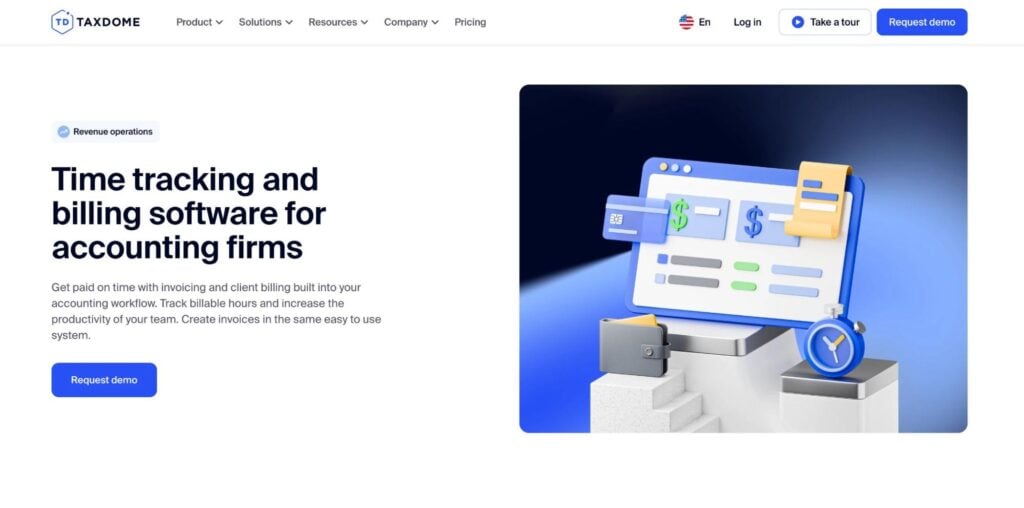
TaxDome is the all-in-one practice management platform built specifically for accounting, tax, and bookkeeping firms. It’s rated #1 on G2 for practice management software and trusted by 10,000+ firms worldwide. Unlike standalone time-tracking tools, TaxDome brings time and billing together with workflow automation, a secure client portal, document management, and CRM so you’re not forcing your time data to live in a separate silo from the rest of your practice.
- Time tracking & billing. Track billable hours, turn that data into accurate invoices, and get paid — all in one place.
- Client and firm mobile app. Clients can securely scan and upload documents, chat with their accountant, and even pay through the client mobile app. Firms can manage their teams on the go with the firm mobile app.
- Workflow automation. Automate entire accounting workflows, including all your client communications, document management, task management, invoicing, and more.
- AI-powered reporting. Advanced AI-powered reporting takes your time data and provides insights into productivity, efficiency, and profitability. Firms can analyze staff performance, project timelines, and billable hours, allowing them to make data-driven decisions that optimize operations and improve revenue.
- AI document tagging and automation. TaxDome automatically categorizes and renames client documents as they come in, eliminating the manual sorting work that historically ate into billable hours. Less admin time means more billable time captured.
- Comprehensive CRM. Helps manage clients and improve their experience by combining email, secure chats, and SMS messaging all in one easy-to-track platform.
- Project and team management. Track work statuses, assign tasks, and collaborate with team members in real time.
Instead of jumping between multiple different apps for managing your clients, teams, documents, or workflows, you can do it all in TaxDome. Essentially, TaxDome becomes the central hub for your firm’s workflows — the operating system for your practice.
Let’s take a look at the key advantages and disadvantages of using TaxDome.
| Pros | Cons |
| • Comprehensive all-in-one platform built for full-service accounting firms • Secure document exchange and client communication tools • Customizable workflows and automation • AI-powered insights for improved productivity tracking | • Learning curve due to the wide range of features |
TaxDome is built for accounting businesses of all sizes, from solopreneurs to major firms. That said, it’s particularly suitable for full-service accounting firms that need a complete practice management solution.
In terms of pricing, TaxDome offers three plans. The longer you commit to, the less you pay. The examples below are for three-year subscriptions:
- Essentials at $700 per year
- Pro at $900 per year
- Business at $1,100 per year
Harvest
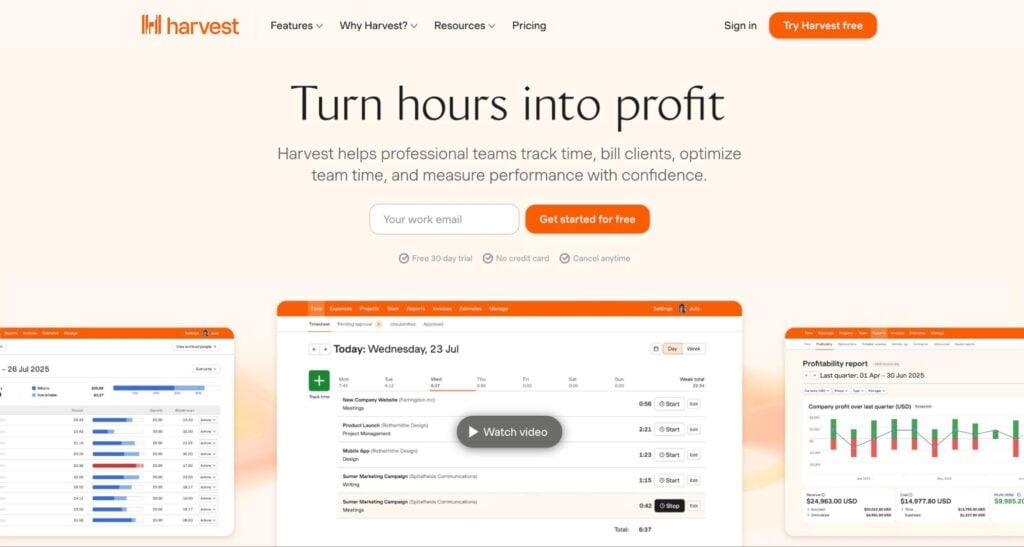
Harvest is a popular time-tracking and billing platform designed for professional services teams. Founded in 2006, it aims to simplify timesheet tracking, project budgeting, invoicing, and reporting for agencies and service providers. With Harvest, you can:
- Track time as you work or enter hours later
- Convert billable hours into professional invoices
- Get paid fast through the native Stripe integration
- Set hourly rates and budgets for projects and clients
- Track expenses for reimbursements
- Generate visual summaries and reports on productivity and time spent
Harvest also offers more than 50 native integrations, including accounting tools like QuickBooks Online and Xero. And with apps for both desktop and mobile, your team can capture time on any device.
So where does Harvest excel, and where does it fall short? Let’s look at a quick summary of its pros and cons:
| Pros | Cons |
| • User-friendly interface • Automated billing • Integrations with accounting software | • Inconsistencies between the desktop app and the website • Limitations in customizing billing rules • The app does not allow for client communication |
Harvest isn’t an accounting-specific app. Its customers span all sorts of industries, from professional services to marketing, design, and software development. That said, we think it’s a solid choice for individual accounting professionals and small firms. This is reflected in its pricing, with a free plan for solopreneurs. In addition, there are two paid plans:
- Pro at $11 per user per month
- Premium at $14 per user per month
Productive.io
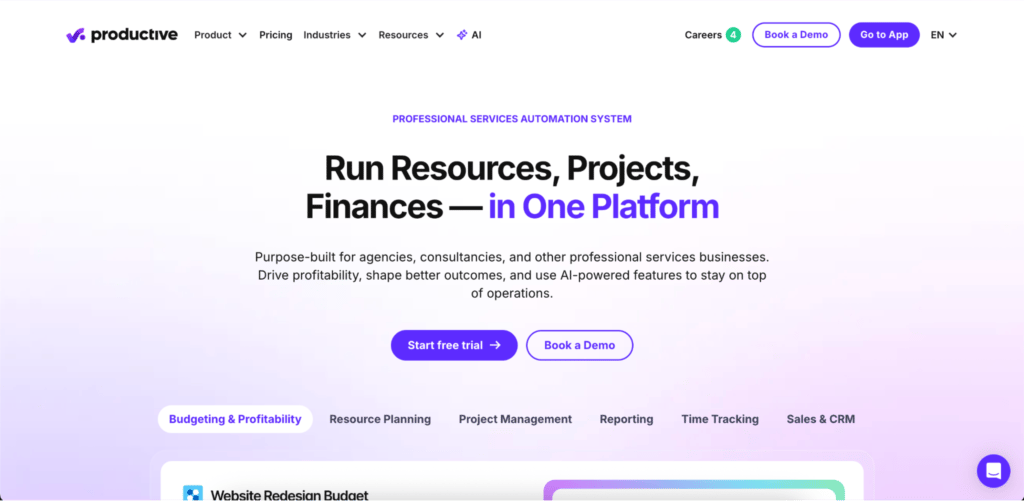
Productive.io is an all-in-one agency management platform built for professional services teams. Founded in 2012, it goes beyond time tracking and billing by connecting project delivery directly to budgets, resource planning, and profitability — giving firms a complete picture of how time spent translates into financial outcomes. Here’s what it offers:
- Track time via web, desktop, or mobile using a timer or manual entry
- Log billable and non-billable hours against specific projects and budgets
- Monitor budget burn in real time as hours are recorded
- Generate invoices directly from tracked time, with support for multiple currencies and tax line items
- Manage retainers, purchase orders, and expense approvals in one place
- Plan team capacity and visualize workloads across all active projects
- Access customizable dashboards and reports covering utilization, profitability, and project health
- Automate report delivery via email or Slack on a scheduled basis
Productive.io also integrates with popular accounting platforms, Slack, HubSpot, Jira, and calendar tools, and offers an open API and Zapier integration for custom workflows.
Here’s a quick summary of its main advantages and disadvantages:
| Pros | Cons |
| Deep financial layer with real-time profitability trackingTime data flows directly into invoices and budget reportsStrong resource planning and capacity managementOverhead calculation to show true margin per hour worked | Purpose-built for agencies, so less suited to solo practitionersNo employee monitoring or GPS tracking featuresMore features than smaller firms may need |
Productive.io is best suited to agencies, consultancies, and professional services firms that need to connect time tracking directly to financial performance. For accounting firms managing multiple client engagements simultaneously, it offers a level of budget visibility and profitability insight that most standalone time tracking tools don’t provide.
In terms of pricing, Productive.io offers a 14-day free trial with no credit card required. Paid plans are as follows:
- Essential at $10 per user per month (billed yearly)
- Professional at $25 per user per month (billed yearly)
- Ultimate — contact sales
Clockify
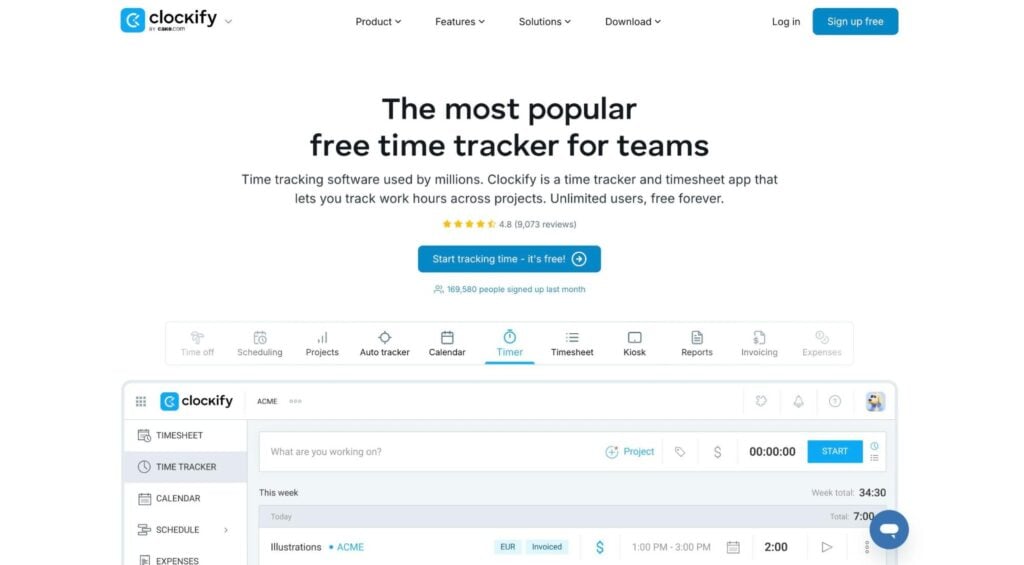
Clockify claims to be the “most popular free time tracker for teams”. Founded in 2015, it offers an intuitive way to track hours, manage projects, invoice clients, and analyze productivity. Known for being easy to use, Clockify offers a range of capabilities spanning three main categories: timekeeping, reporting, and management. Let’s explore them in more detail:
Timekeeping:
- Track time manually or using a timer on any device
- Weekly timesheets with itemized projects, approvals, and reminders
- Log time on shared devices using a PIN code
- Visualize your work and organize your time with a built-in calendar
Reporting:
- Intuitive dashboard for a snapshot view of how your team spends time
- Generate reports on time use and project costs
- Track how much time you spend on different apps and websites
- Track GPS locations and routes
Management:
- Understand team capacity and plan projects
- Manage employee time off and holidays
- Track project expenses, hourly rates, and fixed fees
- Create visually appealing invoices
In terms of integrations, you can connect with more than 80 third-party apps, including popular accounting software QuickBooks and a range of project management tools. What about Clockify’s best and worst aspects? Check out the pros and cons table below:
| Pros | Cons |
| • Intuitive and user-friendly • Integrated timers and alerts for higher productivity • Ability to clock in from a shared device | • No communication with clients is possible within the app • User interface can feel a bit “cluttered” at first |
Clockify is designed with freelancers, small teams, and growing businesses in mind. While it serves teams from all types of industries, it’s a decent choice for individual accountants and small firms looking to streamline their time-tracking and billing process.
Pricing-wise, Clockify offers a completely free version with limited functionality. In addition, there are four paid plans:
- Basic at $5.49 per user per month
- Standard at $7.99 per user per month
- Pro at $11.99 per user per month
- Enterprise at $12.99 per user per month
TimeCamp
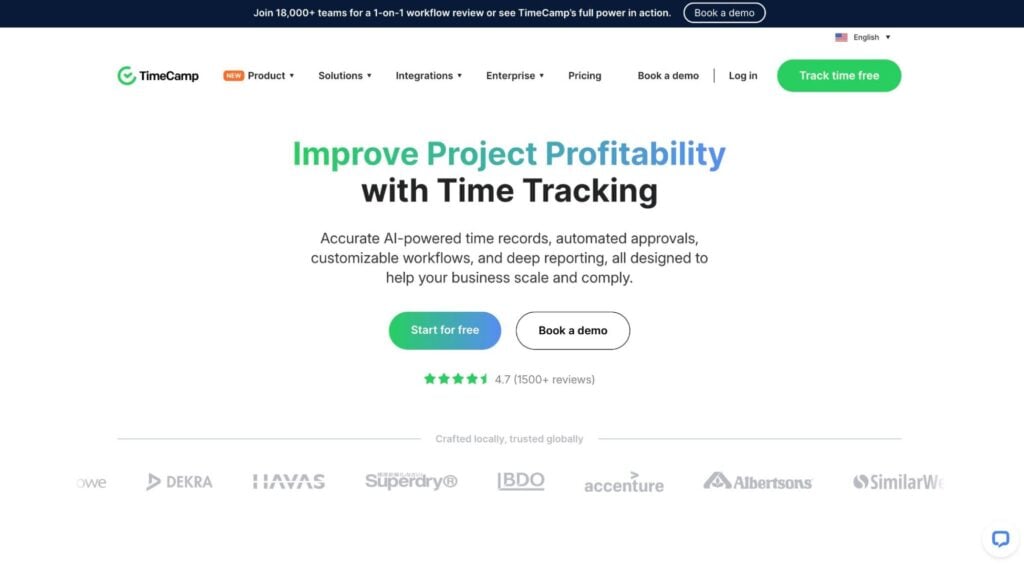
TimeCamp is an online time-tracking tool mainly designed for tracking team productivity. Founded in 2008, it provides customizable tracking options, reporting, invoicing, integrations with project management tools, and more. Let’s take a look at its core features across three main areas:
Time tracking and billing:
- Time tracking with automatic idle detection
- Detailed time reporting and analytics
- Generate professional invoices from tracked time
- Set hourly rates and budgets for projects
Workforce monitoring:
- Monitor hours, activity levels, apps used, etc.
- Set productivity goals for your team
- Manage, track, and calculate overtime for different projects
- Track employee locations
Attendance:
- Simple tools for clocking in and out from any device
- Time-off management, covering vacations, sick days, and more
- Attendance kiosk tool for clocking in and out with PIN codes
In terms of integrations, TimeCamp connects seamlessly with QuickBooks and Xero, as well as the most popular project management and calendar tools.
| Pros | Cons |
| • Useful productivity metrics and reports • Ability to assign different hourly rates per project • GPS tracking to monitor remote employees | • Lacks built-in features for interacting with clients |
TimeCamp is designed for everyone from solopreneurs to big teams. It’s a cost-effective option for both remote and in-office employees, making it a versatile choice for hybrid accounting firms.
There’s a completely free plan with limited features. Alternatively, you can opt for one of four paid plans. The more you pay, the more advanced features you get:
- Starter at $2.99 per user per month
- Premium at $4.99 per user per month
- Ultimate at $7.99 per user per month
- Enterprise at $11.99 per user per month
Time Doctor
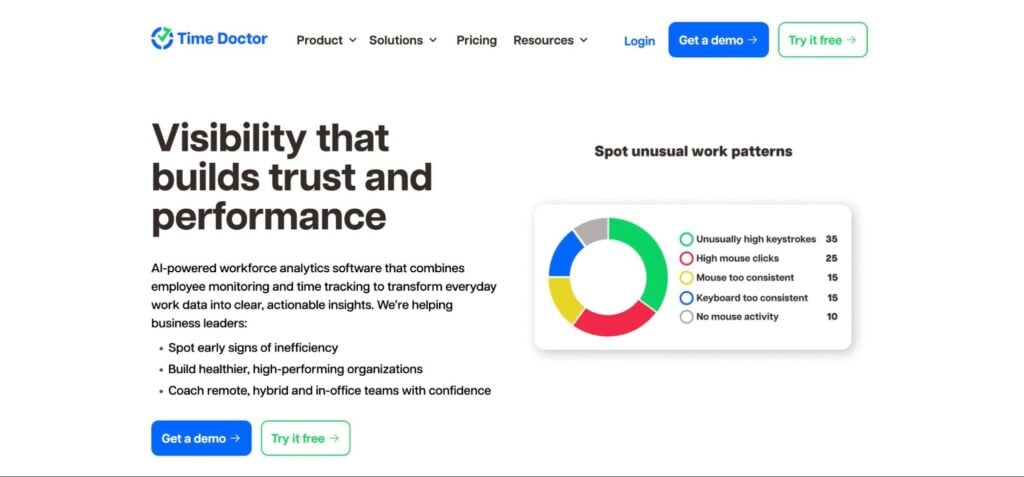
Time Doctor is an online time-tracking software with advanced reporting and productivity features. Founded in 2012, it aims to provide businesses with insights into time spent on tasks and projects. Here are just some of the things you can do with Time Doctor:
- Track time, including billable hours and breaks, even when offline
- Monitor team performance, activity, and productivity
- Get real-time alerts for unusual activity or inactivity
- Understand work-life balance and capacity with key metrics
- Keep your team on track with project and task management tools
- Leverage advanced workforce analytics for real-time insights
Time Doctor offers a range of different integrations, spanning popular tools for project management, payments and invoicing, and customer relationship management. Unfortunately, there are no native integrations for popular accounting platforms.
Now, let’s explore Time Doctor’s main advantages and disadvantages:
| Pros | Cons |
| • Detailed employee tracking • Useful analytics like cost or revenue per task | • No invoicing capabilities • No centralized portal for clients within the app • No integrations with popular accounting platforms |
Time Doctor is industry-agnostic, but it’s particularly popular with customer support teams, agencies, and tech companies of all sizes. Its features make time tracking easy in a remote or hybrid environment. Is it a good choice for accounting firms? Features-wise, it could be, but the lack of accounting integrations will be a major hindrance.
In terms of pricing, Time Doctor has four pricing plans:
- Basic at $5.90 per user per month
- Standard at $8.40 per user per month
- Premium at $16.70 per user per month
- Enterprise, which is tailored to individual needs
Time Analytics
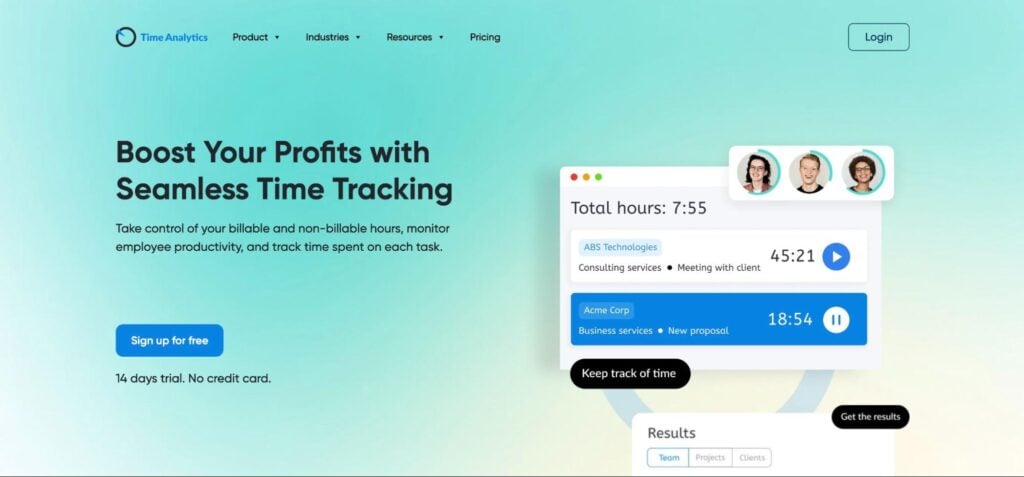
Time Analytics is a time tracking and reporting platform. Founded in 2018, it aims to provide detailed analytics on productivity, projects, and profitability. Let’s look at some of its key capabilities:
- Simple timer for recording time spent
- Automatically round up time records for simplified billing and reporting
- Intuitive timesheets that you can export to Excel
- Set hourly rates, employee capacity, and permissions for different tasks
- Get detailed insights into profitability, employee utilization, and more
- Track time off, sickness absence, and breaks
Time Analytics integrates seamlessly with Excel, and there’s a handy Chrome extension for simple time tracking in your browser. But beyond that, there’s little in the way of native integrations — especially ones that are highly relevant to accountants.
Below, you’ll find the highlights and lowlights of this time-tracking app:
| Pros | Cons |
| • Detailed timesheets for meticulous tracking • Visual reports and dashboards for at-a-glance insights | • Limited native app integrations • No built-in channels for client communication |
All in all, Time Analytics is a solid timesheet app. While it’s not designed solely with accountants in mind, it has the features firms of all sizes need to understand and track time. That said, the lack of accounting integrations could be a deal breaker.
In terms of pricing, you can choose between TimeCamp’s $4.99 per month Starter plan or its $6.99 per month Optimum plan.
My Hours
My Hours is an online time-tracking system designed for professional services teams. Founded in 2012, it helps you schedule projects, create budgets, track time, and generate reports. Here’s what it offers:
- Track time retrospectively or using a timer
- Send auto-reminders so users don’t forget to log time
- Schedule timesheets to be sent to email, or exported to PDF
- Analyze project costs in real time
- Set up budgets and get alerts when you are close to overspending
- Automate your timesheet approval workflow
- Assign user roles and control access
- Generate detailed reports on time, budgets, and profitability
Interestingly, My Hours is explicit about not including employee monitoring tools for ethical reasons. There’s also a Zapier integration for manually setting up automated workflows, but there’s no mention of any native integrations.
Below, you’ll find a quick summary of its pros and cons:
| Pros | Cons |
| • Useful budgeting features • Task prioritization capabilities | • Login issues that could cause missed time records • Limited integrations • No live chat feature for client collaboration |
According to its website, My Hours is well suited to non-profits, government contractors, legal teams, and consultants. For accountants, its lack of relevant integrations may be a stumbling block.
My Hours has two different pricing plans available: a free version and a pro version that costs $8 per active team member per month if billed annually.
Toggl Track
Toggl Track is a time tracker and timesheet app designed to ensure that team capacity and project workloads are evenly distributed. Founded in 2006, it provides a simple way to track time across projects, set billing rates, generate reports, and invoice clients. With Toggle Track, you can:
- Initiate time tracking effortlessly with one-click timers and idle detection
- Categorize time tracking based on clients, projects, or employees
- Record a personal timeline of activities — and then copy them to your timesheet
- Generate weekly reports on time and productivity
- Leverage visual data to identify potential issues
Like My Hours, Toggl Track steers away from employee monitoring tools that can potentially damage well-being and morale. Instead, individual users can choose which activities they want to submit as time entries.
Toggl Track offers a range of native integrations, including QuickBooks Online, Slack, Asana, and Google Calendar. There are also browser extensions where you can track time directly in other apps.
| Pros | Cons |
| • Browser plugins, mobile apps, and desktop apps • Useful integrations with project management platforms | • No recurring or bulk invoicing • Too simple for larger and more complex businesses • No client-shared workspace or communication tools |
Toggl Track offers a completely free version that’s well suited to solopreneurs and small teams of up to five people. There are also paid plans offering more advanced features:
- Starter at $9 per user per month
- Premium at $18 per user per month
- Enterprise, which offers custom prices based on your needs
BigTime
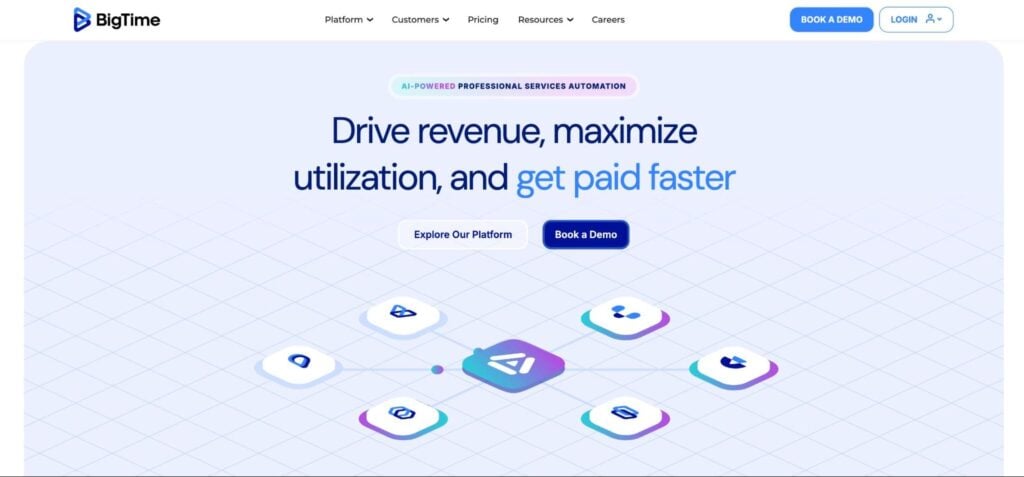
BigTime is a professional services automation platform designed for accounting and law firms. It allows you to handle time tracking, projects, billing, and invoicing on a single platform. Diving a bit deeper, BigTime enables you to:
- Capture all project-related and out-of-office time in customizable timesheets
- Log expenses and utilize automated billing
- Monitor project status, define tasks, assign activities, and more
- Create reports on project costs, time use, and revenue
- Use time data to create custom-branded invoices
- Access an intuitive accounts receivable dashboard for real-time insights
BigTime also integrates with plenty of third-party apps, including QuickBooks Online, Intuit Lacerte, Sage, Slack, and more. Let’s take a look at its pros and cons:
| Pros | Cons |
| • Custom reporting and business analytics • Single dashboard to manage all data | • A steeper learning curve for new users |
BigTime is designed with the needs of professional services firms in mind. In particular, it’s a decent choice for large CPA, bookkeeping, and accounting firms interested in workflow automation and practice management.
BigTime has four monthly plans:
- Essentials at $20 per user per month
- Advanced at $35 per user per month
- Premier at $45 per user per month
- Foresight, for which prices are available on request
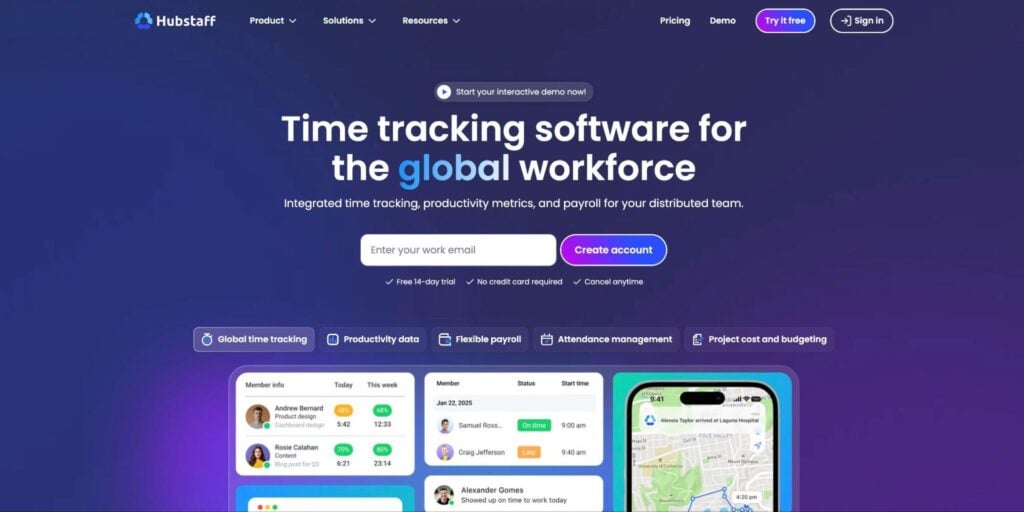
Hubstaff
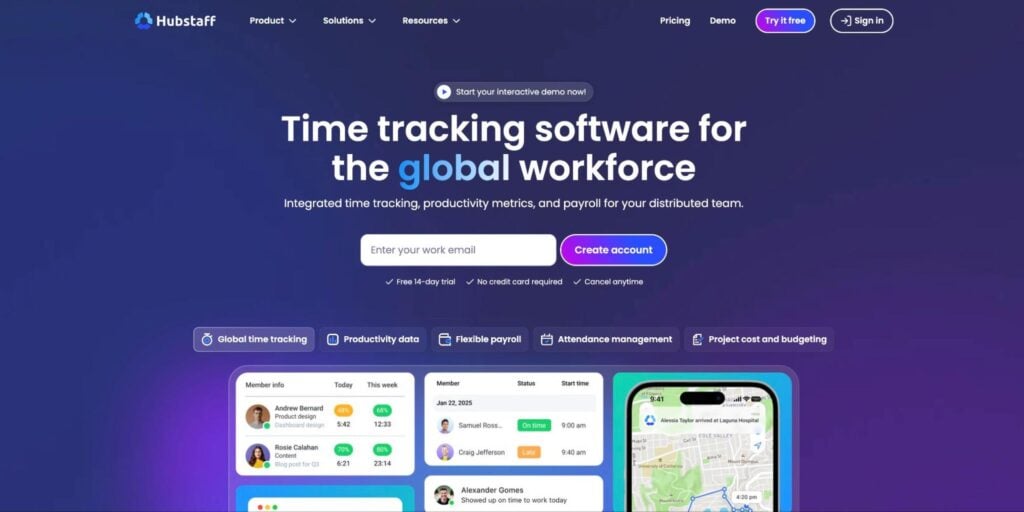
Founded in 2012, Hubstaff is a time-tracking solution that offers employee monitoring, scheduling, invoicing, payroll, and robust analytics. Let’s take a quick look at its core capabilities:
- Track time on any device
- Plan work schedules and manage attendance efficiently
- Generate invoices and manage payments
- Access detailed reports on time usage, activities, and productivity
- Monitor project progress, budgets, and tasks
- Track employees’ locations and work-related activities
Hubstaff integrates with more than 35 third-party applications, including QuickBooks, Asana, Slack, and Google Calendar.
| Pros | Cons |
| • Data security with advanced privacy measures • In-depth analytics and oversight | • Raises privacy concerns with employee monitoring • Does not allow to collaborate with clients in real-time within the platform |
According to its website, Hubstaff is an ideal solution for agencies, software development teams, and consulting businesses. It offers solutions for fully remote or hybrid teams of any size — from small businesses to enterprises.
It’s also a good choice for accounting businesses, particularly large CPA, bookkeeping, and accounting firms focused on advanced monitoring, productivity, and practice management.
Hubstaff provides four paid plans:
- Starter at $4.99 per user per month
- Grow at $7.50 per user per month
- Team at $10 per user per month
- Enterprise at $25 per user per month
Comparing the best time and billing software for accountants
There are so many tools available for streamlining the timekeeping and billing process that it can be tricky to find the perfect fit. To make this process easier, the table below compares some of the top solutions and their key features.
| TaxDome | Harvest | Productive.io | Clockify | TimeCamp | Time Doctor | FreshBooks | ZipBooks | Time Analytics | MyHours | Toggl Track | BigTime | AccountSight | Hubstaff | |
| Time tracking | ✅ | ✅ | ✅ | ✅ | ✅ | ✅ | ✅ | ✅ | ✅ | ✅ | ✅ | ✅ | ✅ | ✅ |
| Invoicing | ✅ | ✅ | ✅ | ✅ | ✅ | ❌ | ✅ | ✅ | ✅ | ✅ | ✅ | ✅ | ✅ | ✅ |
| Reporting | ✅ | ✅ | ✅ | ✅ | ✅ | ✅ | ✅ | ✅ | ✅ | ✅ | ✅ | ✅ | ✅ | ✅ |
| Integrations with project management software | ✅ | ✅ | ✅ | ✅ | ✅ | ✅ | ✅ | ✅ | ✅ | ✅ | ✅ | ✅ | ✅ | ✅ |
| Integrations with accounting software | ✅ | ✅ | ❌ | ❌ | ❌ | ❌ | ✅ | ❌ | ❌ | ❌ | ❌ | ✅ | ✅ | ✅ |
| Client communication | ✅ | ❌ | ❌ | ❌ | ❌ | ❌ | ✅ | ✅ | ❌ | ❌ | ❌ | ❌ | ❌ | ❌ |
| Pricing | From $700/year | Free plan available | From $10/month | Free plan available | Free plan available | From$6.67/month | From $6.90/month | Free plan available | From $4.99/month | From $4/month | Free plan available | POA | Free plan available | From $4.99/month |
Conclusion
When it comes to running an efficient accounting practice, proper time tracking and billing should be core priorities. Fortunately, modern software solutions offer accountants specialized tools for automating workflows, gaining insights into productivity, tracking billable time, creating professional invoices, and much more.
TaxDome falls in the “much more” category here. It offers full time-tracking and billing capabilities to accountants with the added benefit of a full suite of tools to help manage your accounting firm.
Want to learn more about TaxDome’s capabilities? Discover all the ways it can help you in just 30 minutes by signing up for our demo below.

Aaron produces practical content for TaxDome, drawing on 11 years in SaaS copywriting and marketing. He helps accounting and tax professionals get the most from TaxDome and other tools, making complex topics clear and actionable.

Get your free guide

Thank you!
The guide copy has been sent to your email. Please check your inbox!
Recommended articles
9 best QuickBooks alternatives in 2026 for every business type
65+ key accounting statistics and insights for 2026

How to start an accounting firm: a step-by-step guide to running your own practice