 US – English
 UK – English
 Canada – English
 Australia – English
 Danmark – Dansk
 DACH - Deutsch
 France – Français
 España – Español
 Sverige – Svenska
 Italia – Italiano
 Nederland – Nederlands
 Portugal – Português
 Suomi – Suomi
 Norge – Norsk
 日本 – 日本語
 Romanian – Română












Best payroll software for accountants in 2026: features, tools, and what to look for

Run your entire firm on one platform
Getting payroll right is one of the most sensitive, high-stakes functions accounting firms handle. One late payment or miscalculated deduction can erode client trust fast — and trigger penalties even faster. That’s why leading firms don’t leave payroll to chance. They rely on a purpose-built payroll system designed for the realities of professional service delivery.
But with dozens of tools on the market — most built for employers, not accountants — how do you choose a solution that actually fits the way your firm works?
That’s exactly what we’ve explored. In this article, we’ll unpack what makes payroll software for accountants different, the features that matter most, and how top tools compare in 2026.
Table of сontents
- How payroll systems differ for accounting services vs. in-house teams
- What are the benefits of specialized payroll software for accountants?
- Choosing payroll software for accountants: features that actually matter
- Top payroll software for accountants in 2026
- How TaxDome supports firms offering payroll services
- Frequently asked questions
Table of сontents
- How payroll systems differ for accounting services vs. in-house teams
- What are the benefits of specialized payroll software for accountants?
- Choosing payroll software for accountants: features that actually matter
- Top payroll software for accountants in 2026
- How TaxDome supports firms offering payroll services
- Frequently asked questions
How payroll systems differ for accounting services vs. in-house teams
Payroll software, at its core, is designed to help businesses pay their employees accurately and on time. That’s why most tools on the market are built with a single company in mind — they’re tailored for internal HR or finance teams.
Accounting payroll processing tools, on the other hand, is designed to support high-volume service delivery across multiple clients.
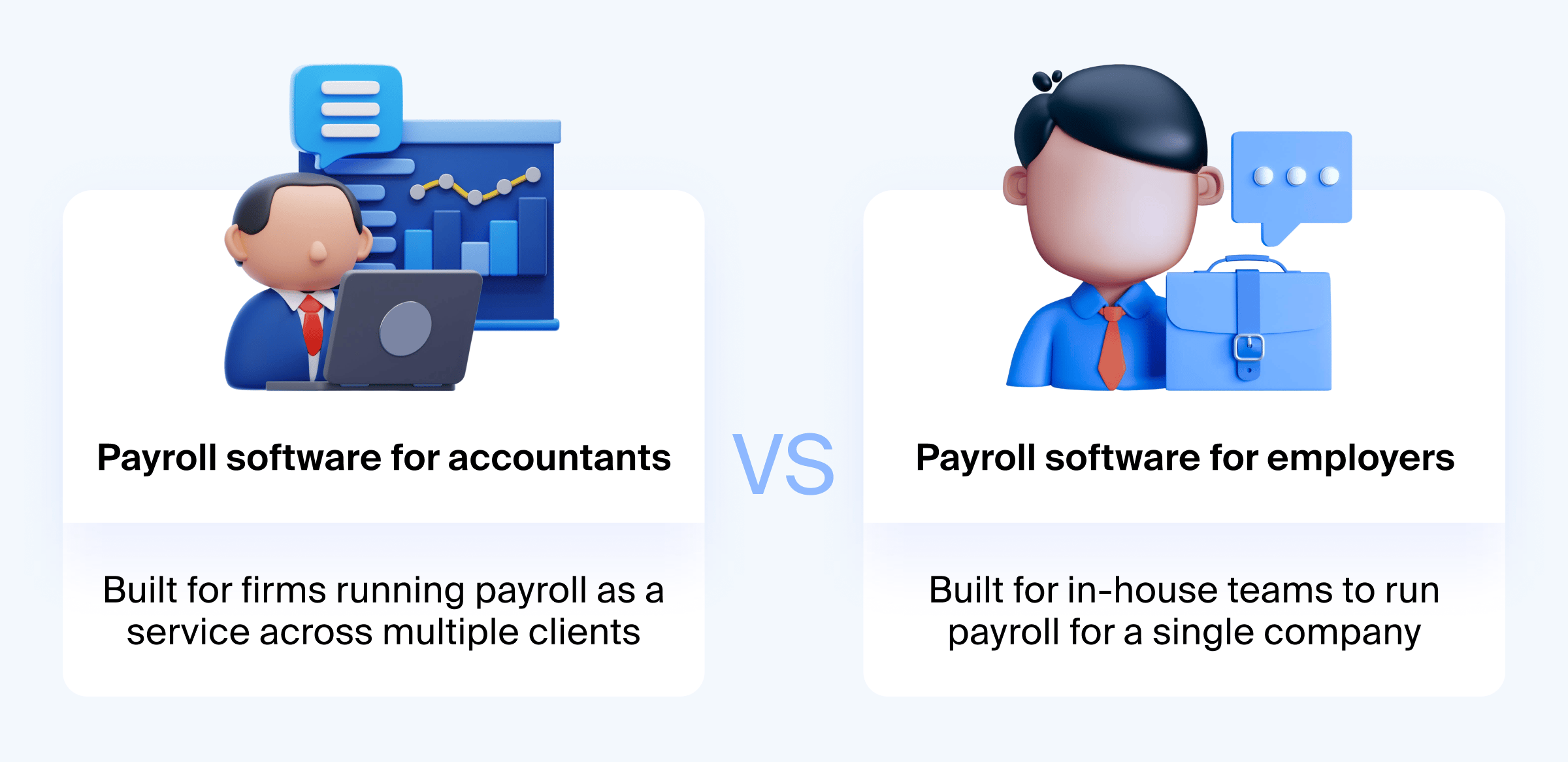
And that distinction matters. When accounting firms use employer-oriented payroll tools, they often face frustrating limitations: logging into separate accounts for each client, manually coordinating schedules and documents, and working around features that don’t map to accounting workflows.
The right software shifts payroll from a manual chore to a repeatable, profitable service — one your team can actually scale with confidence.
What are the benefits of specialized payroll software for accountants?
Managing payroll across multiple clients introduces more variables, more risk, and more room for things to go sideways. Specialized payroll software helps firms bring order to that complexity.
Here’s what you achieve:
- Less manual work: Recurring tasks like direct deposits, tax filings, and year-end forms happen in the background, not on your to-do list.
- Stronger compliance: With built-in checks and real-time updates, your firm stays aligned with evolving tax laws and avoids costly missteps.
- Operational flexibility: Your team can support a wide range of client setups without duplicating processes or managing separate systems.
- Better client experience: Clients get timely communication, clear reports, and accurate results — the kind of service that builds loyalty.
- Room to grow: With automation and centralized data, your team can take on more clients without increasing headcount or stress.
When payroll is supported by the right tools, your team spends less time on process and more time delivering value. Clients get reliable results. Your firm gets space to grow. And payroll processing becomes a service you can stand behind — not work around.
Choosing payroll software for accountants: features that actually matter
Every payroll tool promises convenience. But when you’re managing payroll across dozens of clients, you need more than that. You need features built for accounting workflows — not HR teams.
- Start with client management. Look for a system that offers multi-client dashboards and lets your team access everything with a single login. Switching between client profiles should feel seamless, not like juggling separate accounts.
- Compliance automation is just as critical. The software should stay up-to-date with federal, state, and local regulations — and handle filings, deadlines, and tax forms without manual intervention.
- Integrations help you avoid double work. The right payroll system will sync with your accounting software, document storage, and time-tracking tools, keeping everything connected.
- Customization matters when every client has a different setup. Choose a platform that supports varied pay schedules, employee types, and branded client portals or reports.
- Don’t overlook user experience. A clean interface and client-facing tools like self-service portals make your service feel more professional — and easier to deliver.
Choosing payroll software isn’t just about finding what’s cheap — it’s about finding what works for your workflow, your clients, and your long-term service goals.
Top payroll software for accountants in 2026
We’ve explored seven of the most popular payroll software used by accounting professionals today. To compare them at a glance, take a look at the table below — it outlines pricing, key features, and who each tool is best suited for.
| Name | Pricing | Best for | Key features |
| Gusto | $59–$219 per month plus $8–$26 per employee | Small firms and solo accountants who want ease and flexibility | Unlimited payrolls, multi-client dashboard, tax filing, integrations |
| ADP Accountant Connect | Free software; pricing varies by client service | Mid-sized firms delivering payroll alongside advisory services | Multi-client access, analytics, tax research tools, dedicated support |
| OnTheClock | $45 per month plus $10 per employee | SMBs and firms providing payroll services for multiple small business clients | Multi-client support, built-in payroll, payroll integrations, labor-cost reports |
| QuickBooks Payroll | $5–$13 per month plus $6–$11 per employee (Elite free for accountants) | Firms already using QuickBooks Online and want full integration | Tax penalty protection, mobile app, HR support, QuickBooks sync |
| Patriot Software | $17–$37 per month plus $4–$5 per employee | Cost-conscious firms serving clients with simple payroll needs | Unlimited runs, free direct deposit, tax filing, end-of-year reports |
| Paychex Flex | Custom pricing based on plan (Select, Pro, Enterprise) | Firms scaling advisory or handling complex HR/payroll needs | Payroll + HR, CAS tools, analytics, 24/7 support, flexible plans |
| OnPay | $49 per month plus $6 per employee (free for partners) | Firms seeking a lightweight, accountant-first platform | Full-service payroll, delegation, revenue share, QuickBooks/Xero sync |
Now, let’s break down each solution in more detail so you can evaluate them based on your firm’s specific priorities.
Gusto
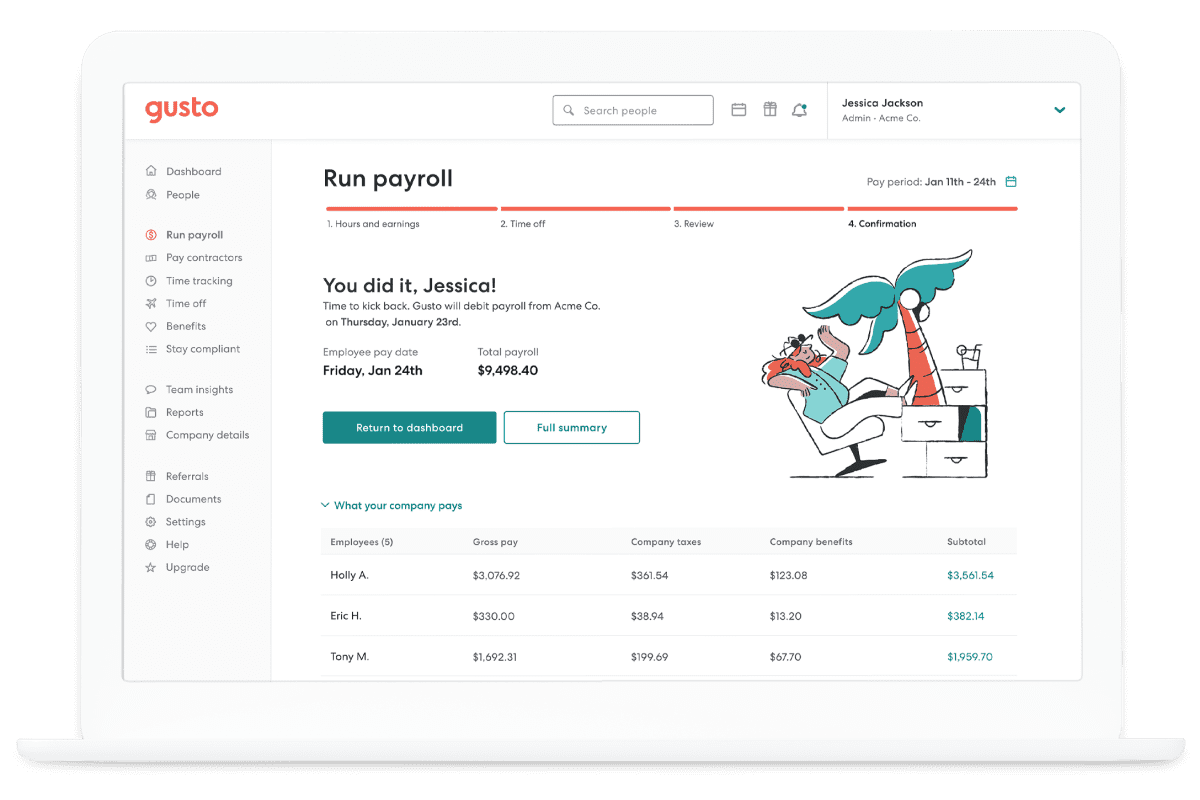
Gusto is a cloud-based payroll system that combines payroll processing with benefits, HR tools, and accountant-specific features. It’s designed to help bookkeepers, CPAs, and smaller firms manage payroll for multiple clients from one centralized platform.
Key features:
- Unlimited payroll runs with automated payroll tax filing
- Multi-client dashboard through Gusto Pro for accountants
- Integrations with QuickBooks, Xero, and FreshBooks
- Self-service employee portals for pay stubs and documents
- New hire onboarding, benefits administration, and PTO tracking
- Support for multi-state payroll and compliance
- Revenue-sharing options and client discounts via the Gusto Partner Program
Pricing starts at $59 per month plus $8 per employee. The Plus plan is $99 per month plus $14 per employee, and Premium is $219 per month plus $26 per employee.
Best for: Small business-focused firms that want a full-service solution with strong support and integrations.
ADP Accountant Connect
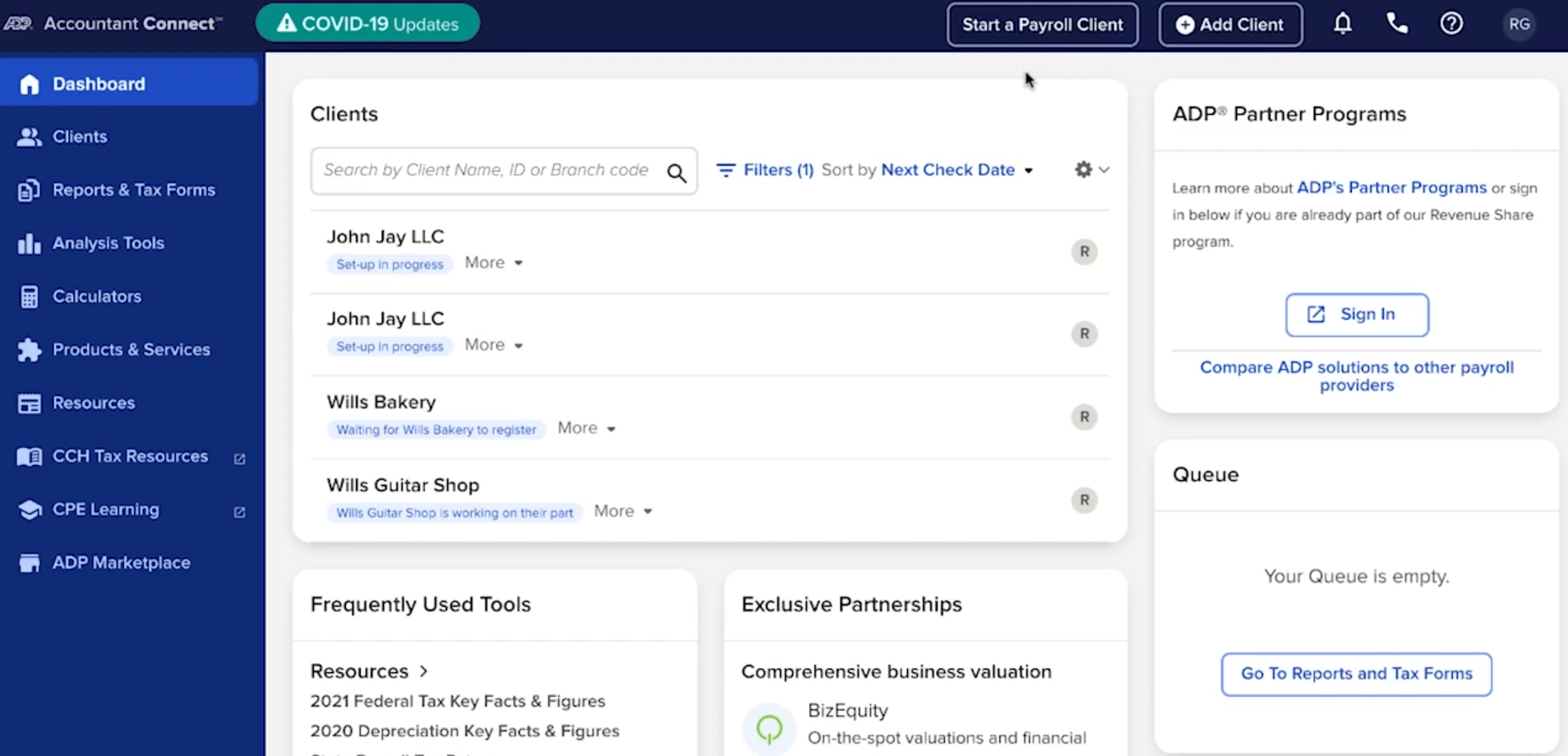
ADP Accountant Connect is a free cloud-based payroll tool designed specifically for accounting professionals. It centralizes client payroll data, tax information, and advisory tools in one place, streamlining both day-to-day operations and high-level client service.
Key features:
- Multi-client dashboard with customizable payroll reports
- Automated payroll processing and tax document handling
- Integrations with QuickBooks, Xero, Sage, and more
- Access to federal, state, and local tax forms and calculators
- Client analytics, compensation benchmarking, and business valuation tools
- Access to ADP’s tax research library and industry insights
Pricing depends on the payroll services selected for each client — the software itself is free for accountants.
Best for:Mid-sized accounting practices that want a robust payroll platform with built-in advisory tools and strong data reporting to serve multiple small business clients with varied payroll needs.
OnTheClock
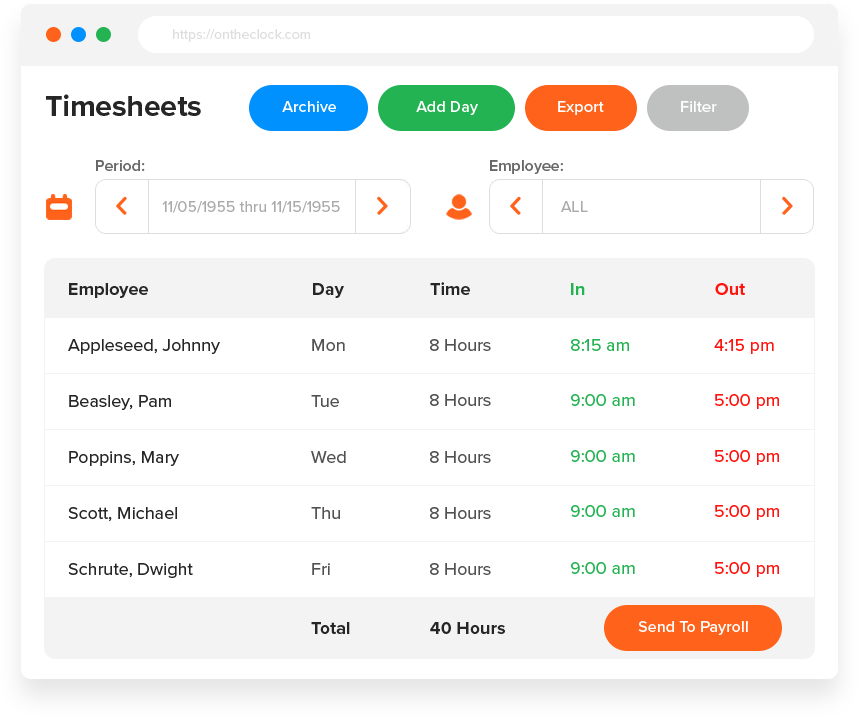
OnTheClock is a cloud-based time tracking and payroll platform built for small businesses and the accountants who support them. It helps firms manage employee time, build and adjust schedules, track and approve PTO, and prepare payroll for multiple clients — all from one connected dashboard.
Key features:
- Accurate time tracking with mobile, GPS, and IP validation
- Built-in scheduling with shift templates and notifications
- PTO tracking and approval workflows
- Integrated payroll with automated tax calculations and filings
- Real-time labor-cost insights and overtime alerts
- Multi-client management with dedicated accountant access
Pricing starts at $5/month + $4 per employee per month. Volume and partner pricing are available for accountants managing multiple clients.
Best for:
Small-to medium-sized businesses and accounting firms that manage payroll for multiple clients.
QuickBooks Payroll
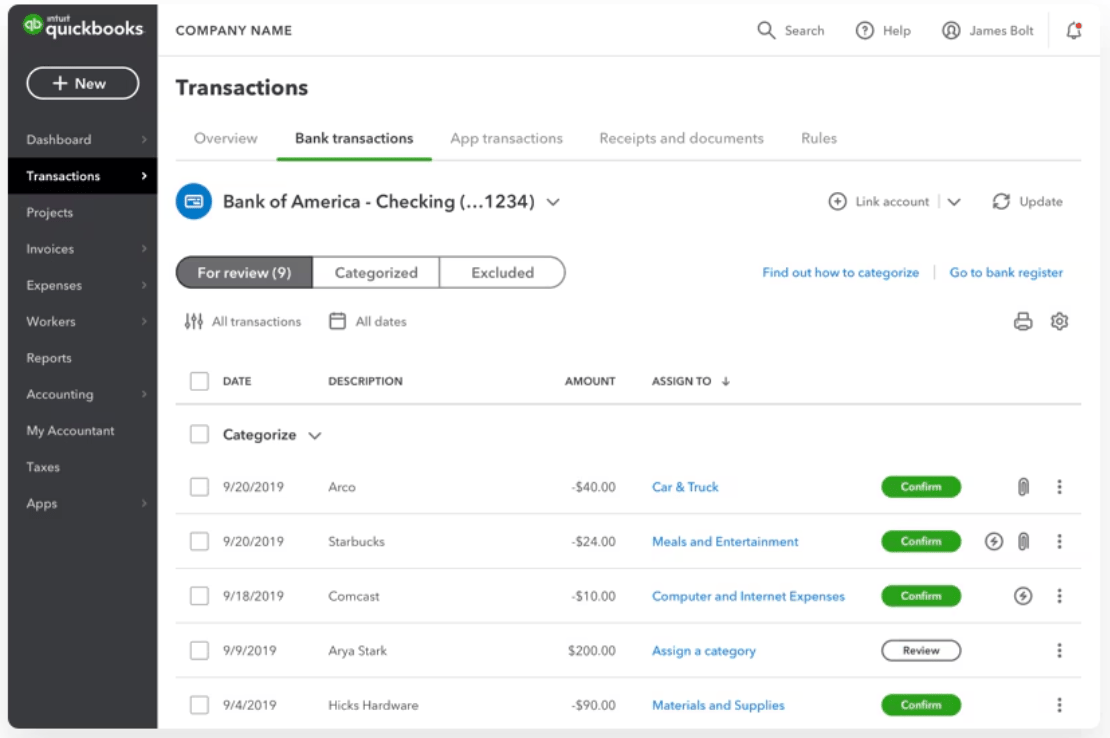
QuickBooks Payroll is cloud-based payroll software for accountants that integrates directly with QuickBooks Online. It’s built for those who already use QuickBooks and want to manage payroll processing without switching tools.
Key features:
- Automated payroll tax filing and customizable payroll setup
- Tax penalty protection of up to $25,000
- Same-day direct deposit and mobile payroll app
- Full-service payroll across all 50 states
- Payroll reports for tracking liabilities, PTO, and contractor payments
- 24/7 expert support and access to a dedicated HR advisor
- Discounted plans for clients and free Elite access for accountants
Pricing starts at $5 per month plus $6 per employee for the Core plan, $8.50 plus $9 per employee for Premium, and $13 plus $11 per employee for Elite. QuickBooks Payroll Elite is free for accounting firms using QuickBooks Online Accountant.
Best for: Firms already using QuickBooks Online that want a seamless, integrated payroll and accounting software experience with tax protections and mobile access.
Patriot Software
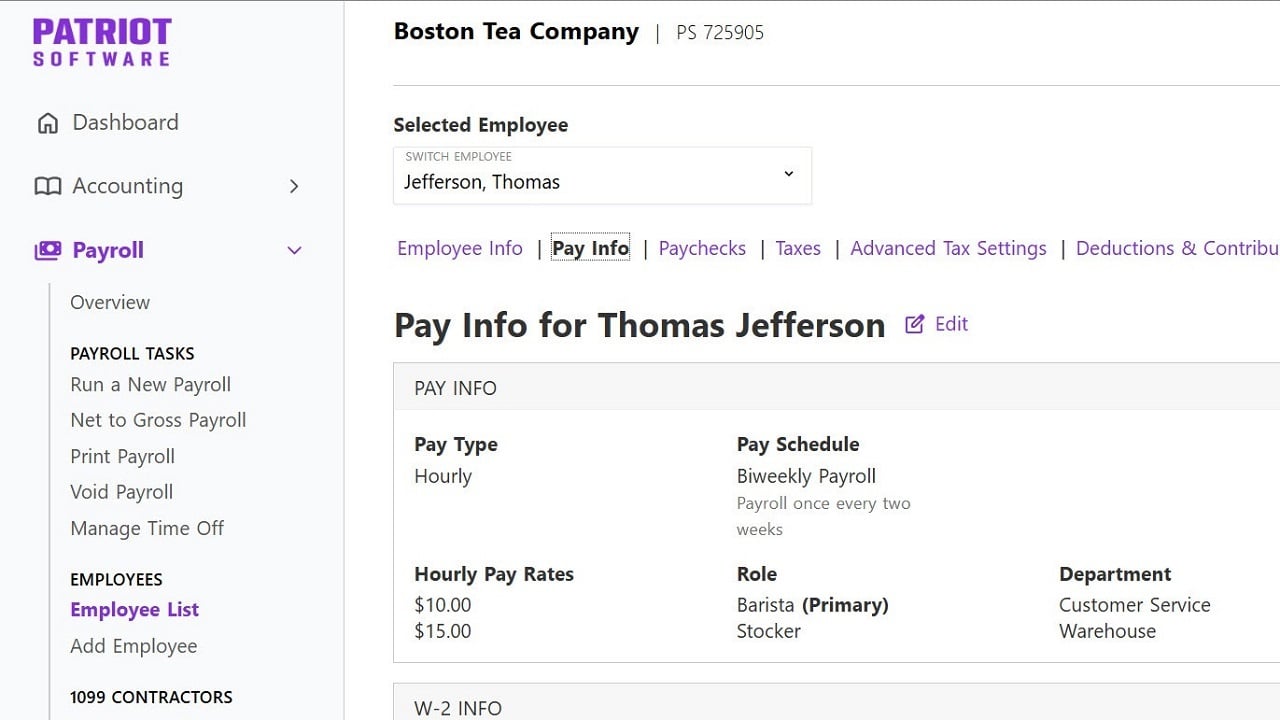
Patriot Software is a straightforward, budget-friendly platform that combines payroll and basic accounting features in one place. It’s a solid choice for firms supporting U.S.-based clients with standard payroll needs and minimal complexity.
Key features:
- Unlimited payroll runs with automatic tax filings at the federal, state, and local level
- Free direct deposit and employee self-service portal
- Add-ons available for time tracking and HR support
- Simple contractor payments and printable checks
- Mobile-friendly access with no software downloads required
- End-of-year payroll tax filings included at no extra charge
Pricing typically starts at $17 per month plus $4 per worker for the Basic plan and $37 plus $5 per worker for Full Service Payroll. With current discounts, pricing drops to $8.50 and $18.50 per month, plus $2.50–$4 per worker.
Best for: Firms that want a low-cost, no-frills payroll tool for managing straightforward client needs without unnecessary features or overhead.
Paychex Flex
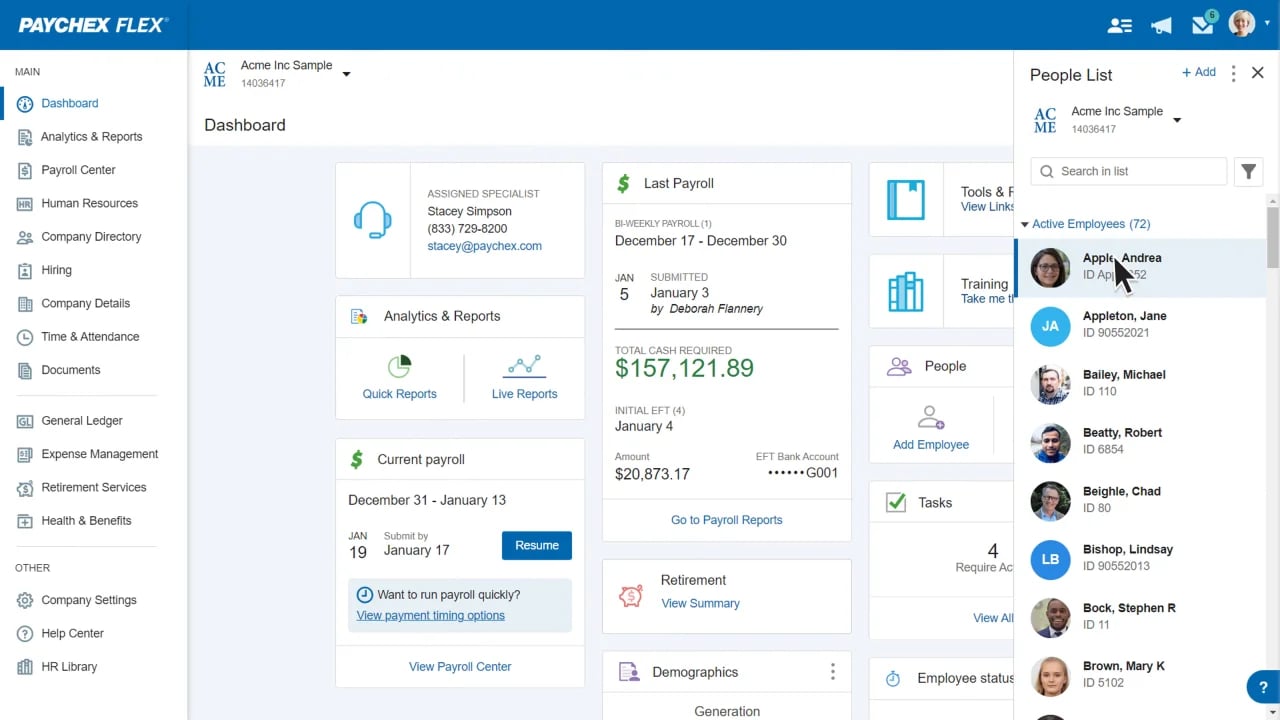
Paychex Flex is a comprehensive payroll and HR platform designed for firms that want to offer more than just basic payroll processing. It’s structured to support accounting professionals who are expanding into client advisory services or managing complex payroll needs.
Key features:
- Centralized dashboard for payroll, HR, and benefits data
- Integrations with leading accounting, productivity, and financial tools
- Dedicated support team for accountants and their clients
- Scalable plans to support growing firms and varied client needs
- Access to a resource library, tax compliance tools, and retirement services
- CAS-friendly tools to enhance client engagement and deliver advisory insights
Pricing is customizable depending on your firm’s needs. The platform offers three tiers: Select, which includes payroll and tax filing with personalized support; Pro, which adds HR tools and setup assistance; and Enterprise, which offers full HR capabilities, onboarding tools, and advanced analytics.
Best for: Firms offering payroll as part of a broader advisory service or managing a diverse client base — including small businesses — that needs customizable, scalable support across payroll and HR.
OnPay
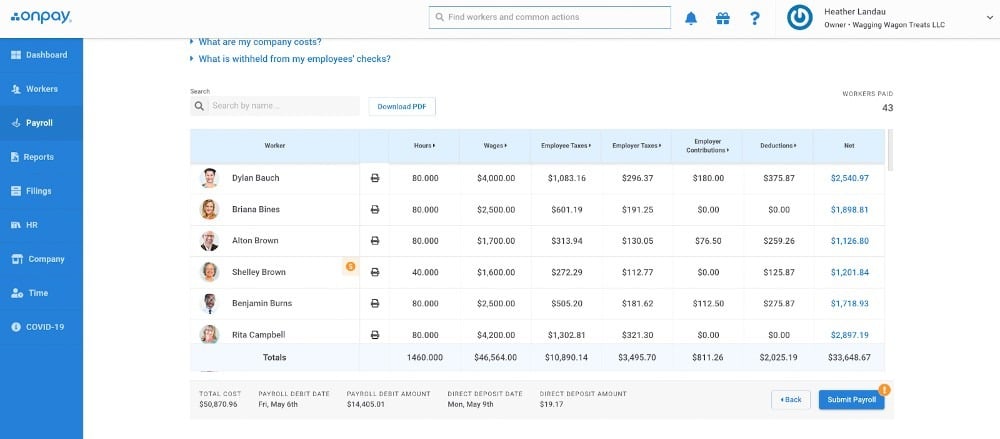
OnPay is a lightweight yet powerful payroll software for accountants and bookkeepers. Its straightforward interface and flexible partner model make it easy for firms to manage multiple clients while offering payroll, HR, and benefits support in one platform.
Key features:
- Unified dashboard for managing multiple clients
- Full-service payroll and automated tax filings for all 50 states
- User permission controls for delegation and firm-wide visibility
- Integrations with QuickBooks (Desktop and Online), Xero, and time-tracking apps
- Free setup, onboarding, and firm payroll for partners
- Revenue share options and marketing support for accounting partners
Pricing starts at $49 per month plus $6 per employee. Partner firms receive discounted pricing, free firm payroll, and up to 20% revenue share based on the number of clients managed.
Best for: Smaller firms and solo practitioners who want a modern, accountant-friendly platform with strong partner benefits and minimal overhead.
How TaxDome supports firms offering payroll services
Running payroll for clients takes more than just software to process payments. It takes a system — one that helps your team stay organized, reduces client follow-up, and keeps work moving without manual tracking.
That’s where TaxDome comes in.
Firms use it to collect EINs and bank details securely, trigger onboarding automatically, assign tasks, and manage recurring payroll workflows — all from one place. Clients upload documents through their portal. Your team sees exactly what’s done and what’s next.
Listen to Bridget from Freedom Accounting and Tax as she shares how TaxDome helped her team simplify operations and deliver better service across the board:
With the right payroll tool in place, TaxDome becomes the structure around it — helping you deliver payroll as a real, repeatable service.
Frequently asked questions
Can I manage multiple clients with one payroll software account?
Yes, but not all tools make it easy. Look for platforms that offer a dedicated accountant dashboard, where you can switch between clients without logging in and out or duplicating workflows. Gusto Pro, ADP Accountant Connect, and OnPay are strong options here.
What payroll software integrates best with QuickBooks or Xero?
QuickBooks Payroll offers native integration with QuickBooks Online. For firms using Xero, Gusto and OnPay are both reliable picks. If you use both tools across clients, choose a payroll system that supports multiple syncs and lets you customize how data flows between platforms.
Is payroll software secure for client data?
Reputable payroll systems follow strict compliance standards and use encryption to protect sensitive information. Look for SOC 2 compliance, two-factor authentication, and user permission settings to keep access limited by role.
Do I need separate payroll software if I already use accounting software?
That depends on how deep your payroll needs to go. Some accounting platforms offer basic payroll features, but for firms managing multiple clients, standalone payroll software often provides better automation, reporting, and compliance support.
What’s the easiest payroll software to start with?
For solo accountants or smaller teams, Gusto and OnPay are among the easiest to onboard. Both offer partner programs, free firm payroll, and dedicated support — which lowers the learning curve when rolling it out to clients.

Mari develops TaxDome content by combining customer insights, industry research, and real-world trends. Her structured, automation-driven approach ensures messaging is clear, relevant, and supports more connected and efficient accounting firms.

Get your free guide

Thank you!
The guide copy has been sent to your email. Please check your inbox!
Recommended articles
9 best QuickBooks alternatives in 2026 for every business type
65+ key accounting statistics and insights for 2026

How to start an accounting firm: a step-by-step guide to running your own practice