 US – English
 UK – English
 Canada – English
 Australia – English
 Danmark – Dansk
 DACH - Deutsch
 France – Français
 España – Español
 Sverige – Svenska
 Italia – Italiano
 Nederland – Nederlands
 Portugal – Português
 Suomi – Suomi
 Norge – Norsk
 日本 – 日本語
 Romanian – Română












Conditional Logic in Organizers and Intake Forms: A More Intuitive Way of Obtaining Client Information

Run your entire firm on one platform

Every firm needs a mechanism to obtain information from their clients, both new and returning. There are many ways of gathering this data which include: paper PDFs (🤢), online systems that are outside of your client portal (google forms, etc), and then there is TaxDome’s built in Organizer tool which are mobile friendly, auto-save, are branded to your firm, and fully integrated with your client portal and your practice management system. With this release, TaxDome Organizers get even better with the introduction of conditional logic for entire sections. There are two big reasons why this release is so impactful:
- The total amount of questions you ask clients can be reduced 10x or more.
- You can now have one all encompassing organizer instead of piecemealing different organizers for different use-cases.
With new conditional logic in organizers, you take each of your clients on a unique path through your forms and make it easier for them to share data with your firm.
We hosted a webinar on how to utilize this new functionality. Watch the recording:
In short: clients see only the questions they need, yet you can ensure that you ask the probing questions you need to ensure that you are aware of your clients’ situations. Tax clients see questions relevant to them, business clients see what’s relevant to their business, and one-off items such as sale of property and cryptocurrency can be identified without asking every single client about the address of their rental property. You can have one organizer or intake form for both individual and business clients, or combine new client and returning client organizers into one.
Table of сontents
Table of сontents
Conditional Questions
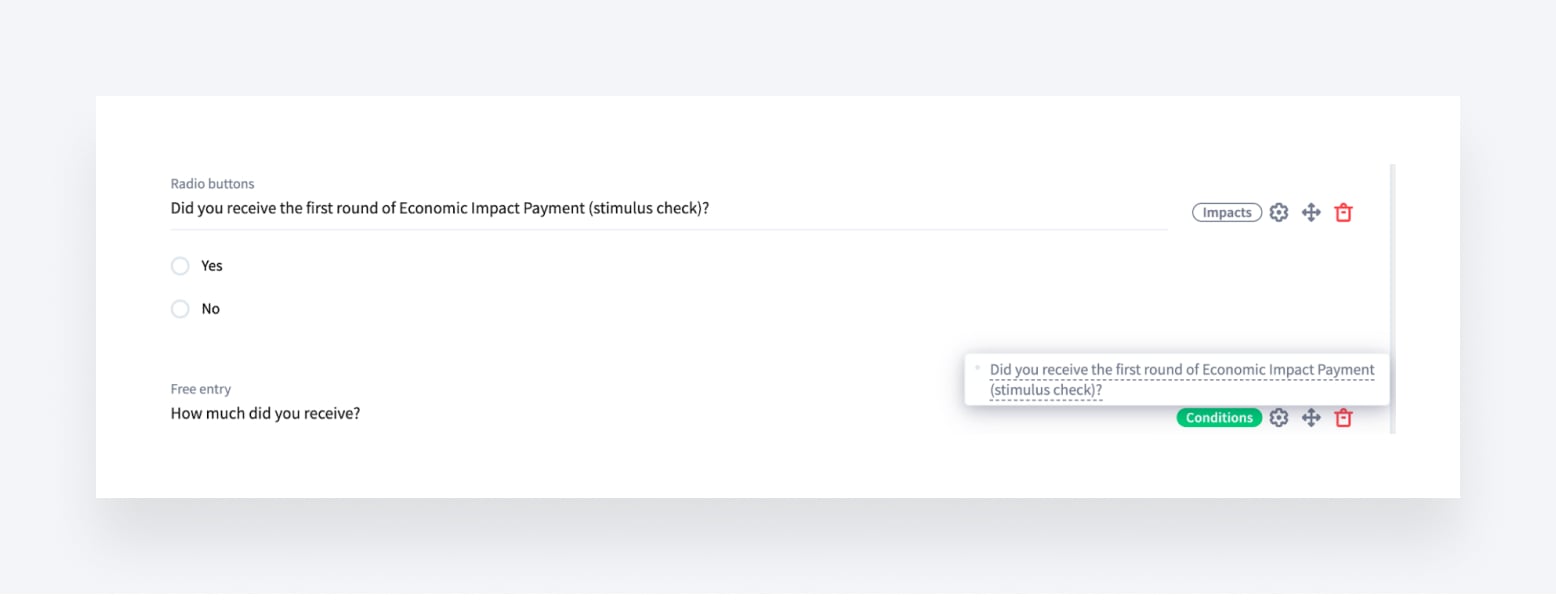
Conditional questions let you request additional information from particular clients without disturbing others. For example, you ask if a client has received the first round of Economic Impact Payment (stimulus check) and only show the additional question if the answer is ‘Yes.’
Another example: you’re asking a potential client ‘How did you find us?’. If the response is ‘Referral’, you can show an additional question – ‘By whom?’
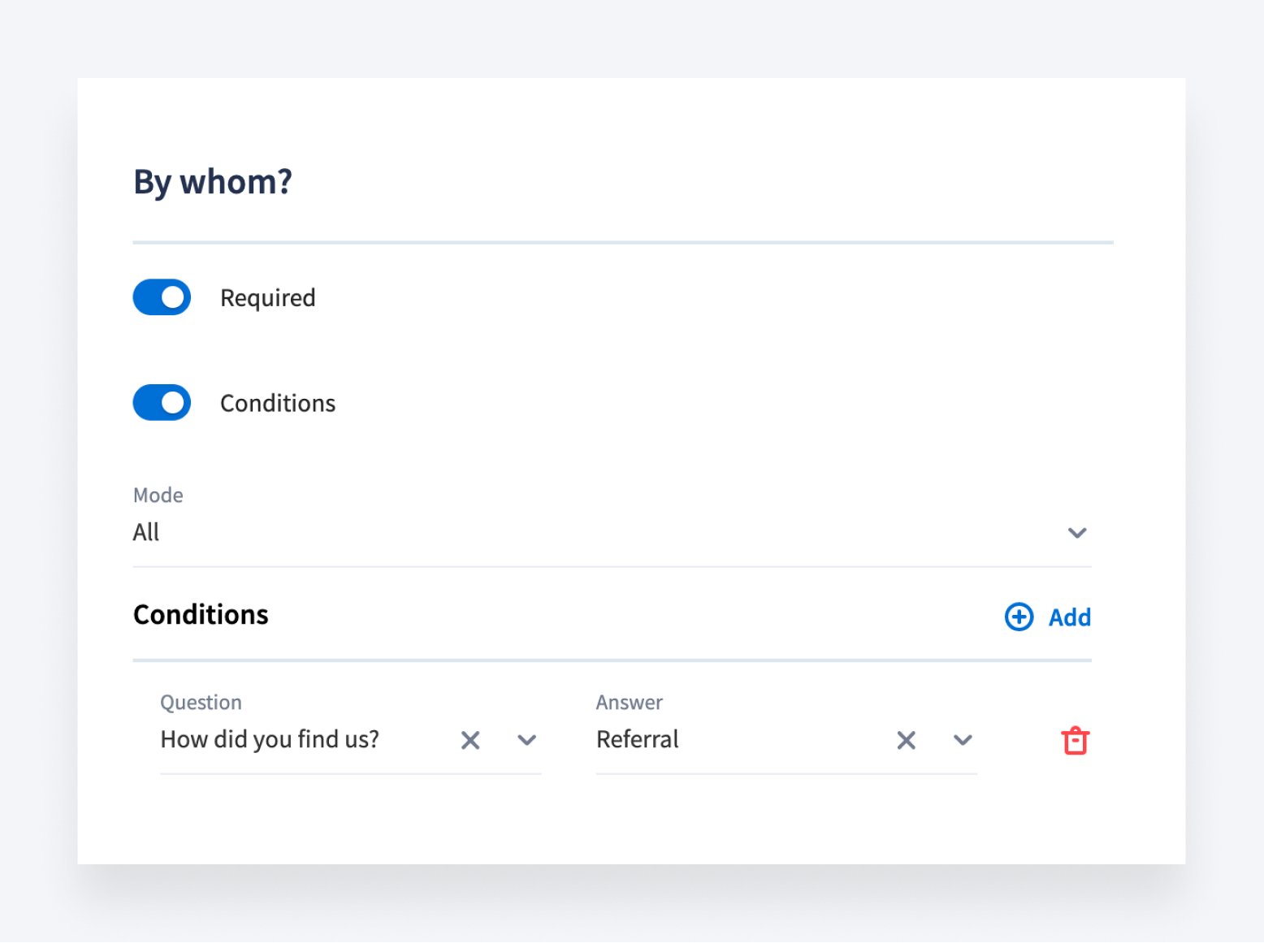
The question that triggers another question (general question) is marked as Impact. And the additional question is called conditional. You can set them up by clicking the gear icon next to the question.
Set up conditional questions>>
Conditional Sections
Conditional sections allow you to show your clients a very small number of questions, with the ability to show additional groups of questions based upon client responses. This is the same idea as conditions to questions – but on groups of questions (sections).
For example, you can ask one probing question: Did you sell any property this year? If yes – then the client will be shown an entire section with all of the questions you need. If no – the entire section is hidden.

You can replicate this (and we are adding this to our default templates) for many other scenarios (list below is not exhaustive):
- COVID-19 Financial Impact
- PPP loans
- Foreign Income
- Foreign Bank Accounts
- Change from last year (number of dependents, etc)
- Retirement Contributions
- Investments
To create a condition, click the gear icon next to the section you want to be conditional.
Adding Text blocks
Want to guide clients or leave them a note? Now you can do that using a text block field in your organizer. For example, to leave them step-by-step instructions.
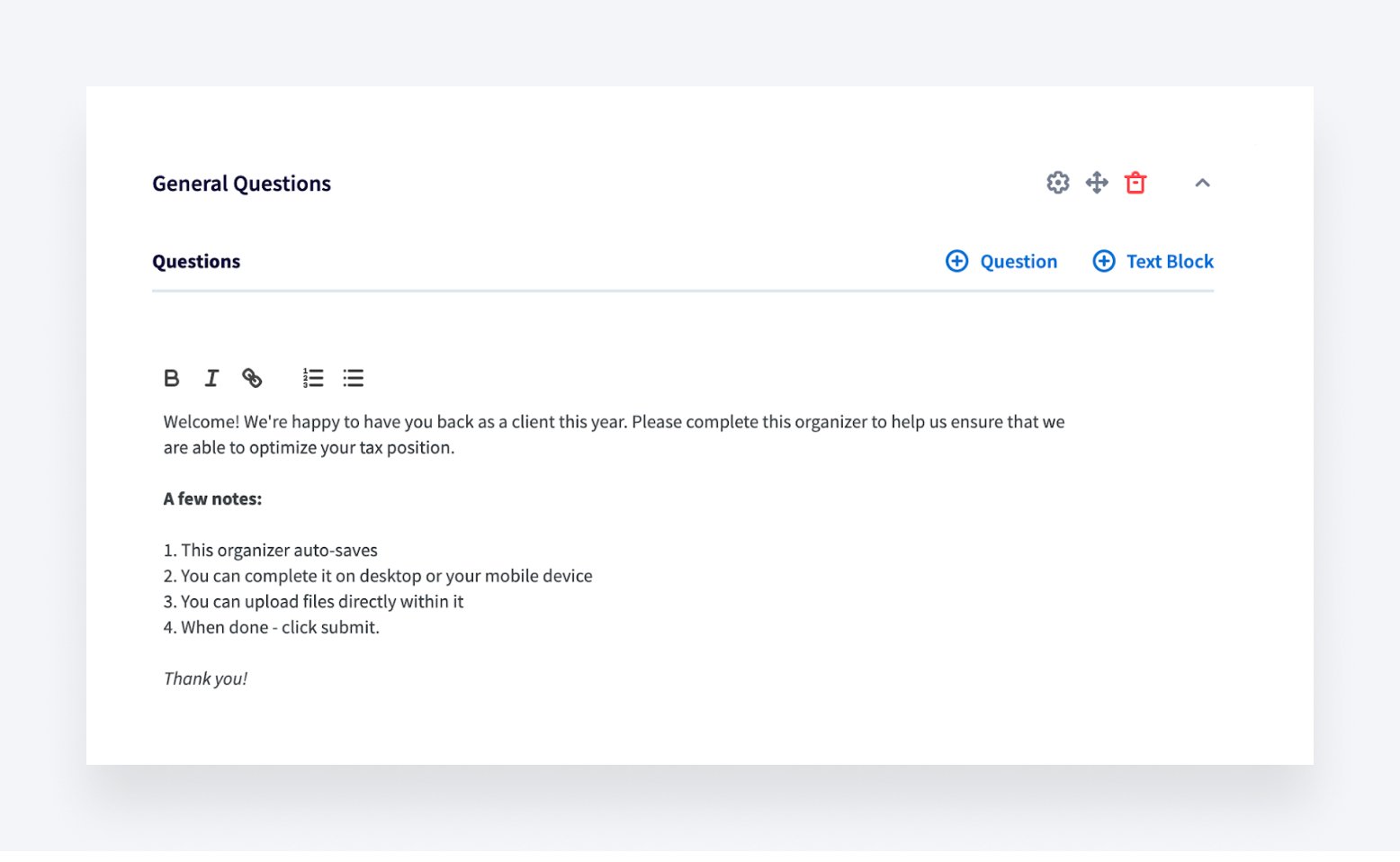
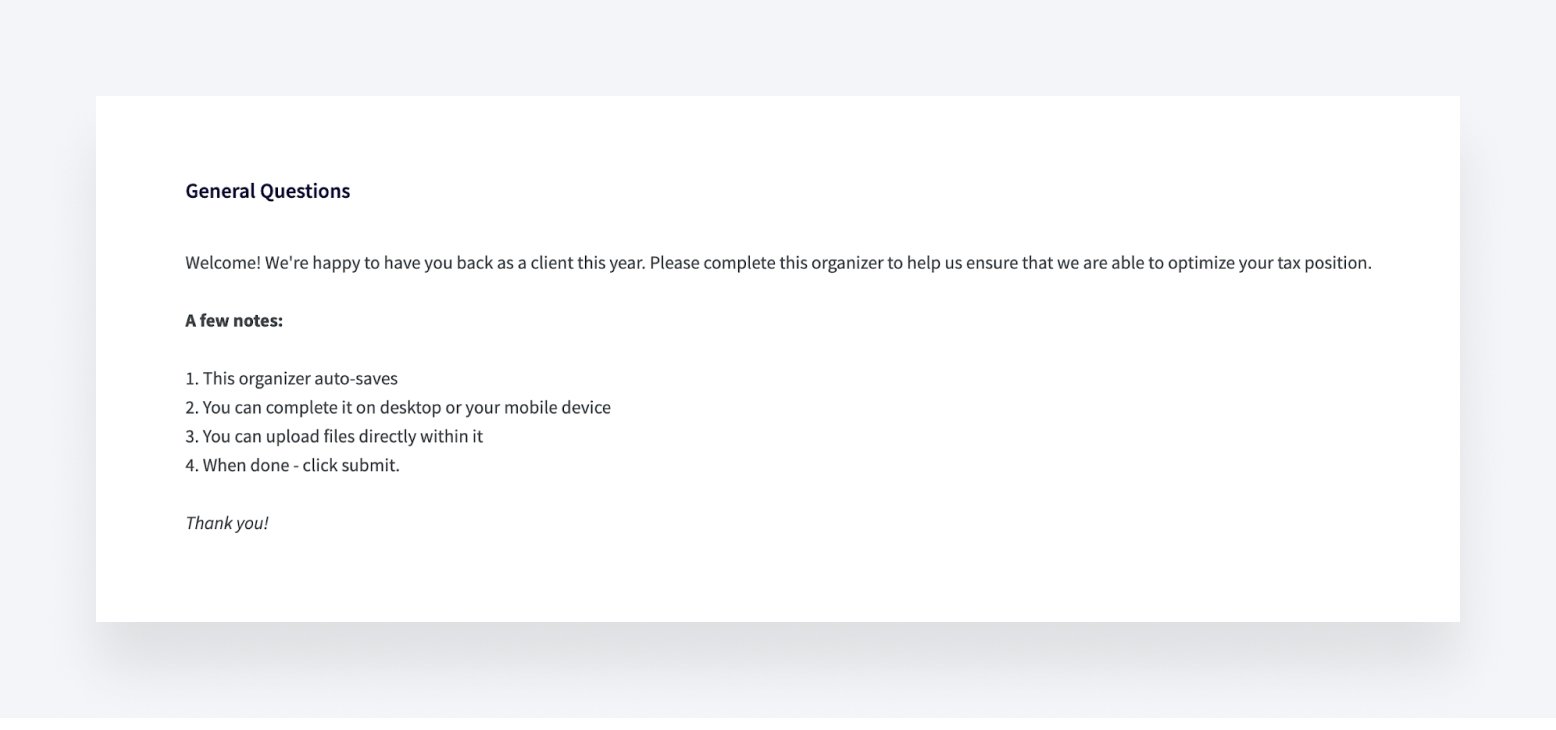
When you add a text field to the organizer, clients also see it as a text field like in the example below.
Want more useful tips on customizing your organizers? Join our webinar ‘How to ease up client intake with TaxDome’s Organizers’ on August 17th.
Feel free to share your ideas about new organizers, too!

Maria is a Marketer at TaxDome. Having been working in both custom software and product development, she knows what clients care about and how to help businesses succeed. Enjoys all sorts of writing. When not writing, she's looking for a new hypothesis to test.

Get your free guide

Thank you!
The guide copy has been sent to your email. Please check your inbox!
Recommended articles
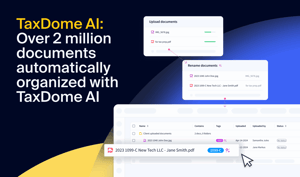
TaxDome AI: more than 2,000,000 documents organized for accountants this past tax season—and we’re just getting started

Webinar recap and Q&A: Summer Update 2026

Unpacking the differences between TaxDome Payments and Stripe