 US – English
 UK – English
 Canada – English
 Australia – English
 Danmark – Dansk
 DACH - Deutsch
 France – Français
 España – Español
 Sverige – Svenska
 Italia – Italiano
 Nederland – Nederlands
 Portugal – Português
 Suomi – Suomi
 Norge – Norsk
 日本 – 日本語
 Romanian – Română












6 Tactics to Prevent “Clients Not Paying” Situations After Your Work Is Done

Run your entire firm on one platform

As a tax professional or accountant, you’re probably going to encounter or have already encountered clients who don’t pay on time or even fail to pay for work completed. So what do you do if a client doesn’t pay? This can be frustrating and affect your cash flow, especially if you don’t collect money upfront from your clients.
Whether you’re a professional CPA, bookkeeper, or accountant, creating and maintaining consistent cash flow is an ongoing effort that needs smart solutions to ensure you’re always paid for work completed on time, every time. Here, we’re offering some insights on avoiding “clients not paying” situations and how you can automate your payment process.
Table of сontents
Why clients may not pay for services delivered
If you’ve experienced situations where clients don’t pay for services delivered, you have to ask yourself a few questions. Why is this happening? What can I do if a client doesn’t pay?
Getting the right answers will help you improve your internal processes and avoid future issues. Here are some of the potential reasons why you could be having client payment issues.
- No clear payment policy
- Client cash flow issues
- Lack of clear communication
- Lack of urgency on both sides
- Mistakes in the billing and scoping process
- Disputes over the payment
- Client is dishonest
- Lack of different payment options
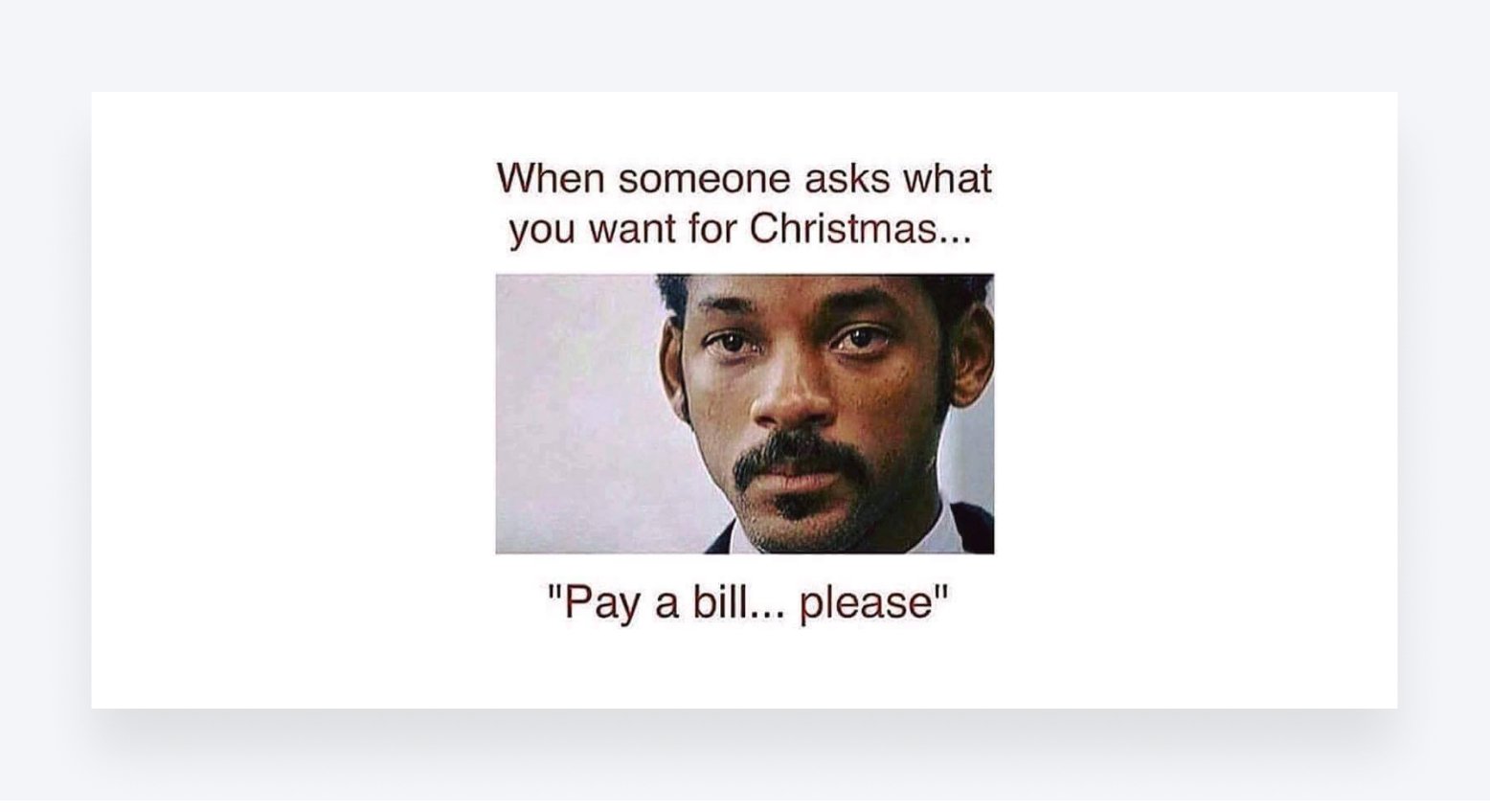
With the ‘why’ figured out, it’s time to implement solutions that can help you avoid client payment issues that affect your workflow.
How to Prevent “Client Not Paying Invoice” Situations
Always remember that you have the right to be compensated for the time and effort you put into a client project or work. But this alone isn’t enough to ensure that clients pay for work done. Let’s look at some solutions to help you avoid such issues.
Have a clear payment policy
One of the first things you should do before offering clients services is ensuring you have a clear payment policy and work contract. A payment structure will help prevent such outcomes and prevent clients from withholding full payment for whatever reason. A contract outlines the specifics and expectations of all parties involved. It also offers some measure of legal recourse in case of a breach of contract, such as when a client doesn’t pay.
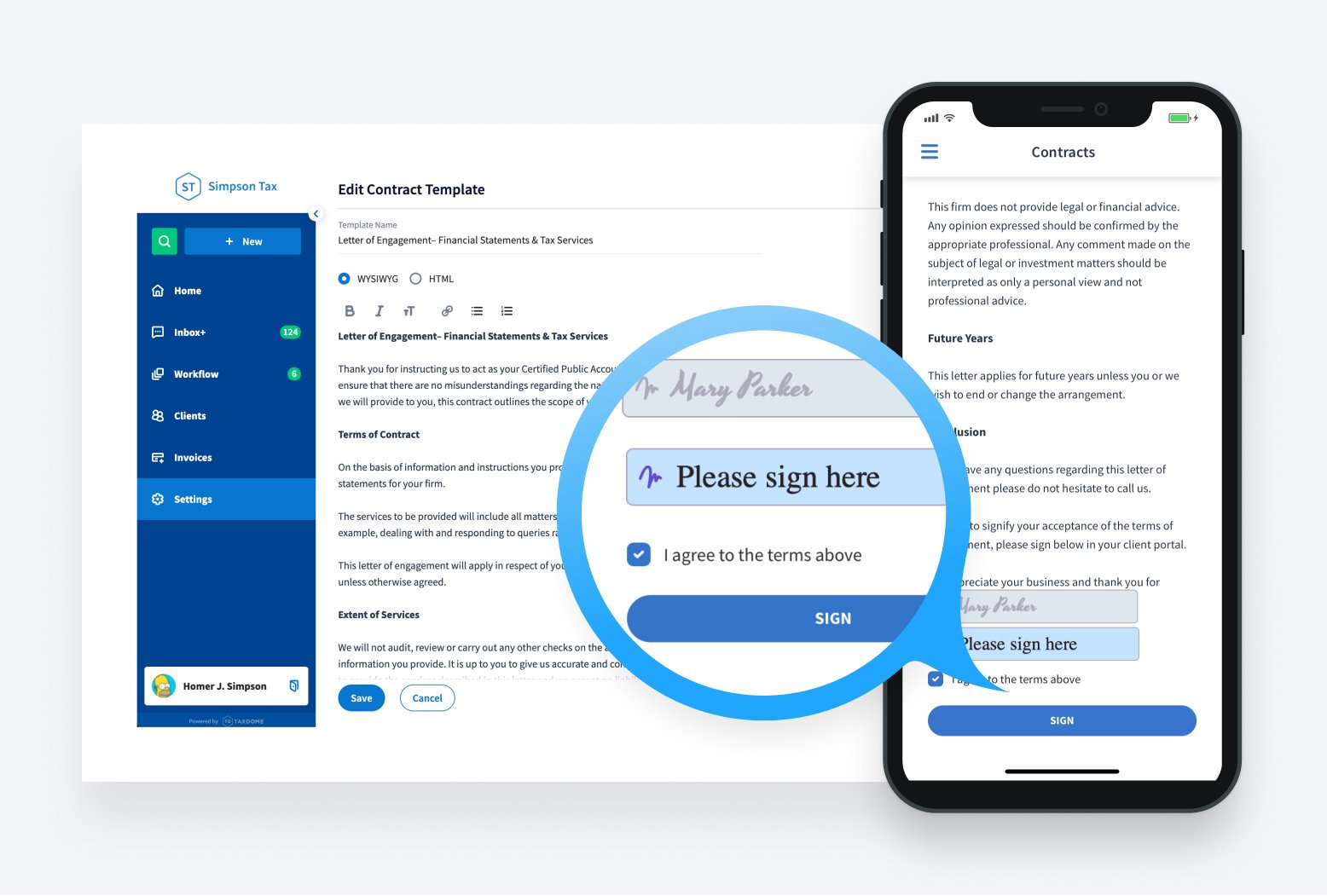
Make the payment process simple for clients
Make the payment process simple for clients to pay, and they’re likely to pay on time. Consider providing a central payment option with your accounting client portal. Having all billing invoices and payment options in one place makes it easier for clients to pay due invoices. A solution like TaxDome, all-in-one software for CPAs, bookkeepers, and accountants, makes this process straightforward, ensuring you’re getting paid invoices for every job.
Bill each client after work is completed
When you send invoices days or weeks after work is completed, your clients’ perception of value naturally decreases with each passing day. If there are any billing issues, errors, and delays during the payment process, there will be additional scrutiny about your invoice.
Billing clients on completion of work is the best option to ensure you’re paid on time. For larger projects, interim billing at predetermined points (time-based) is an excellent option that many clients also appreciate.
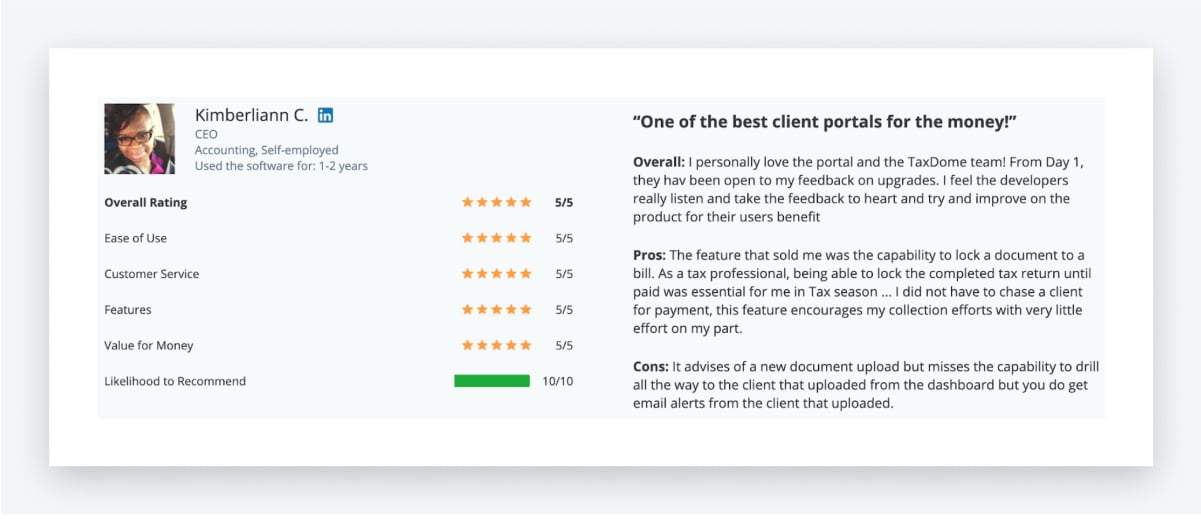
With TaxDome, you can automate the payment process and charge prepayments automatically. You can also lock documents to bills so that clients will see the document but won’t access it until they pay. Documents unlock immediately after the bill is paid.
See how locking documents to bills helped your peers get paid faster:
Provide clients payment options
It’s critical to offer clients the payment options they want. Consider including credit card payments, standard check payments, wire transfers, and online payment processors. TaxDome can be easily integrated with Stripe and QuickBooks Online, so that you can offer both credit card and e-check (ACH payments) options to your clients. Having an installment option for larger projects is beneficial as you get upfront payment.
Your relationship with clients also remains positive even when they’re having cash flow issues. You can also potentially generate more work using this option and eliminate situations where a client doesn’t pay you for your work.
Remind clients to pay you
Ensure you’re following up with your client at every stage of the project workflow and giving them status updates. Notify them when work will be completed and about billing.
A friendly reminder that a bill is due is the first step. In most cases, they’ll pay after a follow-up by email. With TaxDome’s automatic reminders, you can easily follow up with hundreds of clients without lifting a finger. Or just use a Secure Message to text those forgetful clients.
If they don’t, you can call asking about their satisfaction with your work, financial issues, or other reason why they’re not paying. If a client doesn’t pay and ignores emails or calls, demand payment more firmly and give an ultimatum. If need be, write a demand payment letter to show you mean business. If repeated attempts don’t work, it’s time to bring in a debt collection agency.
Charge late fees
No client wants to end up paying late fees, but charging late fees will help deter clients from paying invoices late. This should be backed up by a payment policy or terms of service to ensure you get paid invoices after completing every task.
You can automate your payment process to avoid all the hassles
TaxDome is a fully integrated solution for all your client management needs, including managing bills and payments. It’s the perfect tool when you want to get smarter with your invoicing needs. TaxDome’s simple, intuitive, and mobile-friendly client portal makes it easy for you to always get paid and forget accounts receivable and manual reconciliation.
Here’s how TaxDome helps you avoid situations where a client doesn’t pay for work completed:
- You can automate the payment process and charge prepayments automatically.
- You can lock documents to bills so that clients will see the document but won’t access it until they pay. Documents unlock immediately after the bill is paid.
- You can easily integrate TaxDome with Stripe or use ACH payments (the latter works only across the U.S.)
- You can automatically send push notifications to clients to notify them when their invoices are ready to be paid.
Watch how Joseph & Hetrick, LLC avoid chasing clients:
Ready to get started? Join our live demo to learn more or talk to a real person today.

Lisa manages TaxDome’s blog strategy, oversees email communications, and improves platform performance through review analysis and optimization, focusing on aligning messaging with user needs and strengthening brand positioning in the accounting industry.

Get your free guide

Thank you!
The guide copy has been sent to your email. Please check your inbox!
Recommended articles

How to start an accounting firm: a step-by-step guide to running your own practice
Accounting process improvement: Practical strategies, tools, and real-world examples
Accounting practice management software: complete guide and comparison