 US – English
 UK – English
 Canada – English
 Australia – English
 Danmark – Dansk
 DACH - Deutsch
 France – Français
 España – Español
 Sverige – Svenska
 Italia – Italiano
 Nederland – Nederlands
 Portugal – Português
 Suomi – Suomi
 Norge – Norsk
 日本 – 日本語
 Romanian – Română












#CRM & Clients
TaxDome Academy – How to Use Client Tasks for Requesting Documents
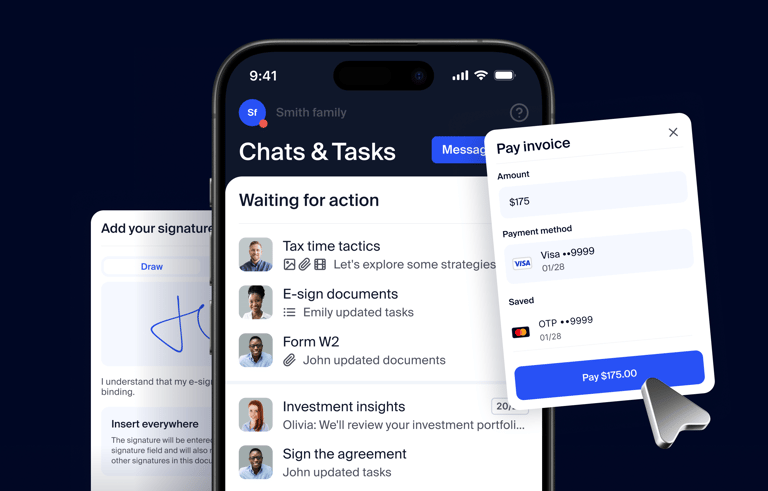
Run your entire firm on one platform
Replace scattered tools with one system for accounting firms. Trusted by 15,000+ firms and 3M+ clients.
Request demo
This video is a part of TaxDome Academy, our free online hub for viewing and learning everything you need to know about TaxDome. academy.taxdome.com/
Learn more on TaxDome Academy – youtu.be/lYo55RAPSZg
Take the Academy course How to streamline exchanging documents to learn more on files in TaxDome academy.taxdome.com/course/how-to-streamline-exchanging-documents/open
Learn more about storing, sharing documents, getting client approvals and requesting e-signatures in TaxDome in our help center: help.taxdome.com/category/75-documents
Find out how TaxDome can help you to standardize and automate your workflows, communicate with team members, and more taxdome.com/overview