 US – English
 UK – English
 Canada – English
 Australia – English
 Danmark – Dansk
 DACH - Deutsch
 France – Français
 España – Español
 Sverige – Svenska
 Italia – Italiano
 Nederland – Nederlands
 Portugal – Português
 Suomi – Suomi
 Norge – Norsk
 日本 – 日本語
 Romanian – Română

Firm management
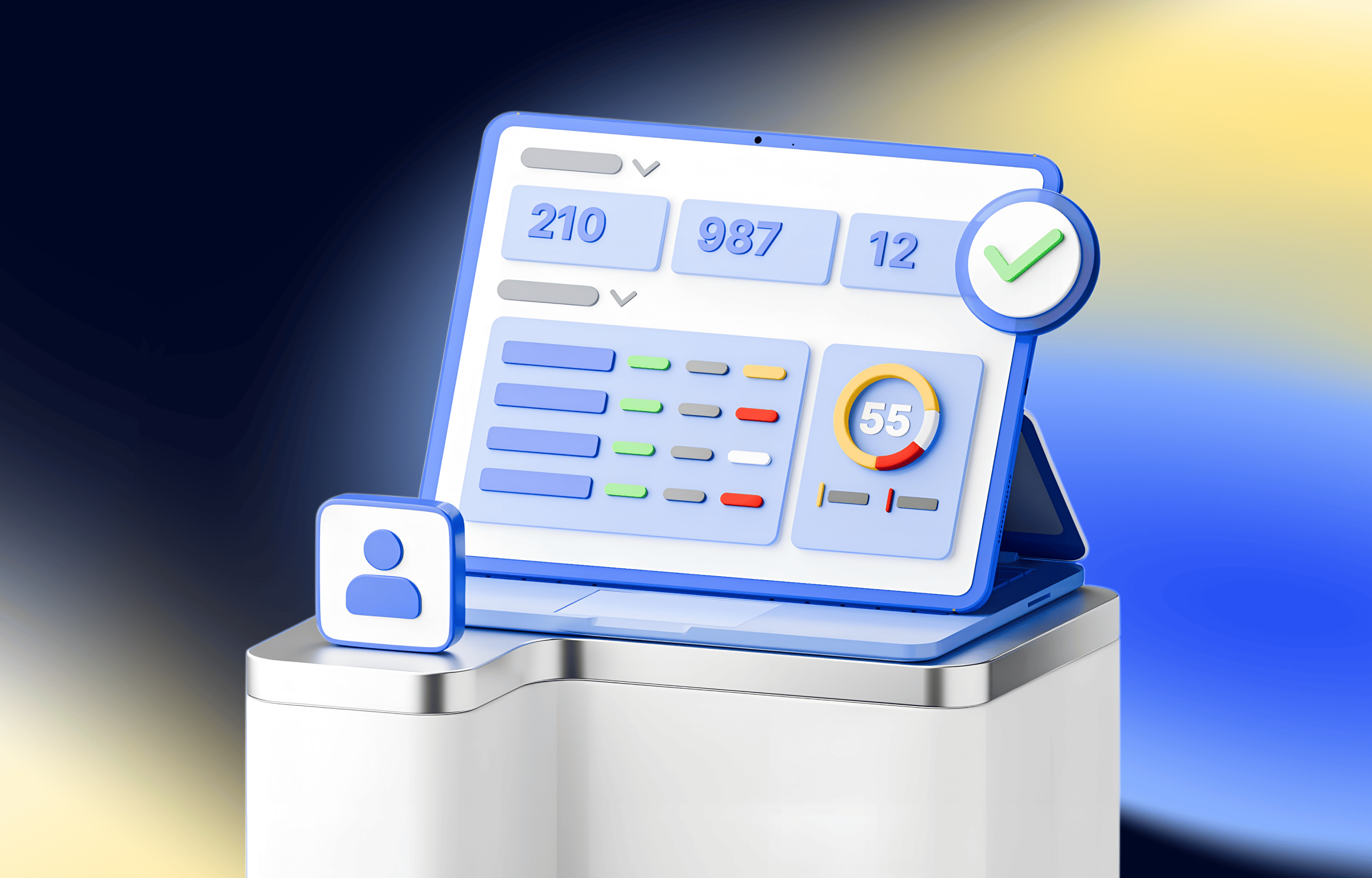
Get clear insights into your firm’s performance
Get instant, actionable insights about team performance, client activity, and deadlines from one clear dashboard.
The fastest growing practice management platform on the planet
See how customers are raving about us on places like G2 and Capterra.
“The OCD in me is happy. It also makes me feel I can better utilize the calendar and tasks.”

Jayson Werra
Enrolled agent, Owner, JCW Tax & Accounting, LLC
“Great visibility into pending contracts & organizers. Then you realize that the contract is signed by one signer and the other sent a scanned copy of the document!”

Pablo Gonzalez Taboada
CPA
“I really enjoyed the new customization, and it helped me to clean up some items for accounts that have been archived.”

Mickele Nowden
CPA







See what needs your attention — from your team or your clients
From thorough analytics to clean reporting
Track client activity, jobs, and tasks assigned to you or your team members, and monitor your firm’s overall performance.

Filter jobs by employees and check deadlines, assignees, stats, and more from the dashboard
View tasks by team members or by date, and control your workflow: set priorities, statuses, and deadlines
Keep an eye on pending client activity by employee: organisers, invoices, signatures, contracts, and approvals
Analyse the workload and efficiency of your employees by tasks and jobs, manage assignees, and analyse charts
Make the dashboard your own
Customise your dashboard based on your role and goals

Add or delete widgets

Configure the dashboard
Frequently asked questions
What can I discover from the firm dashboard?
There are 4 types of widgets on the dashboard:
- Jobs. This widget displays information on jobs for the specified team member or all of them. By default, it displays information for your jobs only.
- Tasks. This widget displays information on tasks for a specified date and employee or all employees. By default, it will display information on your tasks for today.
- Pending client activity. This widget contains information on pending actions from the client’s account to which the specified team member is assigned. By default, it will display information for your clients only.
- Team summary. Unlike previous widgets, this one is available for the firm owner and admin roles only. It shows how many tasks or jobs selected team members have. By default, it will display information for your tasks only.
Can I customise the dashboard?
Sure. You can add, move, or delete widgets, or add several widgets of one type — you have full control over the look of your dashboard! Discover how you can customise your dashboard from this help article.
Does the dashboard update in real time?
Yes, the dashboard automatically refreshes, so you always see the latest updates on jobs, tasks, and client actions.
Are more widgets coming?
Yes! TaxDome is actively developing more widgets to give you even deeper insights into your firm’s performance.
Is the firm dashboard available to all team members?
Most widgets are available to all team members, but the Team summary widget is reserved for firm owners and admin roles for better management visibility.
“TaxDome has been a huge success for us, meeting both client and employee expectations.”
Chris Farris
COO of Foundation Group (50+ staff)