 US – English
 UK – English
 Canada – English
 Australia – English
 Danmark – Dansk
 DACH - Deutsch
 France – Français
 España – Español
 Sverige – Svenska
 Italia – Italiano
 Nederland – Nederlands
 Portugal – Português
 Suomi – Suomi
 Norge – Norsk
 日本 – 日本語
 Romanian – Română

Client management
Secure document management software for accountants
A centralised system to securely store, manage, and share documents with tax, accounting, and bookkeeping clients. Keep files organised and accessible, with features like e-signatures, a client portal, and CRM.
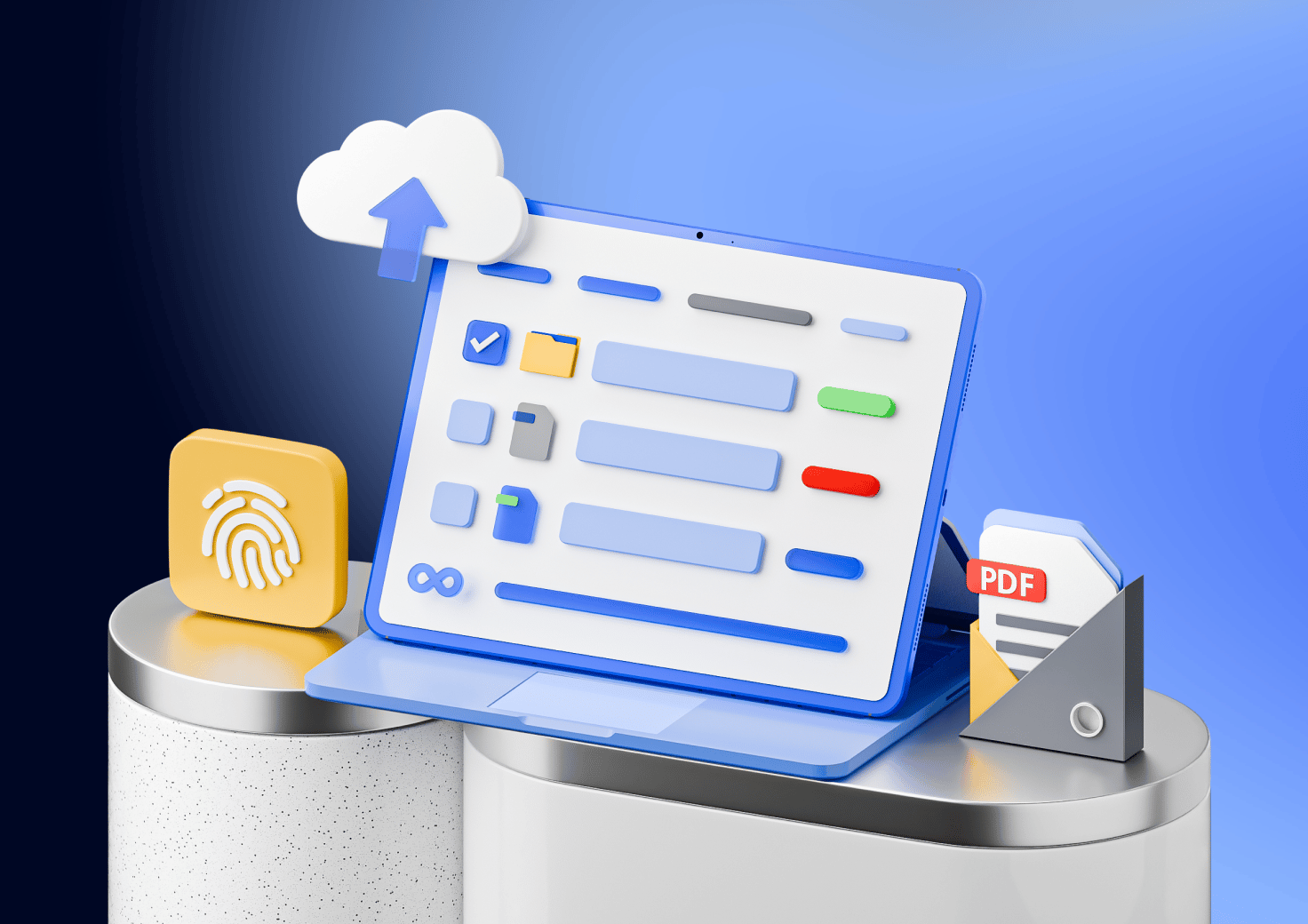
Keep your documents in one safe place
Secure, unlimited document storage

Accommodate all firm and client files in one document management system.

View and edit files from Windows Explorer – TaxDome virtual drive becomes a dedicated drive on your computer.

Upload documents and folders from your computer directly to your client accounts.

Print documents from any tax program directly into TaxDome.
The fastest growing practice management platform on the planet
See how customers are raving about us on places like G2 and Capterra.
“I love that billing, client portal, document sharing, and communications between the firm and the client is so seamless! I use this to manage my practice and scale services in one place.”

Lynnorra P.
Senior partner at an accounting firm
“For invoices, I do use TaxDome reminders if invoices are unpaid. I’ve also integrated my QuickBooks, so it’s all automatically synced. Huge time saver! It’s really easy to categorize the payments. We are also using the function that allows you to lock documents to bills: I can lock documents to make sure I get paid!”

Tranika Warner
Founder of TMW Financial Solutions
“My admin finds TaxDome AWESOME to use. Getting the finished returns inside TaxDome with the Windows App & Virtual Drive is super easy.”

Dane Janas
Founder of Boundless Tax










Integrated with the client portal
TaxDome offers a document management software that is integrated with the client portal and CRM. It provides many simple and secure ways to receive documents from your clients and third parties.


Clients upload docs without login

Third-party sharing

Streamline client feedback
Ensure you get paid for the work you do
Reduce accounts receivable by locking documents to invoices
Documents unlock automatically as soon as the invoice is paid

Automate payment collection
Ensure that your work is paid
Improve your billing processes
Arrange your files in a way that suits you best
Organise files and folders with templates and access rights

Manage access rights to safeguard the work you share.

Apply folder templates manually or by using automations.

Organise documents by year, type of service, assigned employee — whatever works for your practice.

Use statuses (color-coded tags) that show you what stage your documents are in.

Use filters to find specific docs – e.g. you can search for all recent documents for a certain account.
Bypass third-party PDF tools
Built-in native PDF editor
Edit and save documents right inside TaxDome

Merge and annotate PDFs
Leave notes and revise
Send fillable PDF forms to your clients



Make e-signing easy for clients
Unlimited integrated e-signatures

Request e-signatures from clients from any device
Trigger emails and tasks after e-signature is completed
Streamline your E-signature process
Frequently asked questions
What is a document management system (DMS)?
Document management system (also known as document management software) centralises organisation, storage, and collaboration around client files. It allows accountants and bookkeepers to create, upload, share, edit, sign electronic documents, and automate workflows for tax documents, financial statements, contracts, and more.
Can I collect e-signatures through TaxDome?
Yes. You can request legally binding e-signatures from clients directly inside TaxDome — no need for external tools.
Is TaxDome document storage compliant with information protection legislation?
TaxDome offers the most secure client portal available on the market. We employ ten industry standards to keep your data safe and secure.
How does your software back up data?
TaxDome provides end-to-end security and built-in privacy features, and your data is hosted on Amazon Web Services (AWS). Our team takes additional proactive measures to ensure that backups are continuous and data can be restored multiple times, on multiple servers, and at any point within the backup retention period.
What if I want to maintain a separate copy of my data?
The data is always yours, we simply hold it for you. Using the TaxDome Drive you can easily copy over all documents directly within your Windows Explorer. You can export accounts and contacts to a CSV file or use Zapier integration to link it to other systems.
Where is my data stored?
Your data is stored in Amazon AWS and is backed up daily. The physical location of your data is determined by your firm’s location.
How difficult is it to move client files from previous DMS to TaxDome?
You can easily move from other DMS using the TaxDome Drive — this retains the file structure. We also have import tools for transferring your documents over in bulk via the desktop application.
Do you have software to install onto my desktop and create folders there instead of doing everything on the website?
By using the Desktop app, TaxDome becomes a drive on your computer so you can save directly to the client folder as if you were saving files to your computer.
Can you type text in PDF documents?
Yes, we have a built-in PDF editor and you can also let clients fill out PDF forms.
Can clients scan and upload documents from their phone?
Yes. TaxDome’s mobile app lets clients snap a photo of a document and upload it instantly.
Is the built-in PDF Editor a full editor with markup tools to replace Adobe?
Absolutely. The built-in PDF Editor has great viewing, markup, and collaboration tools. And all changes to the PDF are saved in your TaxDome account.
Can clients upload documents by taking pictures of them?
Yes, your clients will have a built-in scanner in the mobile client portal — so that they can upload high-quality PDF images not just smartphone photos.
Can I hide documents from client view?
Yes. You can create folders with different access levels. If you add a document to a folder with private access, only you and team members with access will see it and clients won’t.
“I am a paperless office, and having an easy-to-use, secure way to access client documents at any time has been a big selling point for me. TaxDome has unlimited storage that doesn’t eat up when clients upload pictures.”
Amanda Kendall
Founder of Elevating Profits