 US – English
 UK – English
 Canada – English
 Australia – English
 Danmark – Dansk
 DACH - Deutsch
 France – Français
 España – Español
 Sverige – Svenska
 Italia – Italiano
 Nederland – Nederlands
 Portugal – Português
 Suomi – Suomi
 Norge – Norsk
 日本 – 日本語
 Romanian – Română












Built-in PDF editor
Use our built-in PDF editor to customise files, merge documents, highlight, annotate, leave comments, and send fillable forms to your clients. No need to download or re-upload — everything is auto-saved within TaxDome.
Keep everything in one place
Seamless PDF editing within your portal
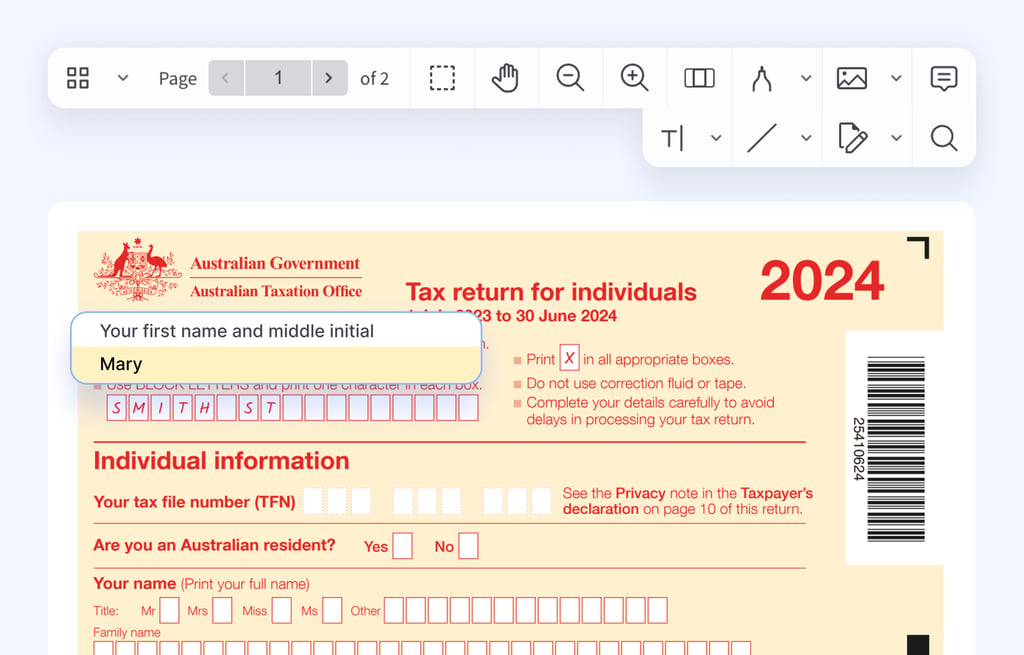
Skip Adobe and other paid tools — use TaxDome’s built-in PDF editor instead. No more re-uploading files or jumping between platforms — keep everything organised in one place.
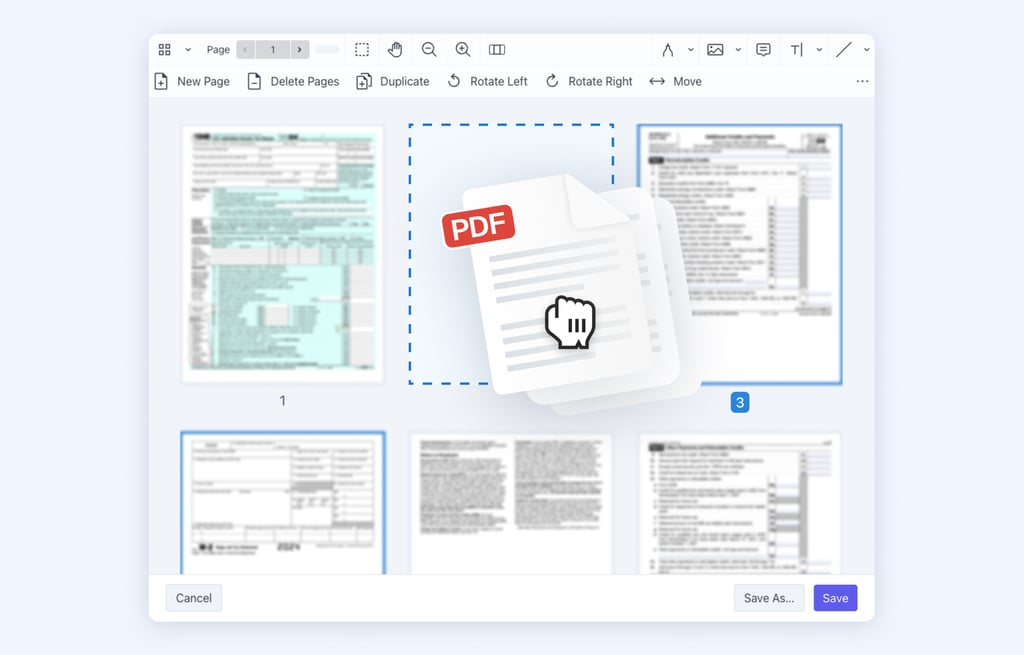
Customise documents with ease — delete unwanted pages, combine multiple files, rearrange pages, and more.
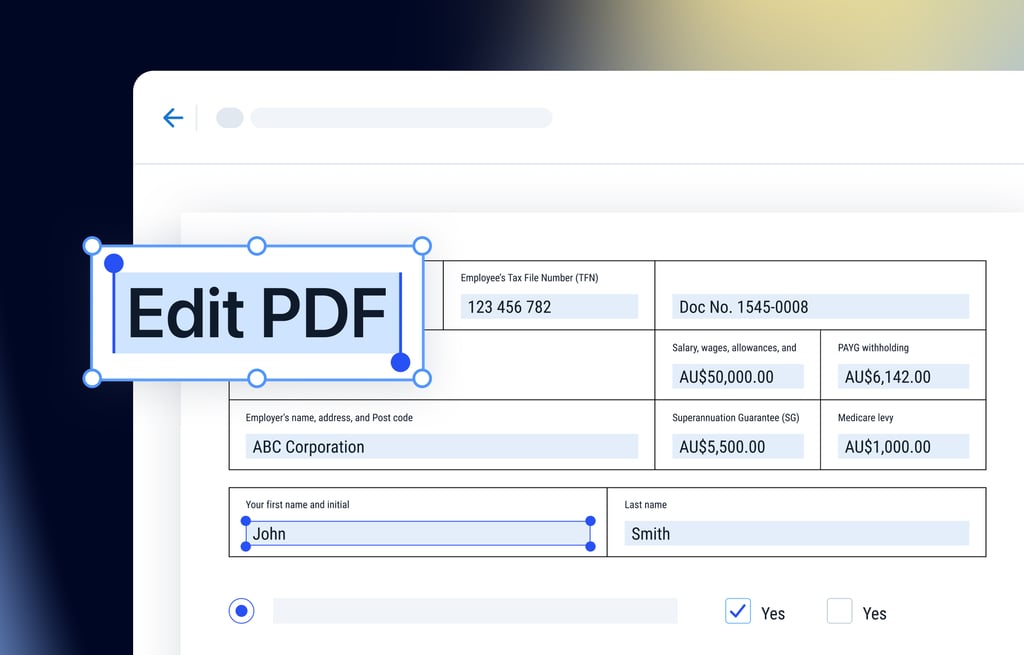
Create PDF forms and share them with your clients through chats or email; request your clients to fill in the required information.
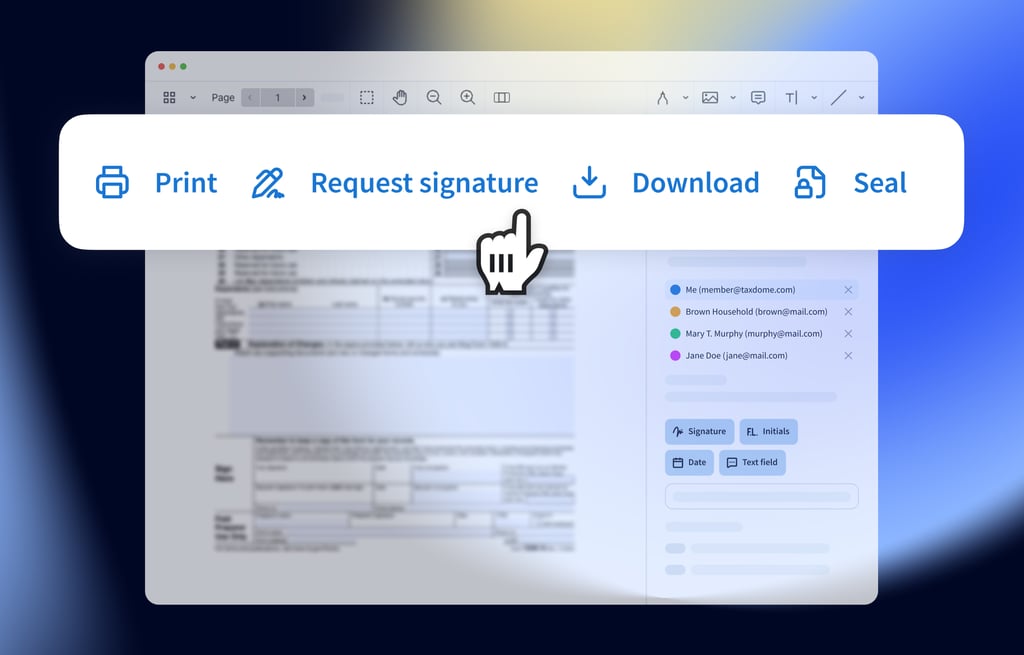
The PDF viewer now keeps your most-used tools right at your fingertips — including download, print, seal, and request signature — so you can get things done with fewer clicks.
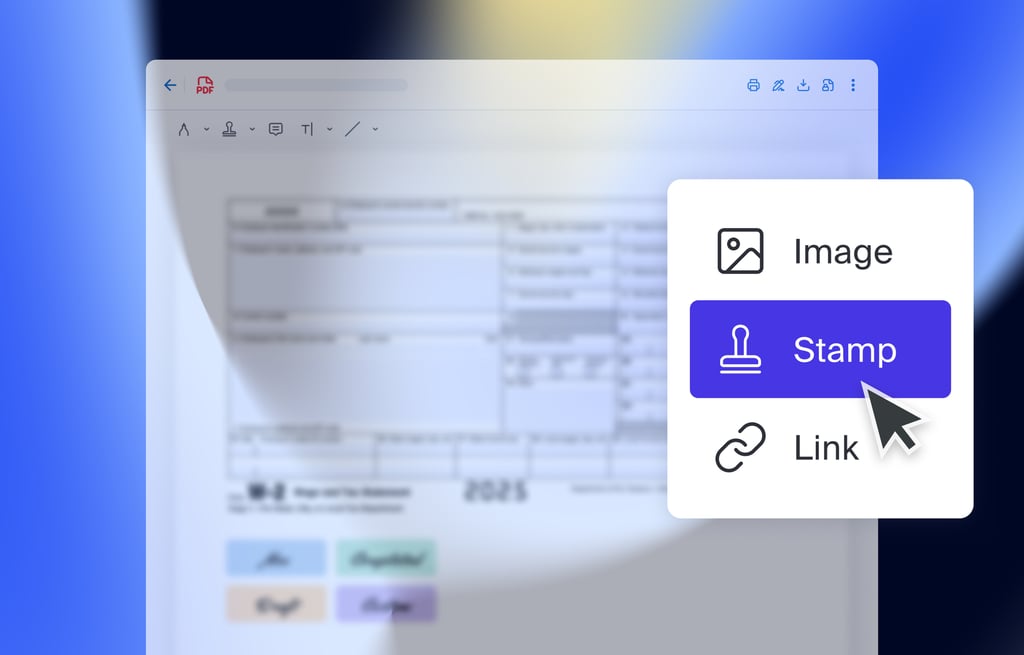
Use pre-designed stamps with common annotations like “Please revise,” “Approved,” and “Sign here” — or create your own.
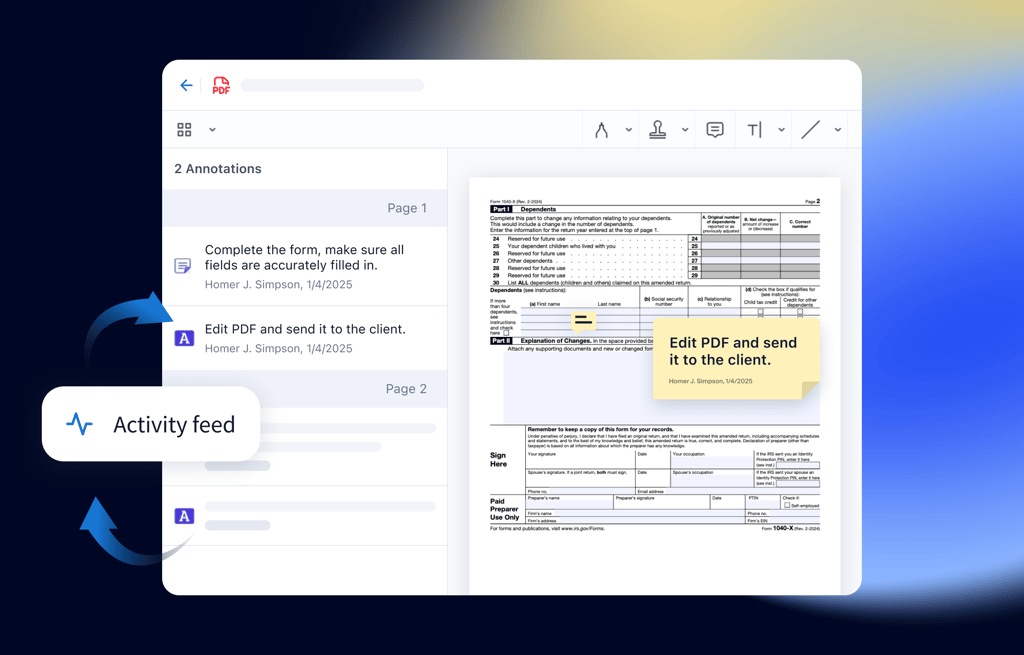
Track updates to documents made by your team or clients, so you never miss important changes and stay in the loop.