 US – English
 UK – English
 Canada – English
 Australia – English
 Danmark – Dansk
 DACH - Deutsch
 France – Français
 España – Español
 Sverige – Svenska
 Italia – Italiano
 Nederland – Nederlands
 Portugal – Português
 Suomi – Suomi
 Norge – Norsk
 日本 – 日本語
 Romanian – Română












Built-in PDF editor
Edit, merge, highlight, and send fillable forms—all within TaxDome Canada. No downloads or uploads needed. Everything auto-saves securely, helping you stay PIPEDA-compliant. Perfect for T1s, T4s, and more.
Keep everything in one place
Seamless PDF editing within your portal
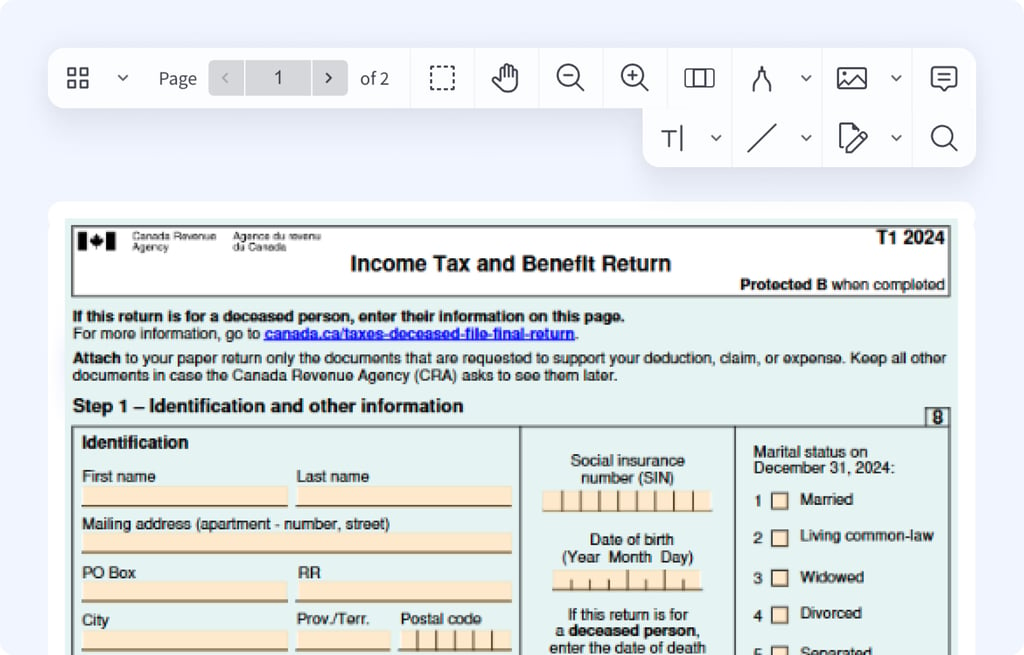
Skip Adobe, Nitro, and Foxit. TaxDome Canada lets you edit CRA forms like T1s and T4s natively—no downloads, no re-uploads. Stay PIPEDA-compliant and keep your team organized in one secure platform.
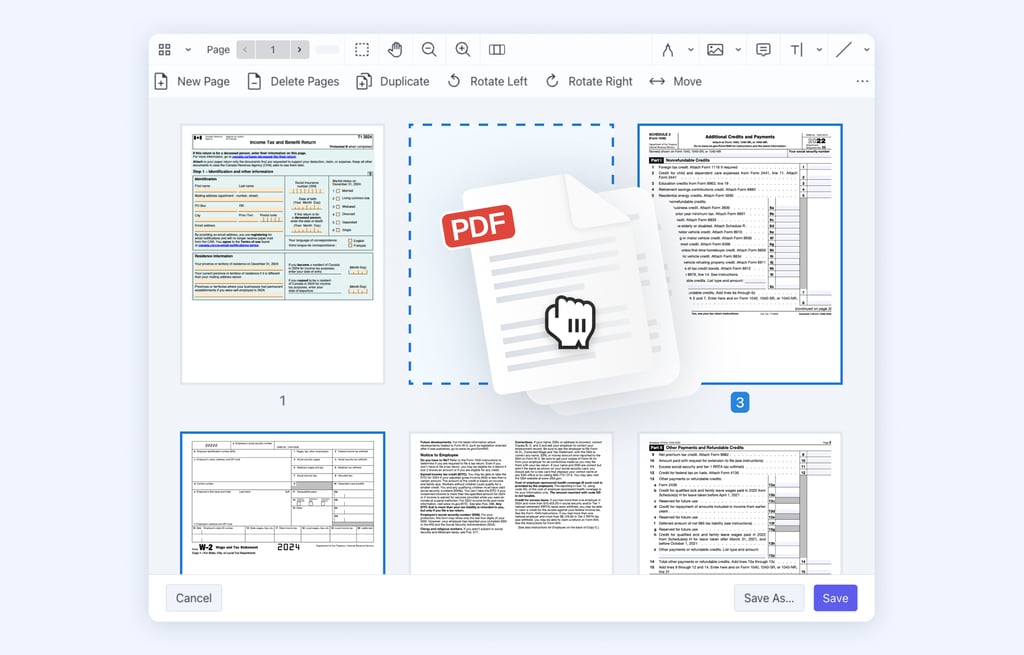
Customize documents with ease: delete unnecessary pages, combine multiple files into one, rearrange pages, and more.
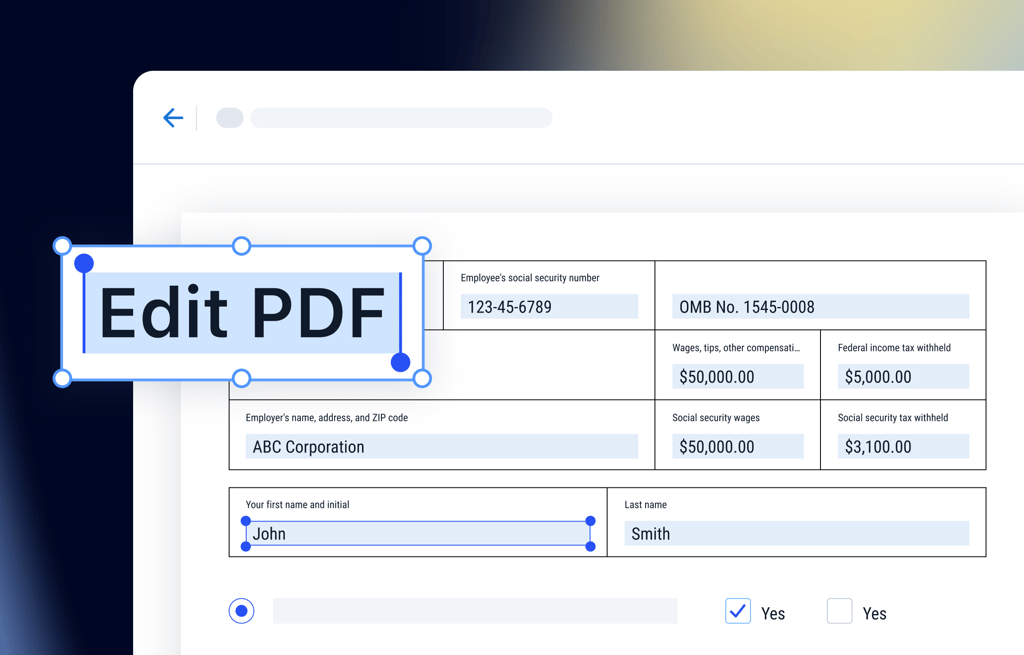
Create PDF forms and share them with your clients through chats or email; request your clients to fill in the required information.
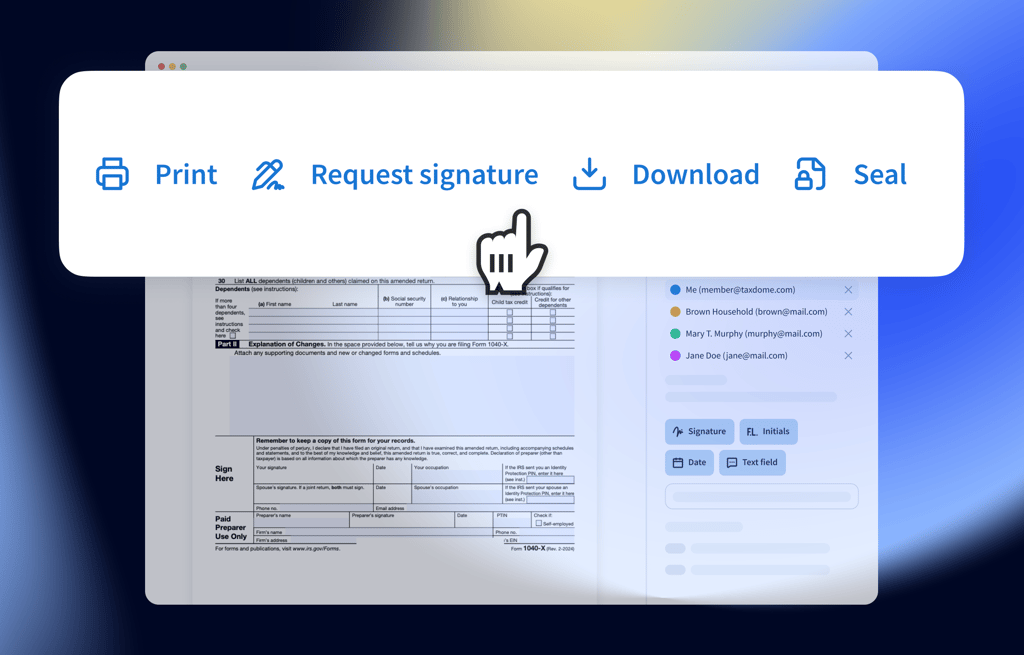
PDF viewer now keeps your most-used tools at your fingertips — including download, print, seal, and request signature — so you can take action in fewer clicks.
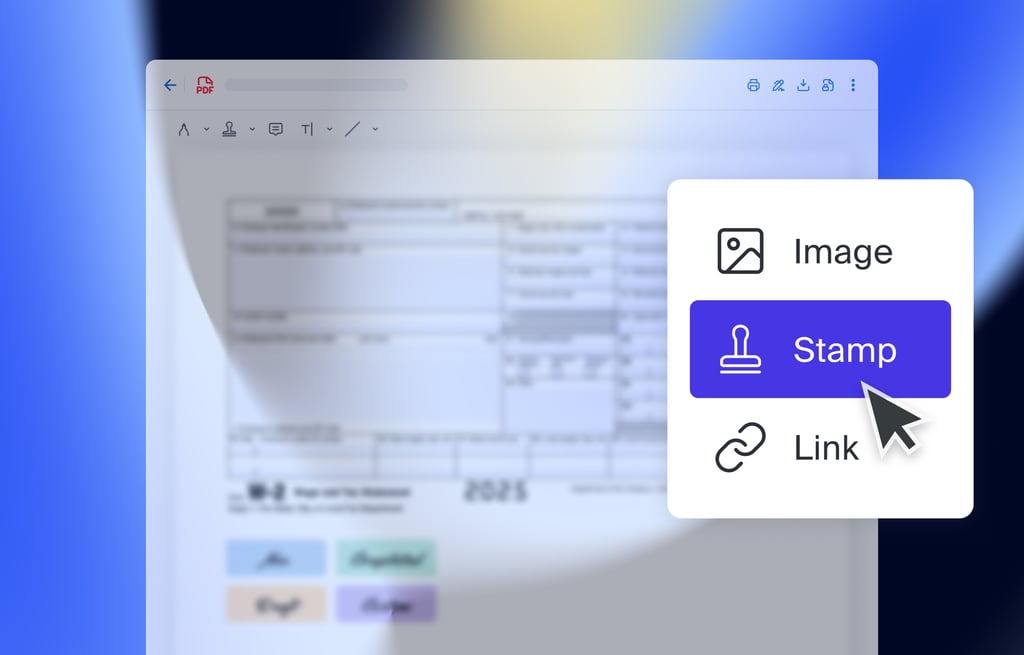
Use predesigned stamps with common annotations such as “Please revise,” “Approved,” “Sign here” or create your own.
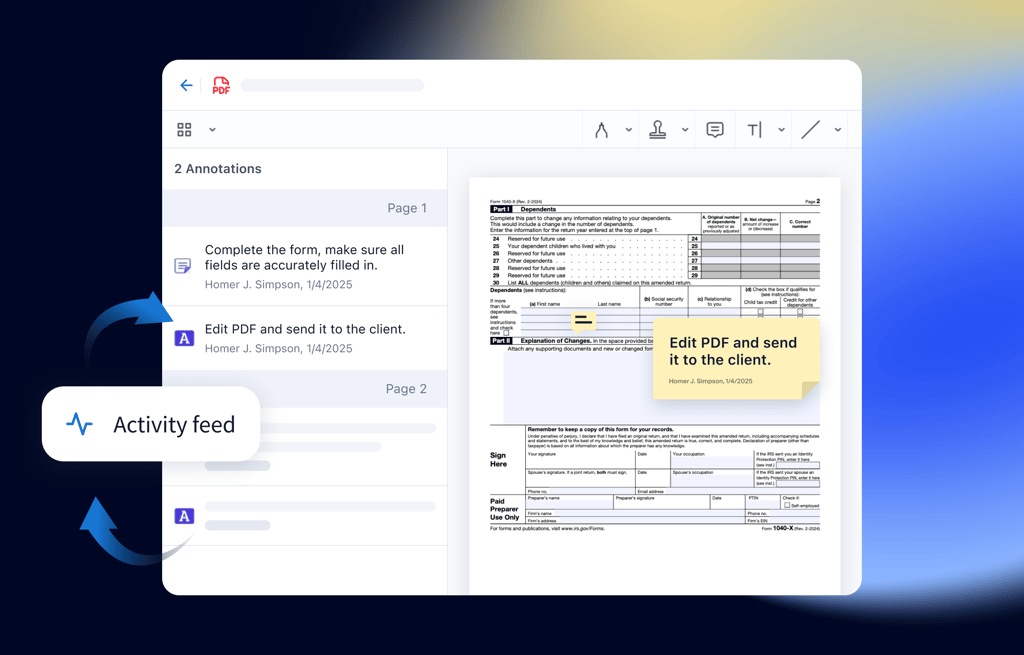
Тrack updates to documents made by your team or clients so you never miss critical changes and stay informed.