 US – English
 UK – English
 Canada – English
 Australia – English
 Danmark – Dansk
 DACH - Deutsch
 France – Français
 España – Español
 Sverige – Svenska
 Italia – Italiano
 Nederland – Nederlands
 Portugal – Português
 Suomi – Suomi
 Norge – Norsk
 日本 – 日本語
 Romanian – Română












10 Zapier Accounting Integrations You Should Know

Run your entire firm on one platform

If you’re an accountant or bookkeeper, chances are you use quite a few tools to manage your business. These tools keep track of your clients, manage appointments, execute your day-to-day tasks, manage your employees and contractors, store sensitive information, and prospect for new clients. It’s safe to say you have a lot going on.
Time management is key and in order to effectively streamline your business and increase efficiency, you may need to employ a few different resources.
If you feel like you’re drowning in tools and resources, this post will help.
Let us introduce you to the one thing that can help you stay organized. Ever heard about Zapier?
Table of сontents
Table of сontents
What is Zapier?
Zapier is an automation tool that helps you to work smarter not harder. It allows you to set up zaps that automate repetitive tasks, allowing you to focus on your more essential to-do items.
As your business grows, the number of tools you use to keep your business afloat can become overwhelming. Zapier connects them, turning your business processes into an integrated system that runs without much interference.
You’ll be able to sync information between all your tools and programs, eliminating the need for entering the same information on multiple platforms.
What are some things Zapier can help with? Here are some useful Zapier integrations every accountant or bookkeeper should know about.
10 Zaps that Help with Business Automation
Stripe
If Stripe is your chosen payment processor then there are several zaps you can use to extend its functionality. For instance, once you connect Stripe to Zapier, you can set up zaps to notify you in Slack, email, or via SMS that a payment has been received. Zapier can add a new customer to your email list and trigger an automated message in response. Other zaps allow you to update a client’s account in your client software or add them to a Google Sheets spreadsheet.
Xero
Xero is an accounting app which when connected with Zapier allows you to automatically create invoices for payments received through Stripe or PayPal. Zaps can automatically update your customer’s information, send out notifications of payments received or outstanding. It can also update your team of sales invoices on a timely basis and automatically creates new contact listings once a new client is acquired.
QuickBooks
This accounting software keeps accounting books, helps manage payroll, creates invoices and receipts for customers, and offers more features useful to accountants and bookkeepers. Using Zapier with QuickBooks eliminates tedious manual data entry in several ways. For instance, if you update a contact’s info in TaxDome, it will be synced to your QuickBooks accounts automatically.
Calendly
Calendly is a popular tool for scheduling meetings and seeing when you’re free. When paired with Zapier, you can manage multiple features with just one entry. It will not only create a Zoom meeting once an event is scheduled, but it also sends out invitations to clients and employees, notifies them of any updates or changes, and schedules meetings and reminders once the entry is made into the scheduling system. Extend this system even further by sending files from your Dropbox account or questionnaires via Google forms to the client automatically once a meeting is scheduled.
Practice Ignition
This tool allows you to create and send service proposals and receive instant payments once accepted. Zapier extends this functionality by creating new tasks in your productivity tools such as Asana or Trello once a proposal is accepted, send notifications to your team via messaging or emails, create new Google Drive folders for this new client and so much more.
Mailchimp
This is a popular email marketing platform and web hosting tool that helps you to stay in touch with your customers and potential clients by delivering newsletters, automated email messages, and sales funnels. When linked with Zapier, you’ll be able to automatically update your accounting software with potential client information, assign follow-up tasks to employees via Trello or Slack, trigger email sequences when a customer completes a Google form and so much more.

Google Drive
This tool allows you to save all your documents, spreadsheets, rich media, and any other type of files in folders that are easily accessible from any device. You can share, create and edit the same file all in one place and your team members will all be able to access shared documents from wherever they are. Connected to Zapier, Google Drive becomes an even more powerful tool as you are able to save email attachments directly to your drive, create new Trello cards from Google Drive files, upload Google Drive videos to YouTube (wonderful for your video editor to drop a final approved edit in this folder) and more.
Trello
Trello is effectively your online whiteboard with cards (think post-it notes) that can be created as reminders or organizational tools to manage your projects and events. Once connected, Zapier will automatically update your Trello cards with new info from all the apps that are connected. Zapier will also create cards whenever a new event is planned and move cards to lists when new deals occur in your CRM. It can send emails, update your team and keep everyone updated on the progress of a project or task.
Dropbox
Dropbox is another file management storage system that is compatible with Zapier. When tooled with Zapier, Dropbox allows you to store bills, receipts, etc, share signed documents or documents that need to be signed, sales reports, budgets, spreadsheets, images, and much more all in one place. Notifications can be set up on whichever platform you choose to advise of additions and changes made to your Dropbox. Attachments can be sent to anyone who fills out a form or purchases a product and images stored in designated folders can be automatically shared on social media.
17Hats
17Hats is a customer relationship management (CRM) software. It allows you to communicate with your clients, send out proposals and contracts, and track and facilitate online payments. Some zaps might include adding a new contact to 17Hats when a meeting is scheduled via Calendly or your preferred scheduling tool, or adding a new task to a Trello board when a new client is added to 17Hats.
As you can see, Zapier integrates seamlessly with these platforms and many more that may be used to increase your productivity and streamline your business. As the list grows, soon you may find yourself needing a platform to manage all the platforms.
TaxDome natively offers many of these features or integrates directly with some of the popular tools mentioned here, eliminating the need for third-party integration. Of course, TaxDome can be extended even further if necessary with Zapier.
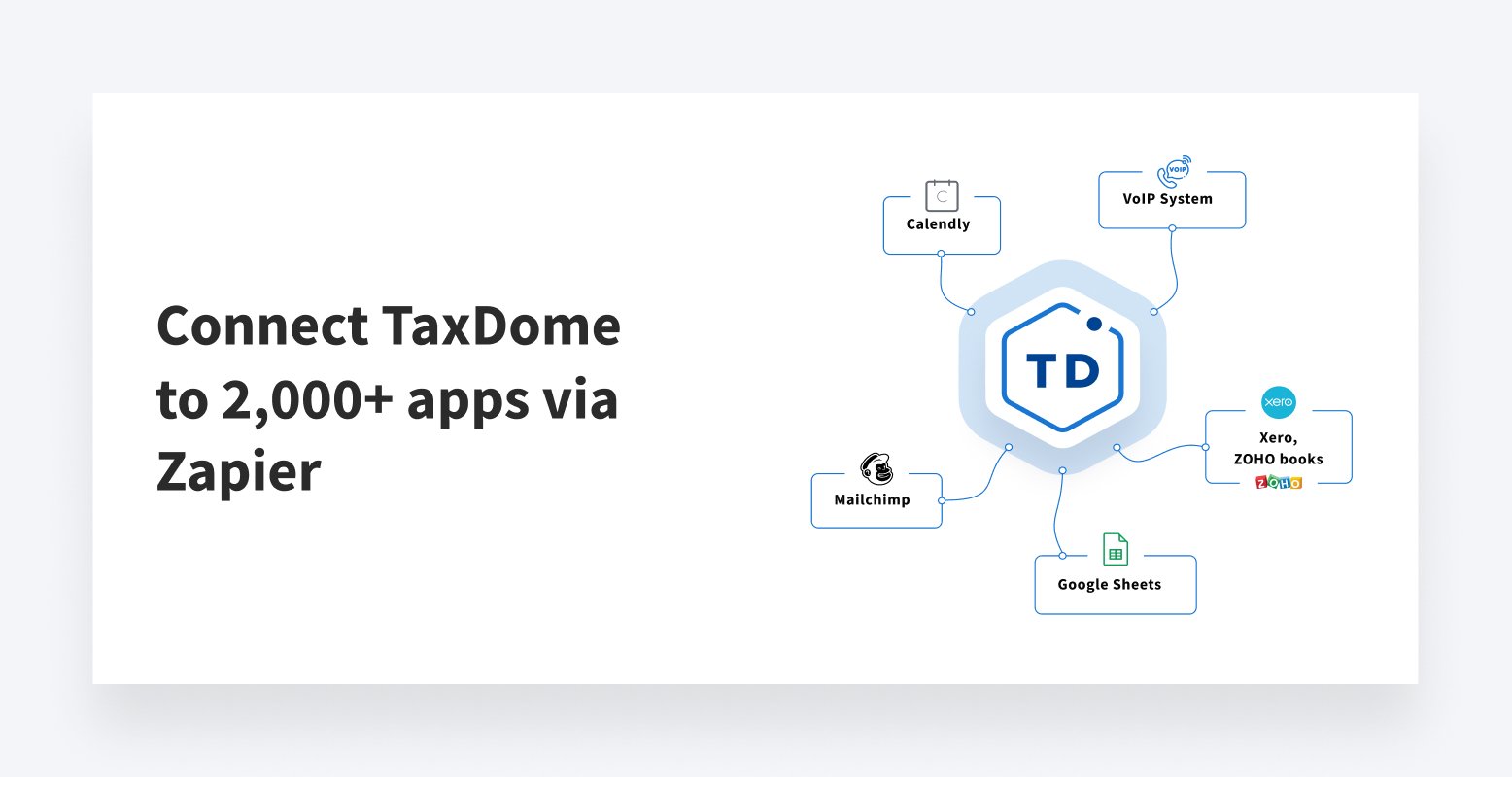
Sync data automatically with TaxDome + Zapier integration
TaxDome is a dynamic tool replacing your CRM, file storage, e-signatures, workflow, time tracking, billing, payments, and more. However, pairing TaxDome with your calendar, email software, and spreadsheets cuts down drastically on individual tools and frees up your time, allowing you to focus on growing your business.
Save time and money with an all-in-one tool to manage your tax business.

Lisa manages TaxDome’s blog strategy, oversees email communications, and improves platform performance through review analysis and optimization, focusing on aligning messaging with user needs and strengthening brand positioning in the accounting industry.

Get your free guide

Thank you!
The guide copy has been sent to your email. Please check your inbox!
Recommended articles

Niche Business Accounting Report statistics: what business clients will pay for specialized expertise

Buy Now, Pay Later: offer clients payment flexibility

Top AI tools for accountants in 2026: key features and use cases compared