 US – English
 UK – English
 Canada – English
 Australia – English
 Danmark – Dansk
 DACH - Deutsch
 France – Français
 España – Español
 Sverige – Svenska
 Italia – Italiano
 Nederland – Nederlands
 Portugal – Português
 Suomi – Suomi
 Norge – Norsk
 日本 – 日本語
 Romanian – Română












#Client portal
How to start using TaxDome as a Client
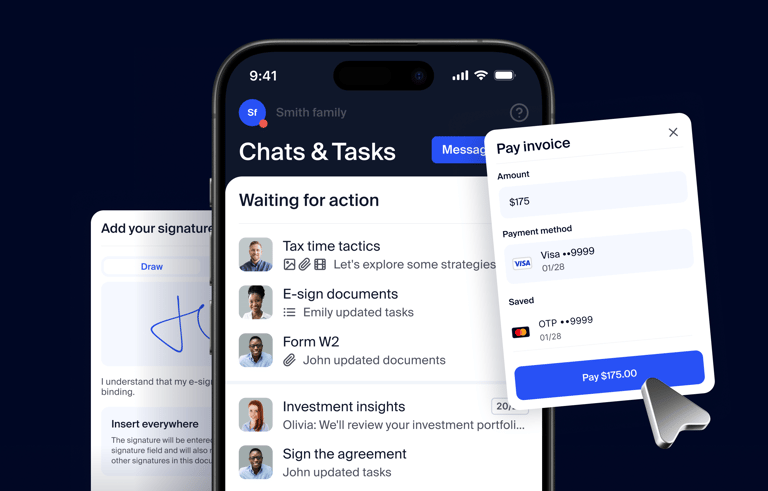
Run your entire firm on one platform
Replace scattered tools with one system for accounting firms. Trusted by 15,000+ firms and 3M+ clients.
Request demo
The client portal allows you to securely communicate with your accountant, exchange documents, pay bills, and more.
In this video, you will learn how to activate your account and what are the main sections of your portal.
To find out more, visit our Help Center: https://client-help.taxdome.com/category/4-getting-started
Download TaxDome Client Portal mobile app on iOS & Android:
https://apps.apple.com/us/app/taxdome/id1472202357
https://play.google.com/store/apps/details?id=com.taxdome