 US – English
 UK – English
 Canada – English
 Australia – English
 Danmark – Dansk
 DACH - Deutsch
 France – Français
 España – Español
 Sverige – Svenska
 Italia – Italiano
 Nederland – Nederlands
 Portugal – Português
 Suomi – Suomi
 Norge – Norsk
 日本 – 日本語
 Romanian – Română

The client app that keeps your firm moving
Clients sign tax returns, pay invoices, and scan documents from their phones, and every action moves the job forward with no follow-up from your team. Rated higher than any other finance app: 4.9 stars from 40,000+ reviews.
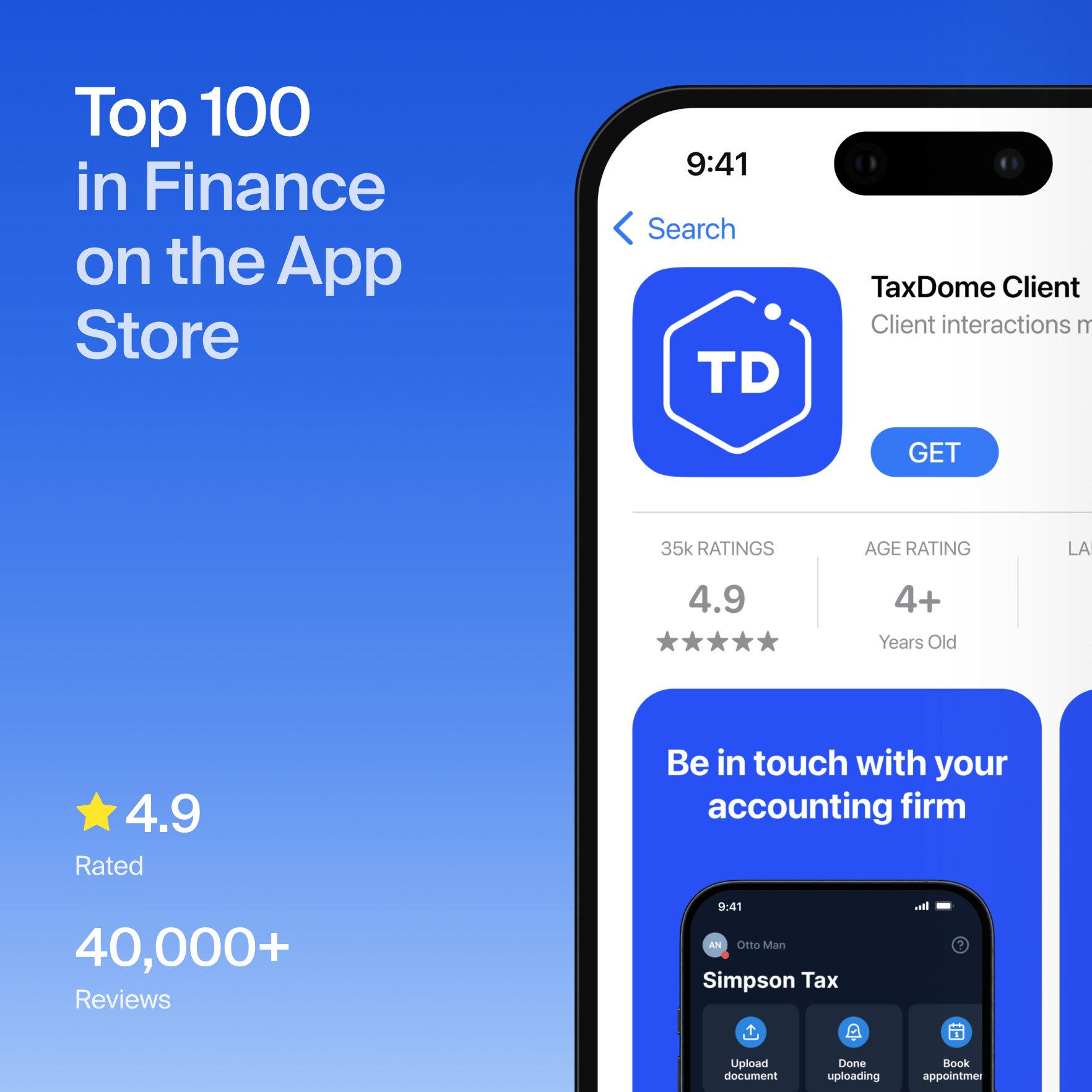
See TaxDome from your client’s point of view
A client app only works if your clients actually use it
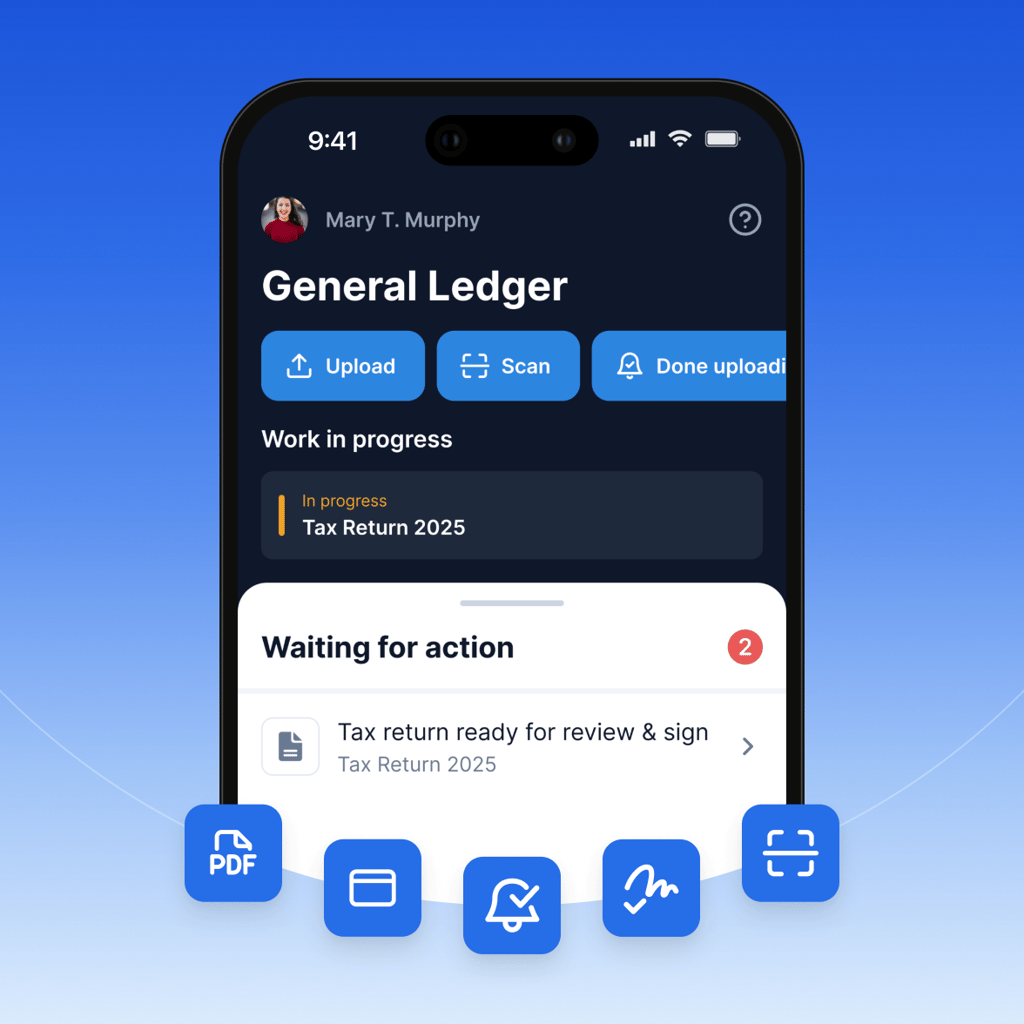
No follow-up emails. No manual handoffs. When clients act from their phone, jobs move through your pipeline without anyone on your team lifting a finger.
-
A client scans a document the moment it arrives.
-
The scan is automatically converted to PDF, and the right team member gets a notification and a task.
-
A client signs a tax return on their lunch break.
-
The job moves from Waiting for signature to Proceed to file.
-
A client pays an invoice on their way to the gym.
-
Your pipeline updates instantly, and you get paid without sending a reminder.

From a firm like yours
We have an older dentist who is now retired. Just a couple years ago, he wouldn’t even try email or our old portal. We actually had to drive up there and drop off paper documents for him, pick up his documents. He moved to Florida about the year we started using TaxDome, and he figured it out. Could not believe it! He was uploading documents, sending chats. The man only had a cell phone and he figured out how to do all of this. That blows me away.
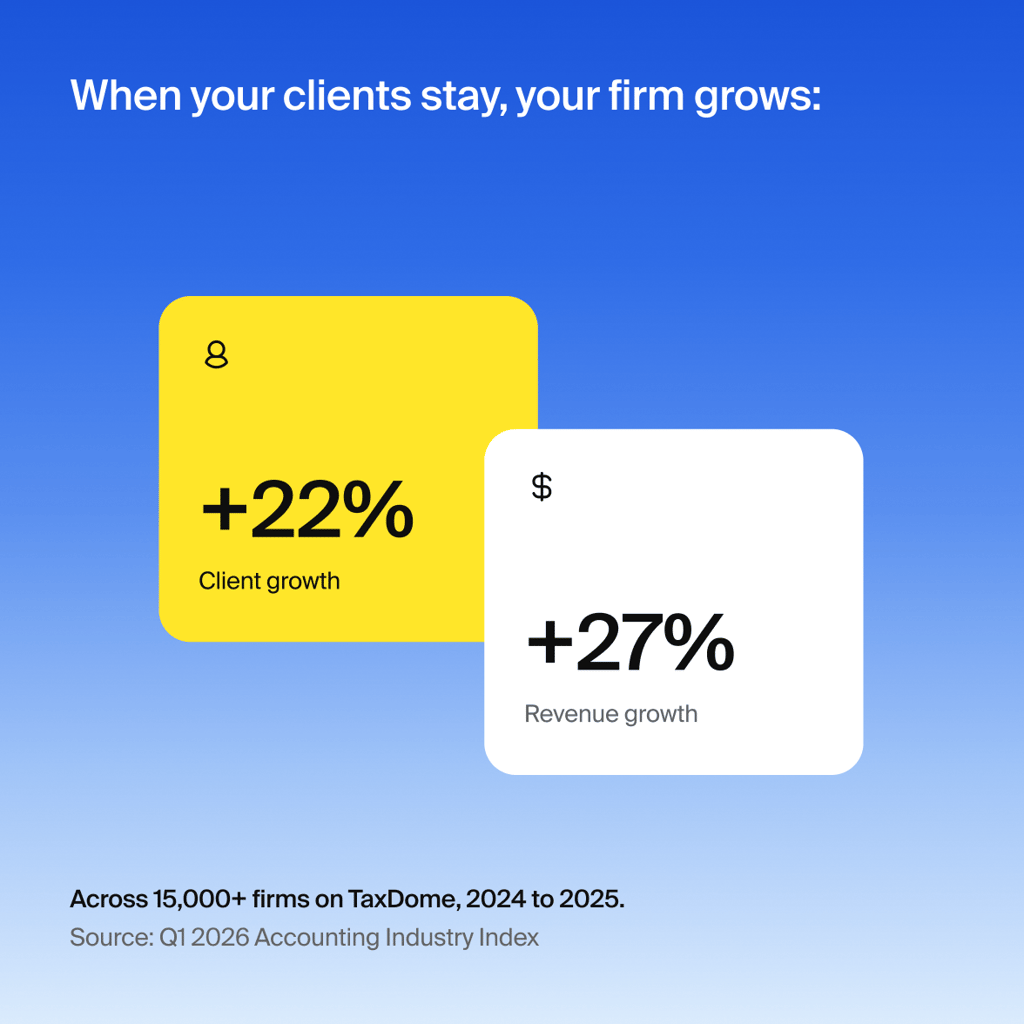
Go live in week one. Keep clients for the long term.
When clients open the app in their first week, they stay: drop-off is six times lower.
Clients who didn’t think they’d love it and use it
“Clients being able to do this on their phones was a game-changer. It’s amazing the number of clients who love the mobile app.”

John Siebert
Firm Owner, Siebert & Associates, CPAs
“Client feedback has been a winner. The mobile app is easy to use, it’s very intuitive, it’s clean, it’s not clunky, and it’s very responsive.”

Kudzi Chinya
Director, Blue Hectare
Fewer bottlenecks and a faster-moving firm with the best client app in practice management
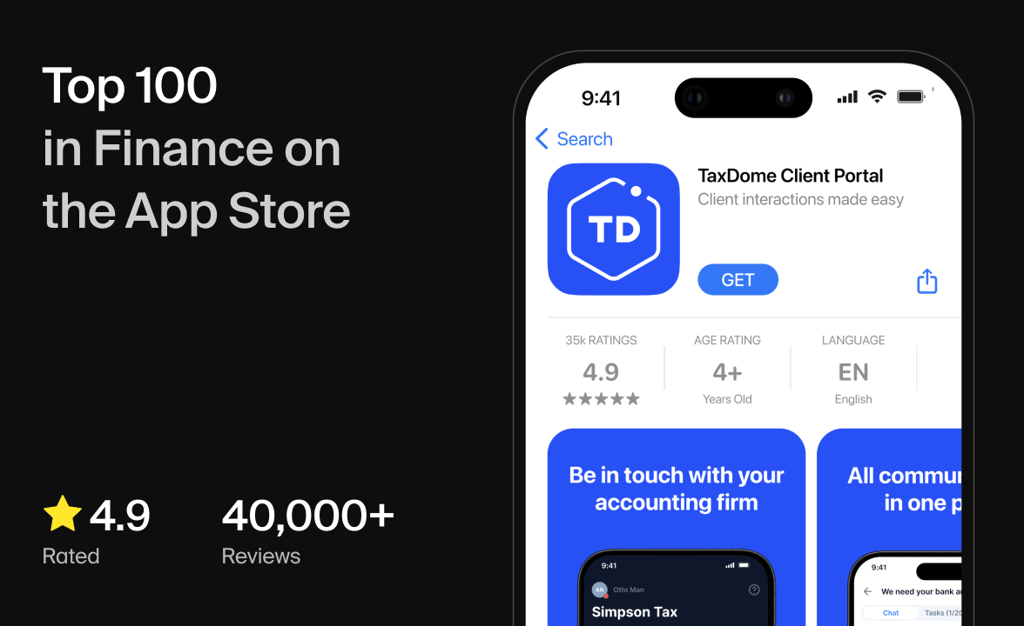
When clients act faster, your team follows up less, and jobs move through your pipeline sooner. That’s what you get with the highest-rated client app: 4.9 stars from 40,000+ reviews. Included for every TaxDome firm and client.
Frequently asked questions
How do my clients get the TaxDome app?
They download the TaxDome mobile app from Google Play (Android) or the App Store (iOS).
Can clients pay invoices through the app?
Yes, clients can pay invoices directly from the app. No phone call, no extra login required.
Can clients upload and scan documents from their phone?
Yes. The app includes a built-in document scanner so clients can scan and upload files directly from their phone camera. No third-party scanning app needed.
Can clients e-sign documents from their phone?
Yes. When a signature is needed, clients get a notification and can sign directly from their phone or tablet. Most clients complete it in under two minutes.
Can clients fill out organizers in the app?
Yes. Clients complete tax organizers directly in the app, alongside checklists, messages, and payments.
Is it safe for clients to upload documents and share sensitive information?
Yes. All data, documents, and communication in the TaxDome app are protected with enterprise-grade encryption, and TaxDome is SOC 2 Type II certified. Clients upload sensitive files and message your team without any additional tools or logins. Full details are in our Trust Center.
What if my clients need help using TaxDome?
Help guides and videos are built into every step, so most clients get unstuck on their own. For firms that want more, the Managed Client Care add-on gets your clients fast, friendly answers to everyday platform questions without contacting your team.
Can my firm offer the mobile app under its own brand?
Yes. The white-labeled client app is a fully branded iOS and Android app under your firm’s own name, built on the same app clients already rate 4.9 out of 5, and TaxDome is the only practice management platform that offers one. Franchises and larger firms use it to keep every client touchpoint under their own brand; contact sales for pricing. Every TaxDome plan already includes the full client app experience, the same app named a 2026 Webby Award Honoree, so branding is the upgrade and the top-tier experience comes standard.
“We are not computer experts but this app was so easy to use. We were able to send our information to John and he completed our taxes and called us to explain how to sign and submit payments and fees. It was simple.”
East Coast Ginger
TaxDome iOS user