 US – English
 UK – English
 Canada – English
 Australia – English
 Danmark – Dansk
 DACH - Deutsch
 France – Français
 España – Español
 Sverige – Svenska
 Italia – Italiano
 Nederland – Nederlands
 Portugal – Português
 Suomi – Suomi
 Norge – Norsk
 日本 – 日本語
 Romanian – Română

Integrations
Integrate secure payment processing into your workflow
Seamlessly accept payments online by connecting your TaxDome account to Stripe. Easily accept credit/debit cards, including Google Pay and bank debit payments through TaxDome’s secure integrated processors.
Our client experience speaks for itself











Accept payments with no limits
Accept credit card or bank debits in the USA, Canada, Oceania, and Europe
 Apple Pay
 Google Pay
 SEPA
 ACH payments
 BECS
 PADS
Accelerate payments
Get paid faster with integrated payment processing
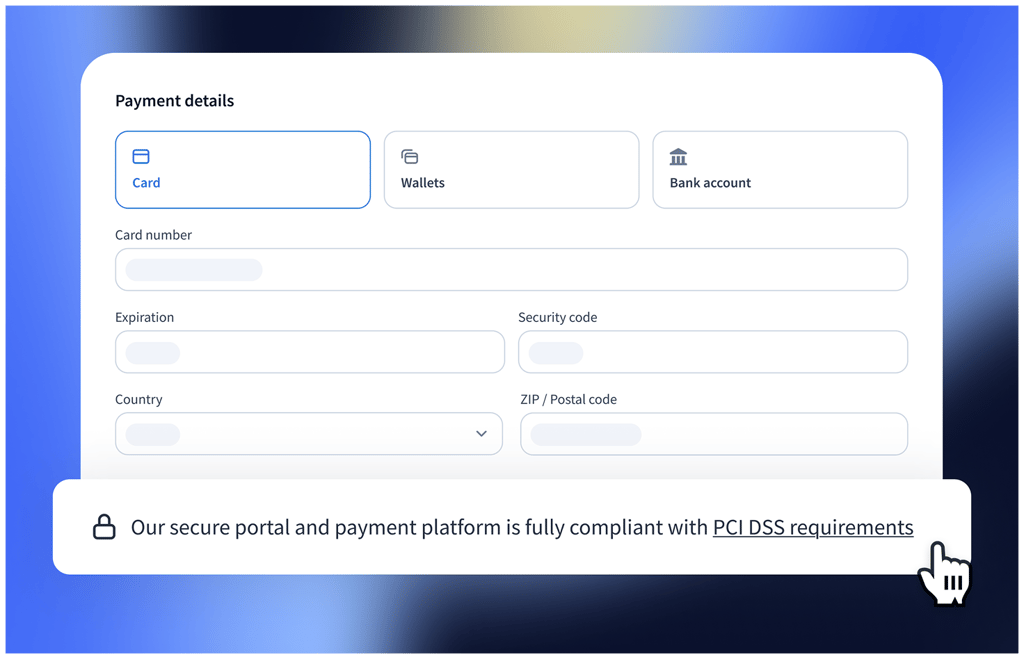
Choose your preferred payment method: credit card, bank debit, or let the client decide. For smaller invoices allowing the client to choose may be ideal, while for larger invoices you might prefer to accept only bank payments.
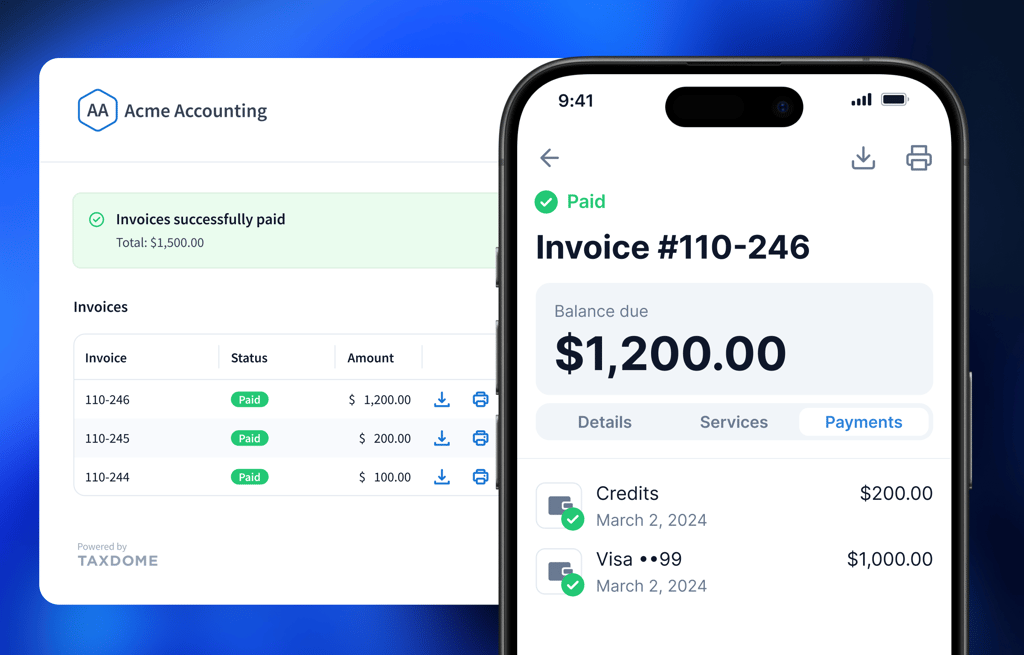
Process all payments directly within your custom-branded client portal. Automatically invoice and charge customers on a set schedule. Get paid faster for your recurring projects to keep your revenue stream flowing.
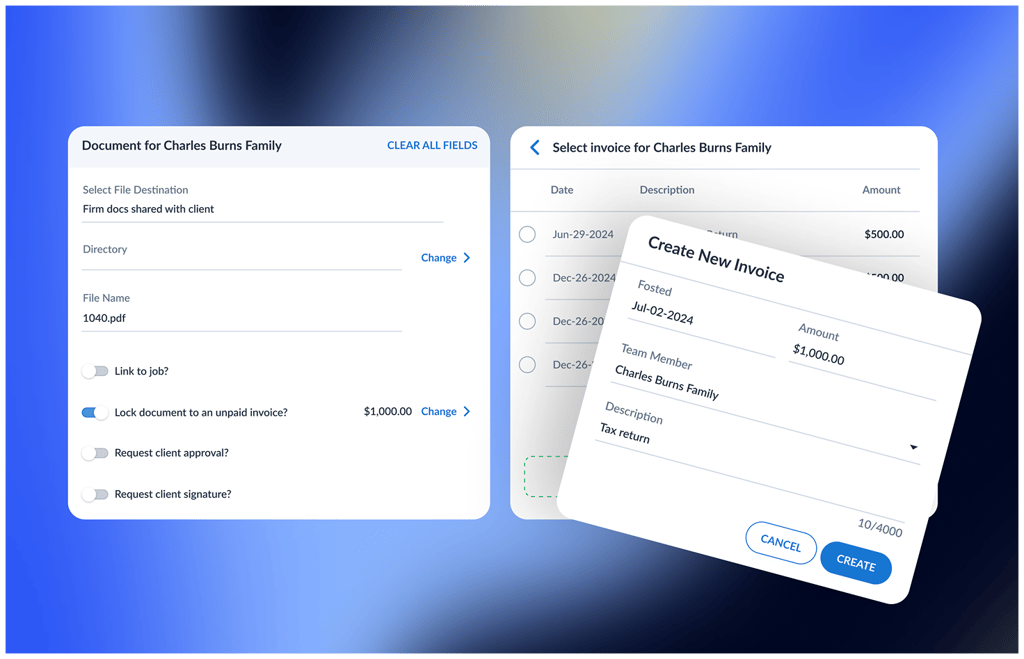
Ensure you get paid fully by restricting access to documents until the invoice is paid. TaxDome will release the document automatically to the client when invoice is paid.
Get your free guide

Thank you!
The guide copy has been sent to your email. Please check your inbox!
IRS, tax, bookkeeping integrations, and more
QuickBooks Online

Schedulers

IRS

Cloud hosting providers
Frequently asked questions
Can I accept payments in TaxDome?
You can! Accept payments via credit cards or bank debits in the US, Australia, Europe, and Canada through ACH, SEPA, BECS, and PADs.
Can I integrate my QuickBooks Online account?
Definitely. Connecting your TaxDome account with QuickBooks Online lets the systems automatically sync your invoices and payments from TaxDome directly into your QuickBooks account.
Is it safe to process payments through TaxDome?
Yes, we employ a number of industry standards to keep your and your clients’ data protected and secure.
How to connect to Stripe?
We got you covered — check out our help article on how to connect your TaxDome profile to Stripe.
The process is simple:
1. In Settings, go to Integrations, then select Payments subtab.
2. Click on the buttons Connect with Stripe.
3. To log in with your Stripe account, enter your login.
4. Get through the verification process and enjoy your new integration!
Are there additional fees to invoice and receive payments to clients?
No, TaxDome does not charge any fees. You have unlimited contacts, clients, signatures, storage, and bills.
Can I process credit cards or bank payments manually over the phone or in the office?
Yes, you can manually enter credit card or bank details for a transaction, wherever you are.
Can clients make prepayments?
Yes, clients can make prepayments at any time via a button on their client portal.
Can I pay on behalf of my clients?
Sure, you can! Sometimes, instead of paying from their portal, your clients can ask you to pay an invoice on their behalf with their credit card or using their available credits.
If a client has available credits in their account, you can pay an invoice for them right when you create it or later. You can also pay an invoice for a client with their credit card or by entering their bank account details.
“I like that it integrates with QuickBooks Online and Stripe. There's a lot of value in it.”