 US – English
 UK – English
 Canada – English
 Australia – English
 Danmark – Dansk
 DACH - Deutsch
 France – Français
 España – Español
 Sverige – Svenska
 Italia – Italiano
 Nederland – Nederlands
 Portugal – Português
 Suomi – Suomi
 Norge – Norsk
 日本 – 日本語
 Romanian – Română












#CRM & Clients
How To Create Accounts and Contacts
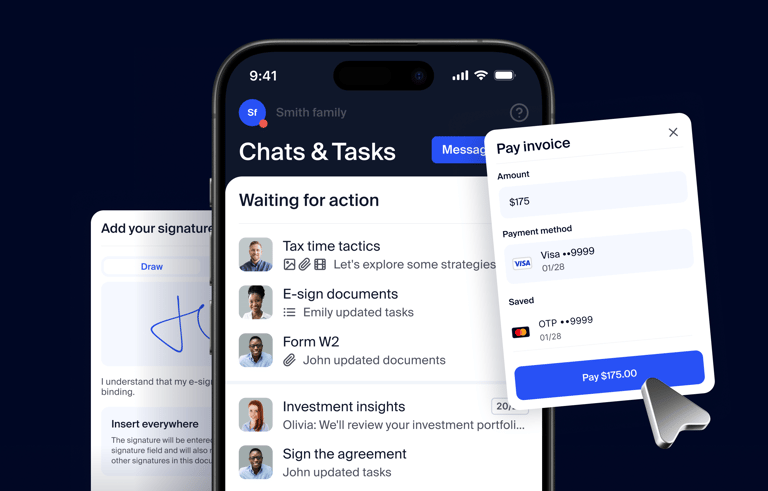
Run your entire firm on one platform
Accounts and Contact are different entities in TaxDome.
Accounts are the entities that you interact with, be it a business or an individual, or even a family. The contacts are all the contact cards that are in your Rolodex.
You can link Contacts to several Accounts and add Contacts to the existing Accounts.
Flexible levels of access: Grant access to client data only when your team members need it
Find out more about updating account access via automation & temporary assignments in our Help Center
We cover all details of importing contacts as well as describe the differences between accounts & contacts in the webinar Getting Started with TaxDome
TaxDome is an all-in-one practice platform for CPAs, bookkeepers, and accounting firms.
If you haven’t heard of TaxDome, join our daily demo to see automations in action.
If you’re a TaxDome user, join our daily webinars where we go in-depth into the topic at hand, discussing features, use-cases, and ample Q&A.