Client management

Secure file sharing for accounting professionals

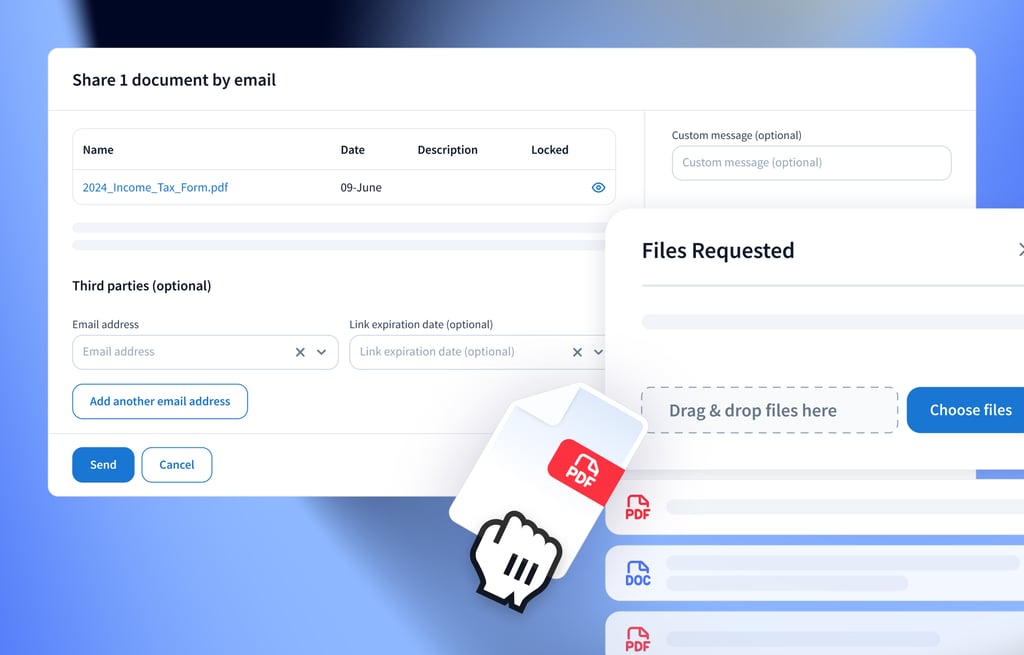
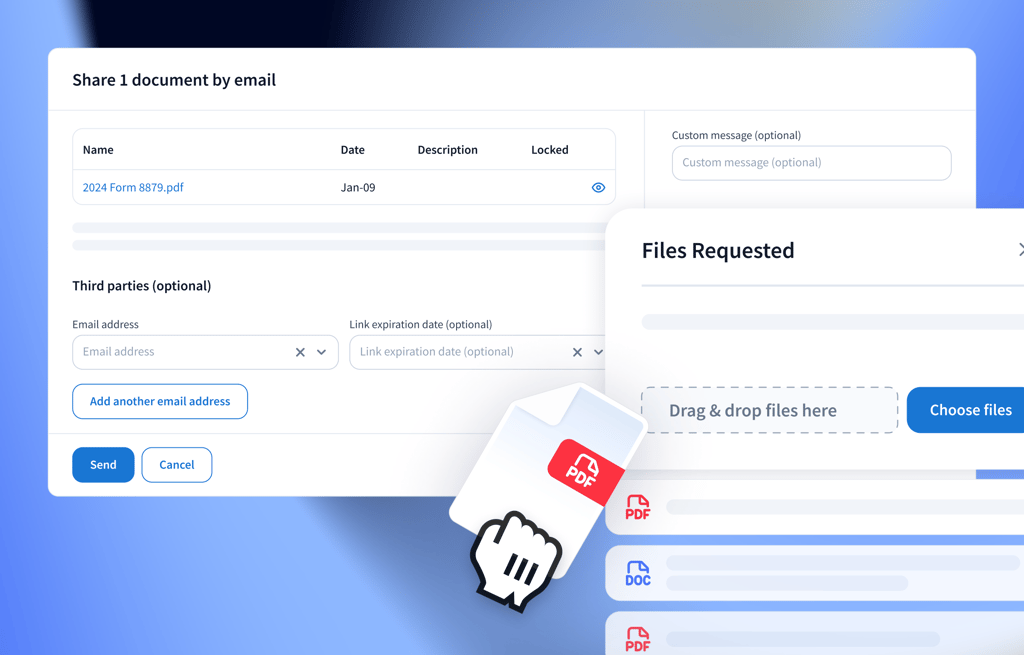
Share and manage documents and client files securely without leaving TaxDome. Reduce email risks and avoid third-party tools with encrypted, trackable file sharing designed for accounting and bookkeeping firms.
Keep client documents safe

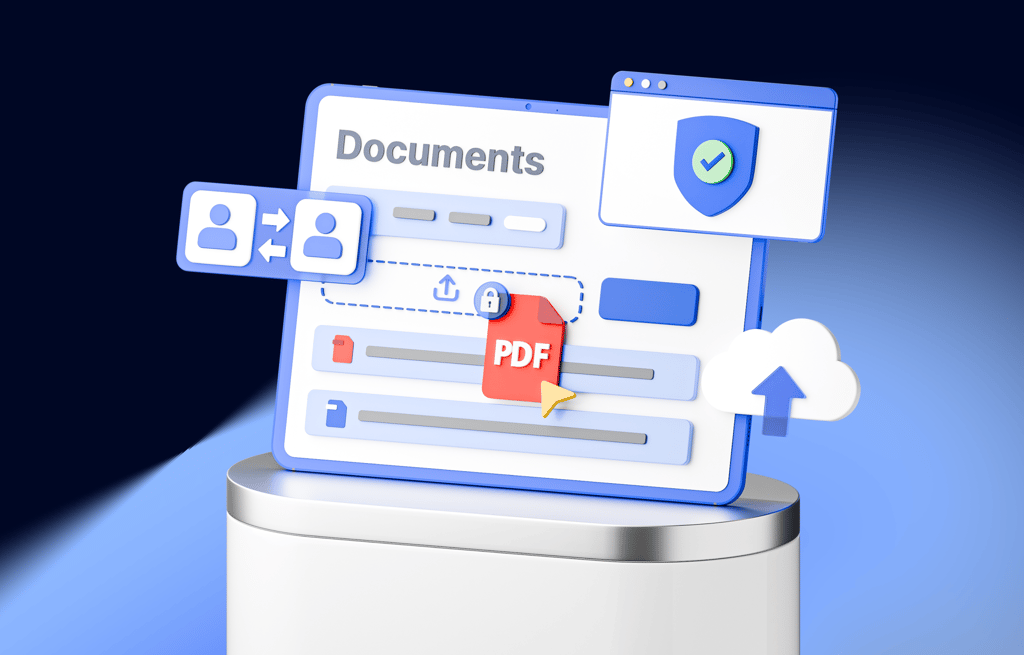
Keep sensitive financial documents safe with granular access controls and secure in-platform communication – a core part of our secure file sharing solution.

Build trust

Deliver a branded, secure client portal experience that builds confidence. Clients can safely share and receive documents without worrying about data breaches.

Strengthen security compliance

Stay on top of industry standards with built-in audit trails and document access logs. Make compliance simple with a secure, accounting-friendly file sharing system.

Smart file access and sharing controls

TaxDome’s file sharing system offers centralised, cloud-based document management designed for accounting professionals. Share and manage all files in one secure file sharing environment — no more email chains or disconnected tools.

Granular access control

Use role-based permissions to control access to documents, ensuring only authorised users can share, view, or edit files.

Complete audit trail

Track all file sharing activity and edits for full visibility and compliance, providing peace of mind.

Secure client chats

Share documents securely within encrypted chats on the platform, reducing reliance on unsecured emails.

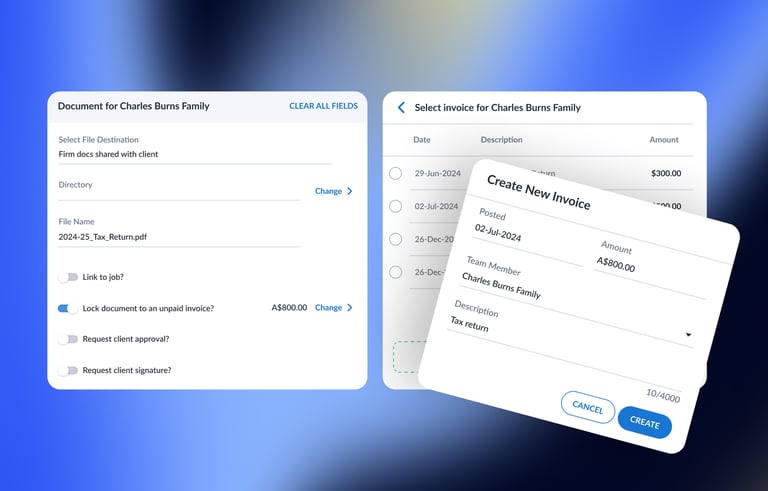
Lock documents with invoices

Lock documents behind unpaid invoices, ensuring clients only access files once payment is made.

Make sure you’re paid for the work you provide.

Reduce outstanding payments by locking documents to invoices.

Documents unlock automatically once the invoice is paid.
Automate payment collection

Ensure that your work is paid

Improve your billing processes

Learn more

4.7/5 across 7,600+ reviews

The fastest-growing practice management platform
on the planet

See how customers are raving about
us on places like G2 and Capterra.

LG

Leo G.,
Owner at an accounting firm

“It really helps take the load off of the administrative work of following up with clients and gathering the information. Most importantly, the ability to lock files to the invoice has eliminated accounts receivable for the most part.”
SB

Staci B.
Owner at an accounting firm

“I enjoyed the ability to share files securely with clients as well as having all communication in one place.”
CL

Caitlin L.
VP of Finance

“This software allows me to keep a live and easily accessible audit trail of work to be completed, work in progress, and completed work so I no longer have to search individual client files for notes. This is the hub for all firm tasks and is a program my staff and I will use daily.”
<strong>Randy Joseph and Deva Hetrick</strong> <br>Co-founders of Joseph & Hetrick, LLC

Randy Joseph and Deva Hetrick
Co-founders of Joseph & Hetrick, LLC

“We got rid of ShareFile, Dropbox, Zoho, and Right Signature. Zoho was our old CRM, ShareFile was the client portal, and Dropbox for our internal business files. It was crazy. Now it’s much more simplified with TaxDome.”
Readers Choice 2026

Winner Comprehensive Firm Workflow Solution

TaxDome – Momentum Leader, G2 Winter 2024
TaxDome – Accounting Practice Management Leader, G2 Winter 2024
TaxDome – Small Business Leader, G2 Winter 2024
TaxDome – Users Love Us, G2 Award
TaxDome – High Performer Americas, G2 Winter 2024
TaxDome – Small Business Leader Americas, G2 Winter 2024

Frequently asked questions

How secure is TaxDome’s file sharing and management system?

TaxDome uses bank-level, end-to-end encryption to protect your documents.

Role-based access controls ensure that only authorised users can view or manage documents. Every file sharing or editing action is recorded in a detailed audit trail, keeping your firm compliant and your clients’ data safe.

Can clients access documents without creating an account?

Yes, you can share documents with third-parties, such as your lawyers, without having them to log into TaxDome – enjoy flexibility without compromising secure file sharing practices.

What happens if a client doesn’t pay their invoice? Can I protect my work?

Absolutely. You can lock specific documents to remain inaccessible until an invoice is paid. This ensures your work is only released once payment is received, helping protect your revenue and giving you full control over file sharing.

Which accounting tools does TaxDome integrate with?

TaxDome integrates with a range of tools that accountants use daily: QuickBooks Online, Zapier, Gmail/Outlook, payment providers (Stripe and more), schedulers (Calendly, YouCanBookMe, and other), and many other tools. 

These integrations automate tasks and streamline accounting file sharing workflows.

How do audit logs help with compliance?

Audit logs in TaxDome provide a detailed, time-stamped record of all file actions, such as uploads, downloads, edits, and shares. 

This transparency supports compliance with industry regulations, making it easy to demonstrate who accessed what and when during an audit.

See TaxDome in action with a free demo
If the form doesn’t load, please call us at +64 9 802 3053 or email [email protected] — we’ll help you schedule a meeting.