 US – English
 UK – English
 Canada – English
 Australia – English
 Danmark – Dansk
 DACH - Deutsch
 France – Français
 España – Español
 Sverige – Svenska
 Italia – Italiano
 Nederland – Nederlands
 Portugal – Português
 Suomi – Suomi
 Norge – Norsk
 日本 – 日本語
 Romanian – Română

Firm management
Accounting workflow management software
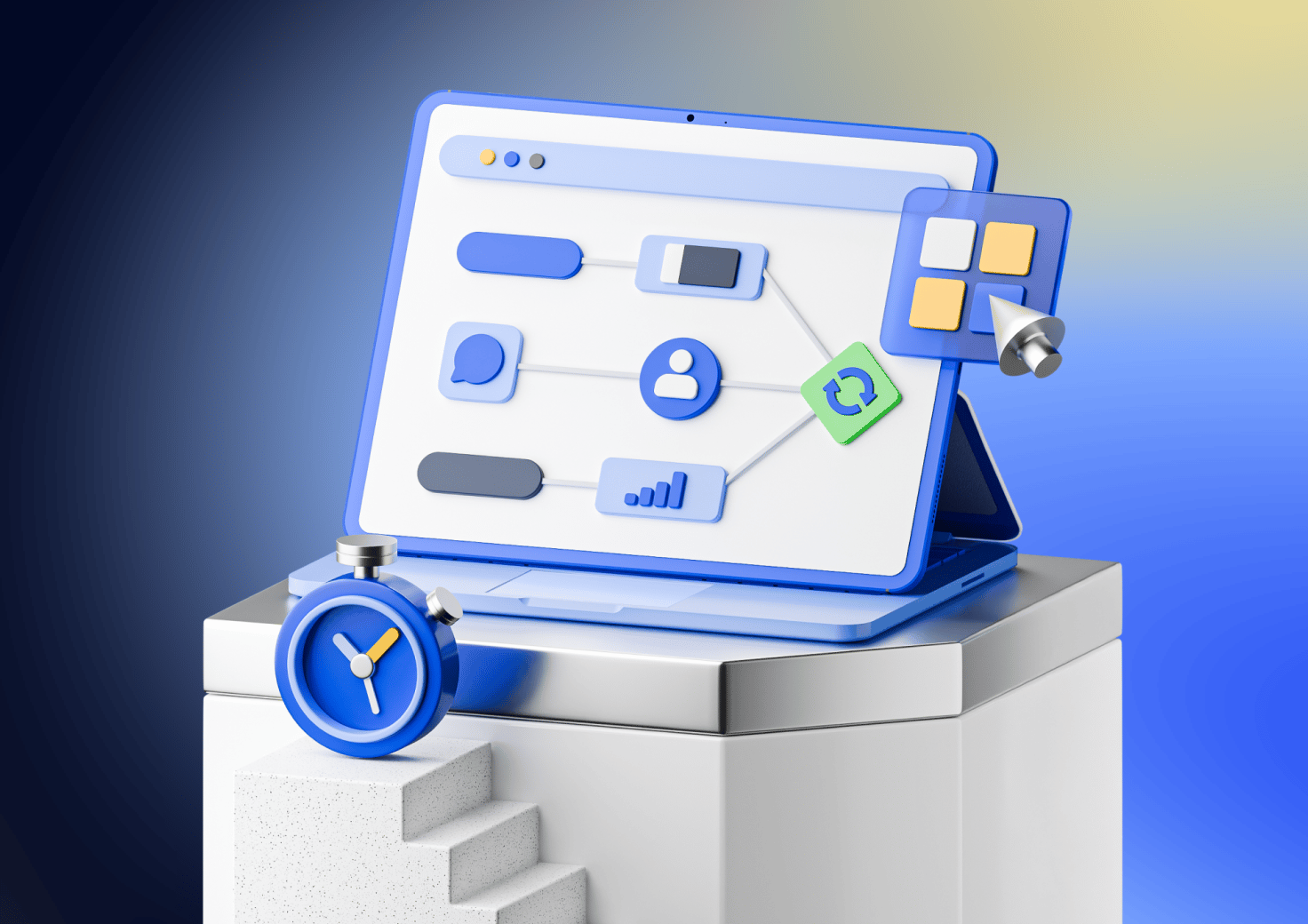
Save time and drive operational efficiency. Use ready-made templates or configure custom workflows that align with your business processes. Automate status updates and reminders, create dependencies, and more.
Achieve more in less time
Prioritise work and manage workloads

Use Insights – a single place to plan work and manage workloads.

Visualise your work in timeline format with a built-in calendar.

Set repeatable processes and automate menial tasks.

Send automated emails and messages to proactively keep clients up-to-date.

@mention your teammates to bring them up to speed.
Workflow automation at the forefront of your efficiency
-
2 M+
jobs completed
-
400 k+
documents e-signed
-
300 k+
proposals and engagement letters signed
-
£2 B+
invoices paid
-
4.9 /5
client app rating from 40,000+ reviews. Rated by the people your firm serves, not by accountants.
-
15,000+ firms
accounting, tax, and bookkeeping firms that chose TaxDome and haven't needed to shop for software since.
TaxDome Marketplace for templates
Streamline your practice with templates for all your workflows

Discover best practices from industry experts in accounting, bookkeeping, and tax prep.
Download ready-made templates for any workflow process in TaxDome to apply best practices easily.
Become a creator and list your own templates on TaxDome Marketplace.
More focus, more billable hours
Deliver value faster with workflow automation
Dependency intra-firm, client-firm, and client-client

Automate communication updates
The fastest growing practice management platform on the planet
See how customers are raving about us on places like G2 and Capterra.
“We plan on adding licenses for our team members as we continue to integrate our processes and get our team on board fully. We are excited about the time tracker and invoices.”

Shawn Dowds
Founder of Meridian Accounting










Bring transparency to your accounting workflow – navigate projects and processes with ease
Get all your deadlines under control
Online work Calendar

Kanban and list view
Frequently asked questions
What is workflow automation in accounting software?
Workflow automation helps you save time by automating such repetitive tasks as sending emails, assigning jobs to staff, or following up with clients, so nothing slips through the cracks.
What’s a pipeline?
A pipeline is a business process — a sequence of steps that a Job must go through to go from start to finish.
TaxDome’s Pipelines feature automates those steps to help you manage your client flow and keep track of where any given job is at any time. Each business process (bookkeeping, personal or business tax prep, payroll, etc.) requires a unique set of steps. TaxDome software allows you to fully customise each process and ensure foolproof processing as your firm grows.
Use ready-made workflow templates, modify or build your own to meet the exact goals of your firm, for each specific business process (Bookkeeping, Payroll, Tax, etc).
What’s the difference between a Pipeline, a Job and a Task?
The job is the project you’re working on that you will get paid for — February bookkeeping.
The pipeline is the process that each Job must go through from start to finish and contains all active Jobs.
Your firm may have 1,000s of concurrent tax returns (Jobs) in progress, all at different stages of the process. At each stage of the Job, there are separate tasks required to complete the process. The power of the pipelines is in the workflow automation, which ensures that each Job is performed and nothing is missed.
How does TaxDome automate accounting workflows?
TaxDome lets you create custom pipelines for different services like bookkeeping or tax preparation, automatically moves jobs through stages, sends reminders, and assigns tasks without manual work.
Can I customise workflows in TaxDome for my firm?
Yes, TaxDome’s workflows are fully customisable. You can create pipelines that match exactly how your firm operates, or choose a template that suits you best — no coding needed.
Will workflow automation save me time during tax season?
Definitely! TaxDome can handle bulk updates, automatically send out engagement letters, collect documents, and assign returns to the right preparers — all without you lifting a finger.
Can I automate email reminders and client messages?
Yes, with TaxDome you can send automated emails, texts, and portal notifications when documents are due, payments are late, or approvals are needed.
“I saw TaxDome can automate client onboarding — it’s huge for converting clients when they come to my site from ads. Everything automatically moves within the workflow — I don’t have to manually transition each client.”
Cassandra Centeno
Owner of Total Tax Services