 US – English
 UK – English
 Canada – English
 Australia – English
 Danmark – Dansk
 DACH - Deutsch
 France – Français
 España – Español
 Sverige – Svenska
 Italia – Italiano
 Nederland – Nederlands
 Portugal – Português
 Suomi – Suomi
 Norge – Norsk
 日本 – 日本語
 Romanian – Română












#Documents
Changes in E-Signatures Flow
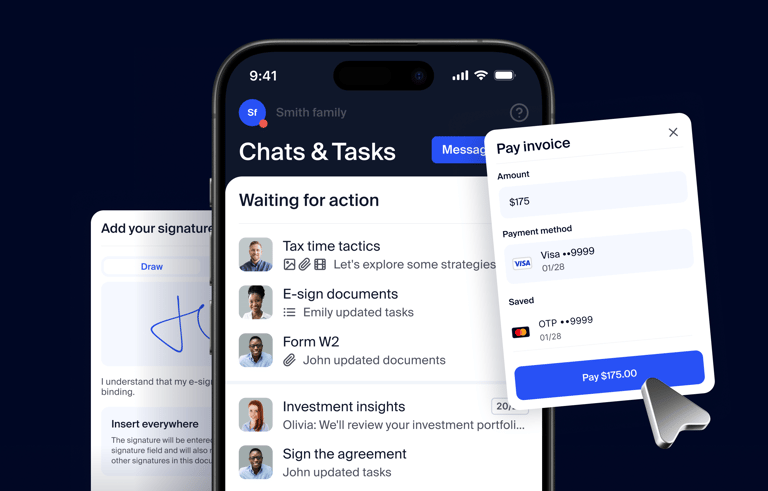
Run your entire firm on one platform
My Signature field was moved to the drop-down. If you want to request a firm representative’s E-signature for your document, select Me from the dropdown, then add a Signature field.
Also, you can now add the Date field for a firm representative.
Finally, to make sure you’re selecting the right person, you can now see contact names in the signatories’ selection dropdown.
Learn more about e-signatures in our Help Center: https://help.taxdome.com/article/291-e-signatures-explained
TaxDome is an all-in-one practice platform for CPAs, bookkeepers, and accounting firms https://taxdome.com/
If you haven’t heard of TaxDome, join our daily demo to see automations in action: https://taxdome.com/demo
If you’re a TaxDome user, join our daily webinars where we go in-depth into the topic at hand, discussing features, use-cases, and ample Q&A: https://taxdome.com/webinars