
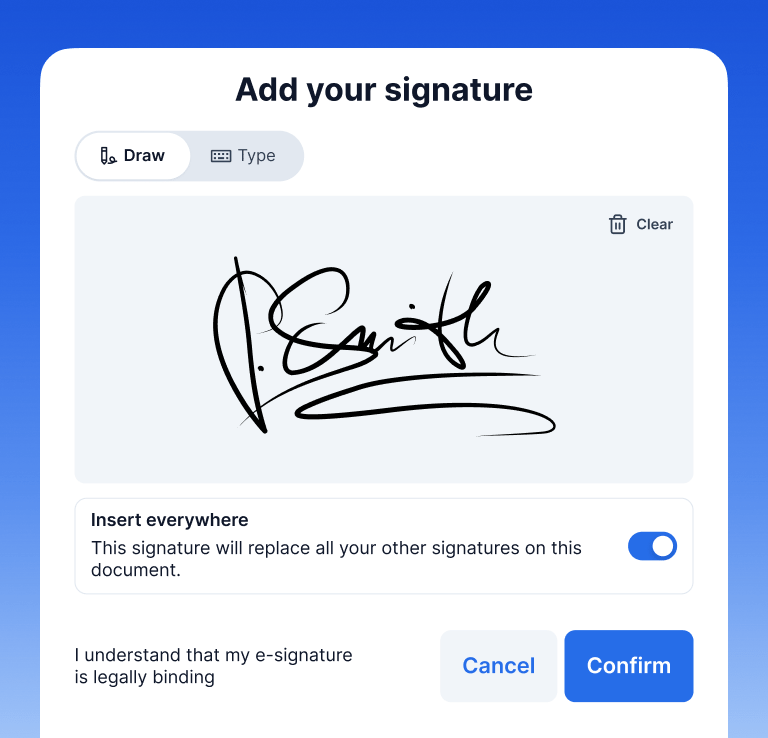
Review and sign documents on screen. No printing, no scanning signed copies back in.
Choose your country and language
 US – English
 UK – English
 Canada – English
 Australia – English
 Danmark – Dansk
 DACH - Deutsch
 France – Français
 España – Español
 Sverige – Svenska
 Italia – Italiano
 Nederland – Nederlands
 Portugal – Português
 Suomi – Suomi
 Norge – Norsk
 日本 – 日本語
 Romanian – Română
TaxDome is the first modern practice management platform built for every client touchpoint, not just the ones that happen online. Some clients book through the app and never need anything else. Others hand you a folder of papers at your office, their business, or a community tax day. TaxDome Kiosk brings the same signatures, payments, documents, and scanning to wherever that happens, synced to their record on the spot.
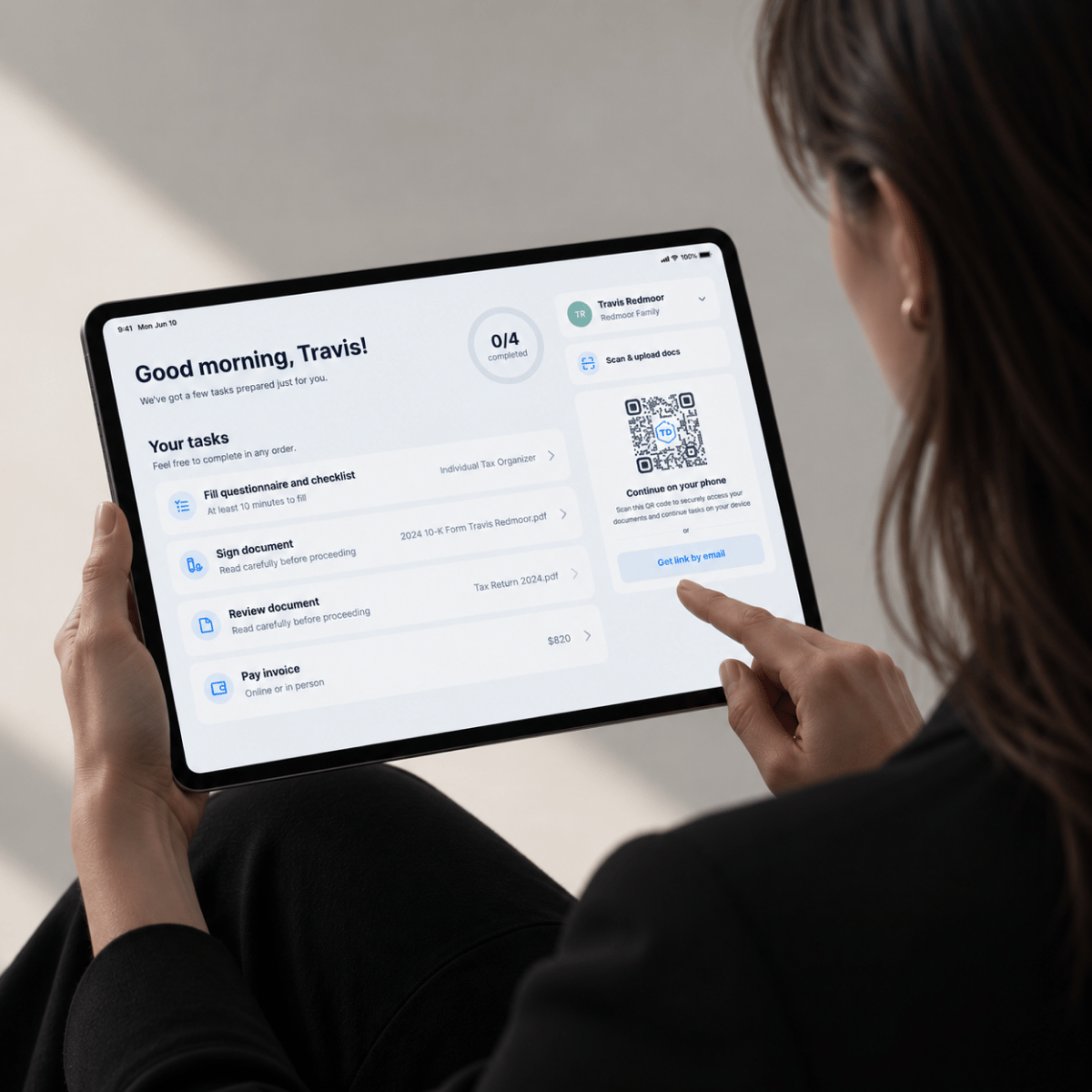
Everything your clients complete during the visit is on your tablet, synced directly to their record. They get the time they came for. Your team gets it done without the paperwork.
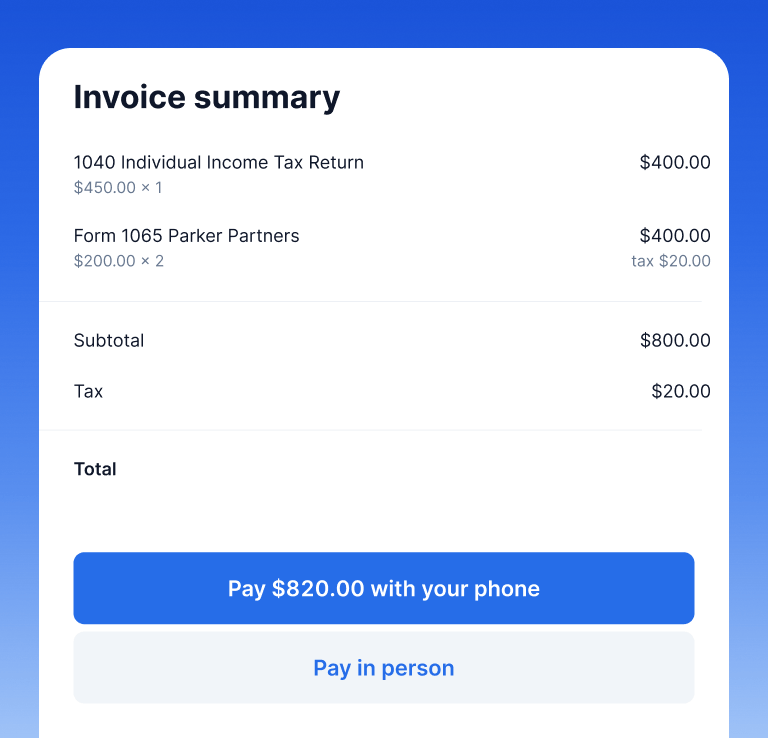
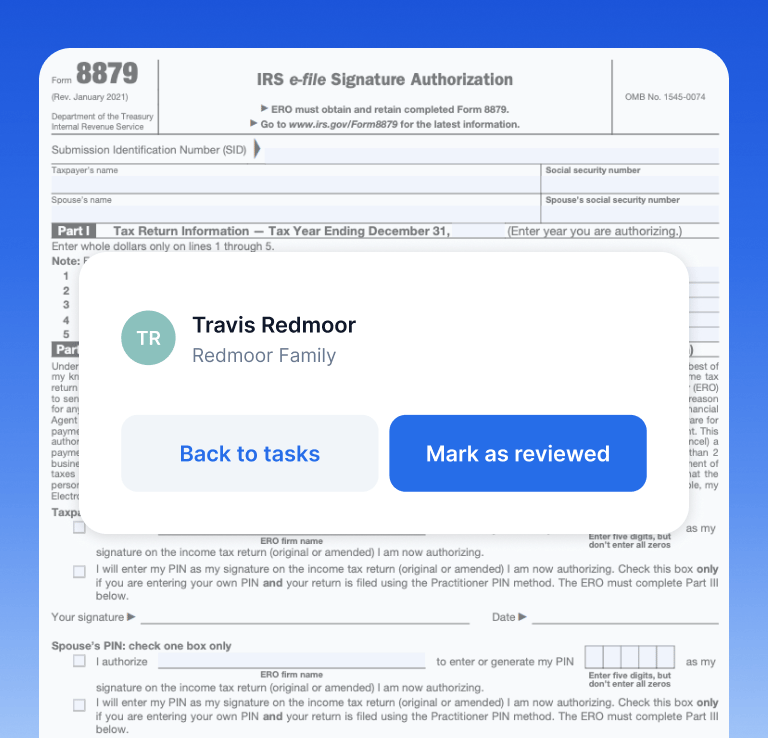
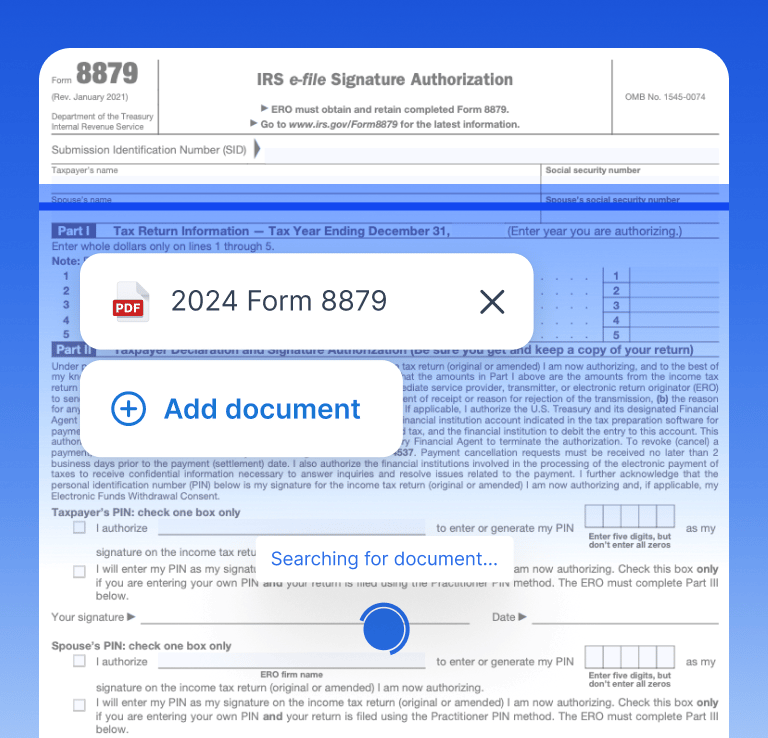
Try Kiosk and see exactly what your client sees from the moment you hand them the tablet to the moment the session closes.
Thank you for reaching out! Our sales representative will contact you soon.
“I think Kiosk is going to be a MAJOR game changer for those clients who insist on still doing everything in paper.”

Alison Mora
TaxDome Community member
“I was excited by the potential I saw from TaxDome’s presentation, and what we could accomplish if we became more efficient using the modern client interface and technology.”

John Siebert
Firm Owner, Siebert & Associates, CPAs
Whether it’s your office, their business, or a pop-up event, you open Kiosk on a tablet, identify the client, and everything happens right there: forms, signatures, payments, documents. By the time you’re done, their record in TaxDome is already up to date.
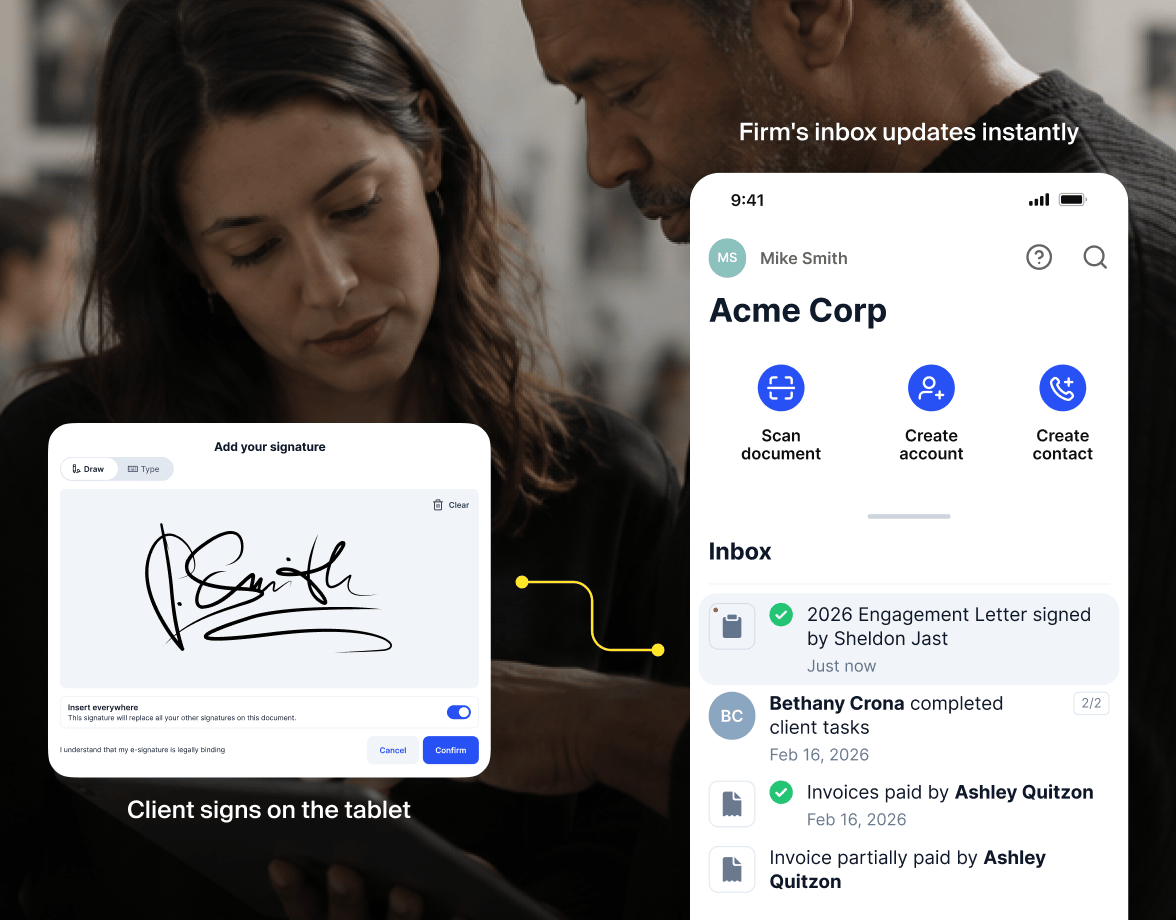
Open TaxDome Kiosk on your tablet and find the client you’re meeting with. No login required from them. You pull them up.
The client sees only what’s relevant to them: documents, forms, invoices. Guided steps. Nothing exposed that shouldn’t be.
When the visit ends, the session closes. Everything is already in their TaxDome record, and you’re ready for the next client.
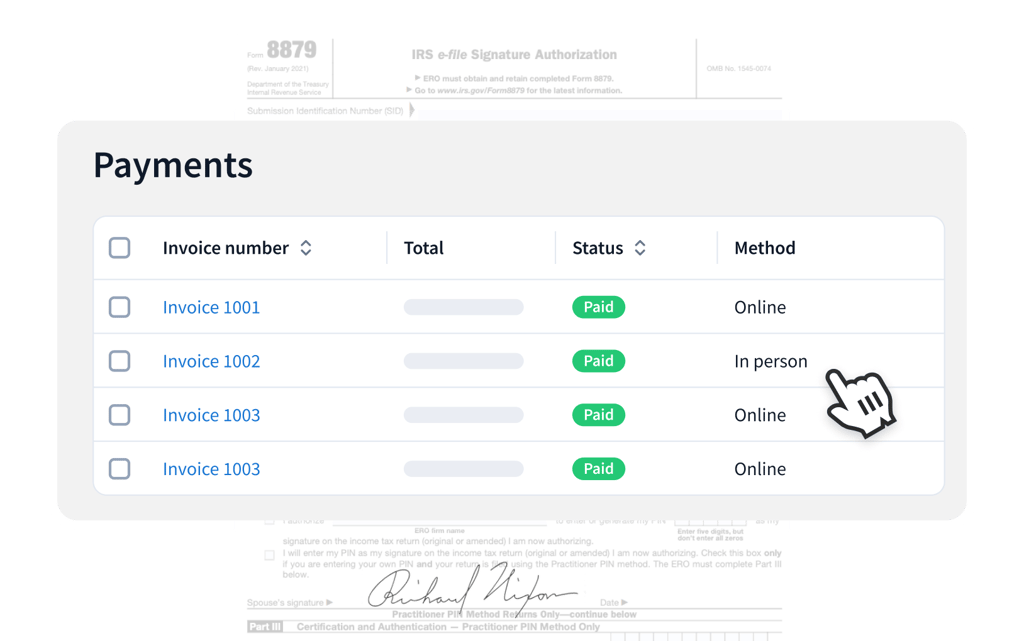
Signatures, payments, and scanned documents go directly into the client file. Online and in-person activities are indistinguishable because they are the same system.
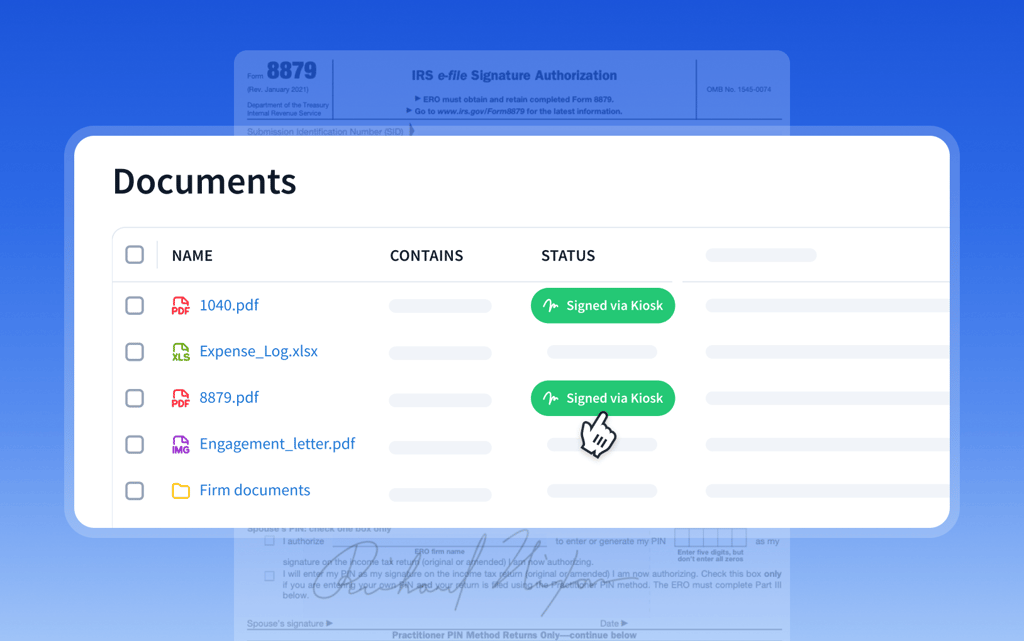
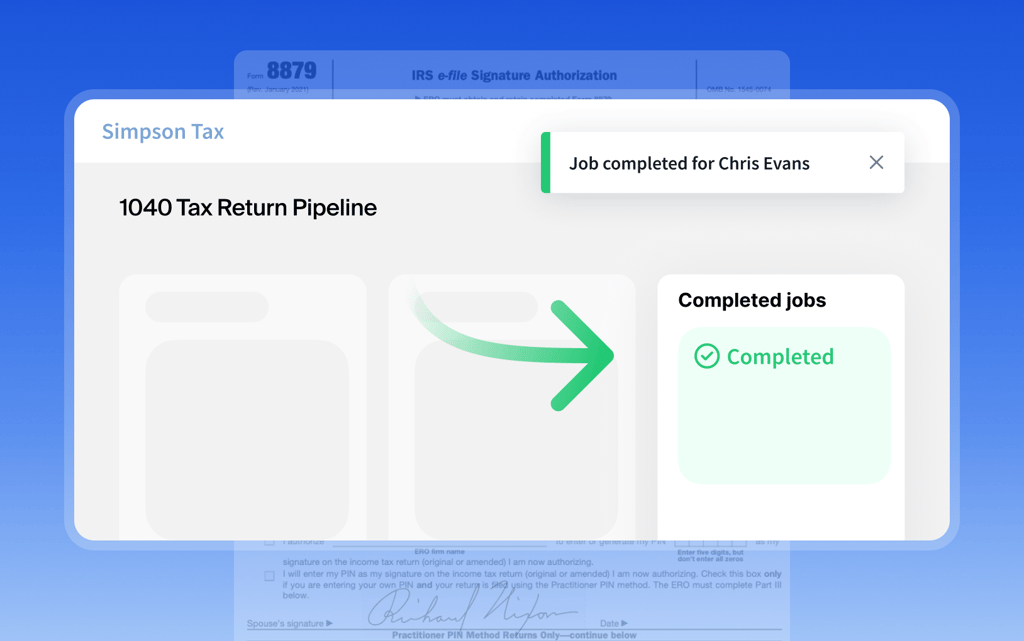
Kiosk actions trigger the same automations as online actions. A signed document in the office completes the same task and moves the job forward automatically.
Payments collected in the office appear alongside online payments. No separate log, nothing to reconcile.
TaxDome Terminal pairs with the tablet or phone already running Kiosk over Bluetooth. The client taps, inserts, or swipes their card, the same motion as any retail checkout.
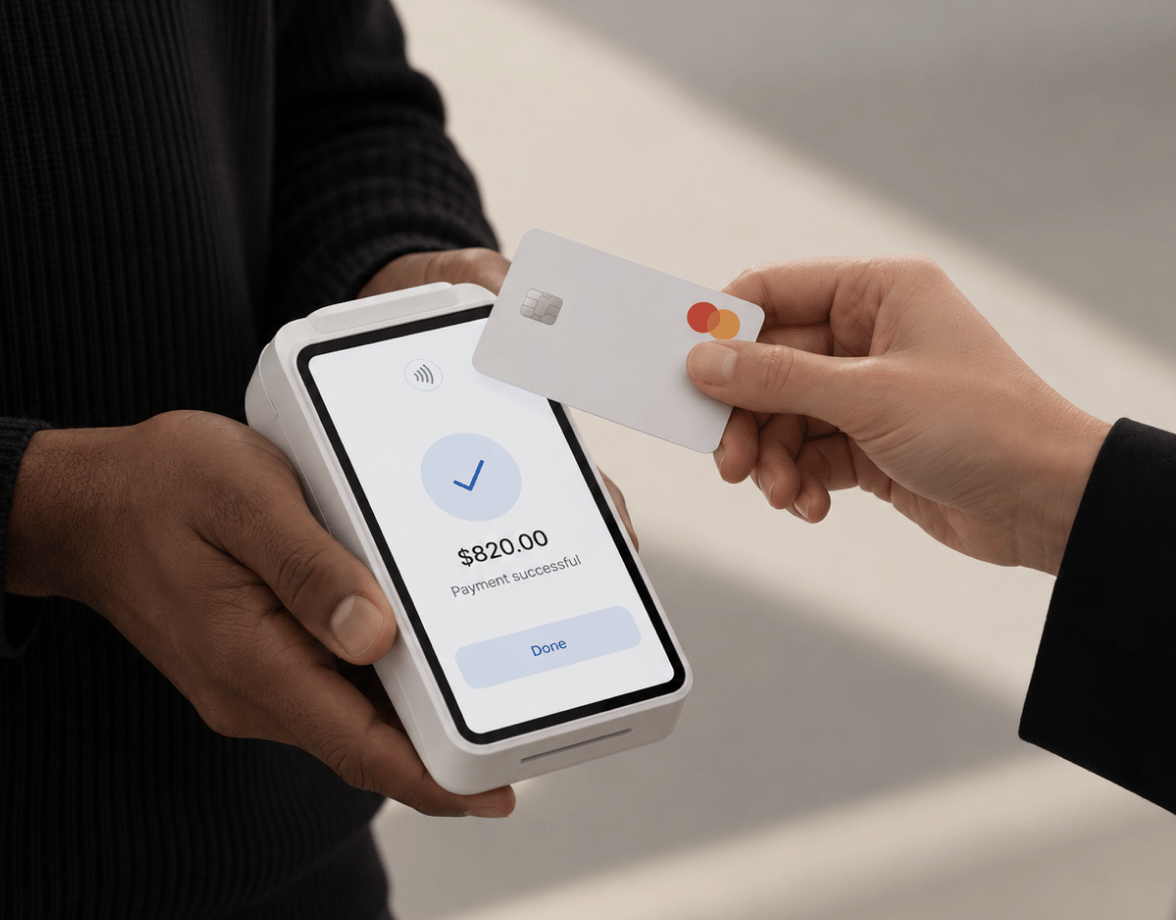
Pairs with the tablet or phone running Kiosk over Bluetooth. One terminal works across iPad and Android, no per-device setup.
The client taps, inserts, or swipes their card. Staff starts the charge from the invoice in Kiosk or the web portal, the client completes it.
Marked paid the moment the card clears, in the same client record as online payments. Nothing to reconcile separately.
90 %
client return rate. Clients who log in once return 90% of the time, not to email or paper.
2.5 X
faster payment collection. Firms get paid in 4.4 days on average, not 11.
6 X
lower long-term inactivity. One mobile app interaction in the first week changes the entire relationship.
6 million+
clients on the platform. Tax and accounting work for 6 million individuals runs through TaxDome.
4.9 /5
iOS client mobile app rating. Rated by clients directly, not accountants.
40,000+
practitioners trust TaxDome. From solo preparers to 50-person firms across tax, bookkeeping, and advisory.
TaxDome Kiosk is for accounting firms that meet clients face-to-face, whether that’s at your office, the client’s business, a community tax day, or anywhere else you set up a tablet. It handles that visit through a guided tablet experience that syncs directly to TaxDome, so no client interaction lives outside the system.
Clients can sign documents, pay invoices, review firm-prepared documents, and scan and upload paper using the tablet camera. Everything completes in real time and goes directly into their TaxDome record.
No. Clients don’t need login credentials, an email address, or anything on their own device. The session runs on your firm’s tablet and connects to their existing client profile.
TaxDome Kiosk is built specifically for shared, in-office use. It has guided steps, session isolation, and automatic reset between clients, so data doesn’t carry between sessions and staff don’t have to manage logins.
Yes. Each session is fully isolated and resets after completion. Clients only see what’s intended for them. Firm workflows, dashboards, and internal data are never accessible.
No. It complements it. Clients who use the portal keep using it. TaxDome Kiosk handles those who don’t, and over time, in-office clients often become portal users once they’re familiar with the experience.
Install the TaxDome firm mobile app on a tablet. Select a client, hand them the tablet, and the session begins. No complex setup, no separate platform to manage.
Log in to your portal
“We have a client who is 78 years old. He was always reluctant to use technology. When I introduced him to TaxDome, he was like, ‘I like this.’ He’s actually the one who uses it the most, and he loves it.”
Olga Hurtado
Founder, NeatBooks